
Caddayn Biller is Caddayn’s cloud billing and retail ERP approach for shops that need more than occasional invoicing. Public product materials describe POS billing, inventory, purchases, quotations, GST-oriented reports and multi-user patterns aimed at retailers and growing shops. This article explains what it is, who it fits, and how to evaluate it fairly in a demo—without assuming features you have not seen.
What Caddayn Biller is, in plain language
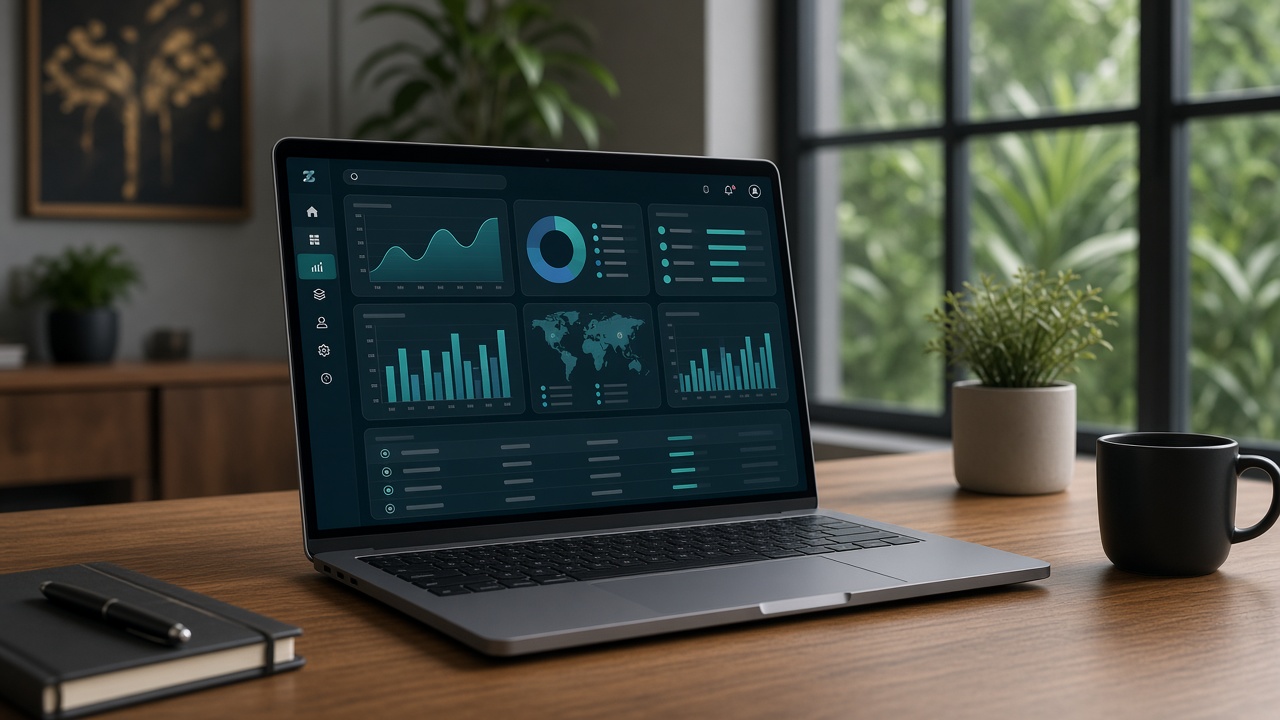
Based on Caddayn’s public materials, Caddayn Biller is a cloud system for day-to-day retail operations: masters ‘
f'(items, parties, taxes), inventory, sales/POS, purchases, quotations, printer templating and reporting including ‘
f’GST-oriented views. It is designed for shops that want operations and billing in one place rather than a patchwork of apps.
Also see retail billing & ERP for retail-specific positioning and retail POS & GST guides index for related buyer guides across POS, GST and migration topics.
Caddayn is Kerala-rooted. That can matter for support expectations, but you should still score the product on workflow proof—the same way you would score any national vendor.
Who it is a good fit for
- Retail counters that need stock linked to billing
- Shops with staff who require role limits
- Owners considering multi-branch visibility
- Teams feeling pain from Excel or Tally+separate POS double entry—see Tally + POS vs all-in-one and Tally alternative for retail
- Businesses comparing billing apps vs deeper retail systems—see billing app vs retail ERP and free vs paid GST billing
- Kirana and small retail moving beyond notebooks—see kirana billing software, udhaar / credit ledger billing, billing software for small business
How to evaluate Caddayn Biller in a real demo
- Bring 20 real SKUs and barcodes if you use them
- Bill mixed tenders; process a return
- Receive a sample purchase and confirm stock impact
- If you use credit, run pay-later + settlement
- Open the GST/sales report your CA wants—see GST billing for retail shops / best GST billing software India
- Login as a limited role and try a forbidden action
- Ask year-2 pricing, support hours, offline behaviour—retail billing software price in India, offline vs cloud POS
- Ask export/exit options if you ever leave
Use the same script for every vendor. Caddayn should not get a softer test because of brand familiarity.
What not to assume from marketing pages
- Do not assume every niche vertical feature exists without seeing it
- Do not assume commercial terms from vague “free” marketing language—confirm current pricing in conversation
- Do not skip CA alignment on report packs
- Do not skip offline/network questions if your connectivity is uneven
Avoid common buying mistakes catalogued in mistakes when choosing retail POS. Growth planning: second-store software checklist, multi-outlet POS software, ROI of retail POS.
Where Caddayn sits in a shortlist
If you need cloud POS + inventory + GST reporting together, include Caddayn Biller beside other serious options. If you only need occasional invoicing with almost no stock complexity, a lighter app may score higher on simplicity—and that is a valid outcome.
Supermarket-style operations should also review supermarket billing software. Always match the product page to your vertical reality.
Helpful reading before you book a call
best GST billing software India · billing software for small business · kirana billing software · udhaar / credit ledger billing · billing app vs retail ERP · inventory management with POS · retail POS & GST guides index
Then request a demo with your SKU count, bill volume, staff plan and branch roadmap ready.
Frequently asked questions
Is Caddayn Biller only for Kerala?
Caddayn is Kerala-rooted; evaluate fit on workflow. Confirm support expectations explicitly.
Does it replace my CA?
No. It should improve operational data and exports. Your CA owns filings and advice.
Is Caddayn Biller free?
Do not assume from marketing phrases—confirm current commercial terms directly.
Who is it for?
Retail and trading shops that need more than occasional invoicing—especially where stock and staff matter.
How do I start?
Book a demo with your real SKUs, roles and CA report requirements.
Can it handle credit/udhaar?
Pay-later style dues tracking is part of documented positioning—verify the exact flow in demo.
Extra operating guidance for Caddayn Biller
Teams researching Caddayn Biller often underestimate the non-software work that decides success. Budget time for master-data cleanup, cashier rehearsals and a quiet go-live window. Create a shared checklist that covers printers, scanners, network failover and who approves discounts after launch. Review the first 50 invoices with your CA or internal reviewer to catch tax-master mistakes early. Document exception paths—power cuts, network drops, rush-hour overrides—so staff do not invent risky shortcuts. These habits matter as much as feature matrices when you compare Caddayn Biller or any other shortlisted system.
Use internal references while you execute: mistakes when choosing retail POS for selection traps, retail billing software price in India for TCO, GST billing for retail shops for GST process context, inventory management with POS for stock discipline, offline vs cloud POS for connectivity planning, and retail POS & GST guides index for the wider guide cluster. If credit sales are part of your model, align dues policy with udhaar / credit ledger billing. If you are expanding footprint, read second-store software checklist and multi-outlet POS software before configuring users. Small shops can still stay lean by following kirana billing software and billing software for small business guidance without buying complexity they will not use this year.
Finally, schedule a 30-day post-launch review. Measure queue time samples, stock variance on top SKUs, number of role violations and how long filing prep takes versus the previous month. If those metrics do not improve, fix process ownership before buying another module. That is how content about Caddayn Biller becomes operational improvement instead of another unread bookmark.
Extra operating guidance for Caddayn Biller
Teams researching Caddayn Biller often underestimate the non-software work that decides success. Budget time for master-data cleanup, cashier rehearsals and a quiet go-live window. Create a shared checklist that covers printers, scanners, network failover and who approves discounts after launch. Review the first 50 invoices with your CA or internal reviewer to catch tax-master mistakes early. Document exception paths—power cuts, network drops, rush-hour overrides—so staff do not invent risky shortcuts. These habits matter as much as feature matrices when you compare Caddayn Biller or any other shortlisted system.
Use internal references while you execute: mistakes when choosing retail POS for selection traps, retail billing software price in India for TCO, GST billing for retail shops for GST process context, inventory management with POS for stock discipline, offline vs cloud POS for connectivity planning, and retail POS & GST guides index for the wider guide cluster. If credit sales are part of your model, align dues policy with udhaar / credit ledger billing. If you are expanding footprint, read second-store software checklist and multi-outlet POS software before configuring users. Small shops can still stay lean by following kirana billing software and billing software for small business guidance without buying complexity they will not use this year.
Finally, schedule a 30-day post-launch review. Measure queue time samples, stock variance on top SKUs, number of role violations and how long filing prep takes versus the previous month. If those metrics do not improve, fix process ownership before buying another module. That is how content about Caddayn Biller becomes operational improvement instead of another unread bookmark.
Conclusion
Evaluate Caddayn Biller for retail shops on counter proof and report proof—then decide with evidence, not assumptions or brochure momentum.
When you are ready to evaluate a Kerala-rooted retail platform, explore Caddayn Biller, retail billing & ERP, or request a demo with your SKU count, daily bill volume, staff roles and branch plan. Insist on a demo that uses your items—not only a sample catalogue—so you can judge counter speed, stock truth and GST reports under realistic conditions.