
Free GST billing apps are tempting: zero licence fee, quick install, an invoice that looks “GST ready.” Many Indian shops start there—and should. The costly mistake is staying after free stops matching how the shop actually sells. This guide explains free vs paid GST billing software: what free still does well, the signals that it has stopped working, and how to upgrade without drama.
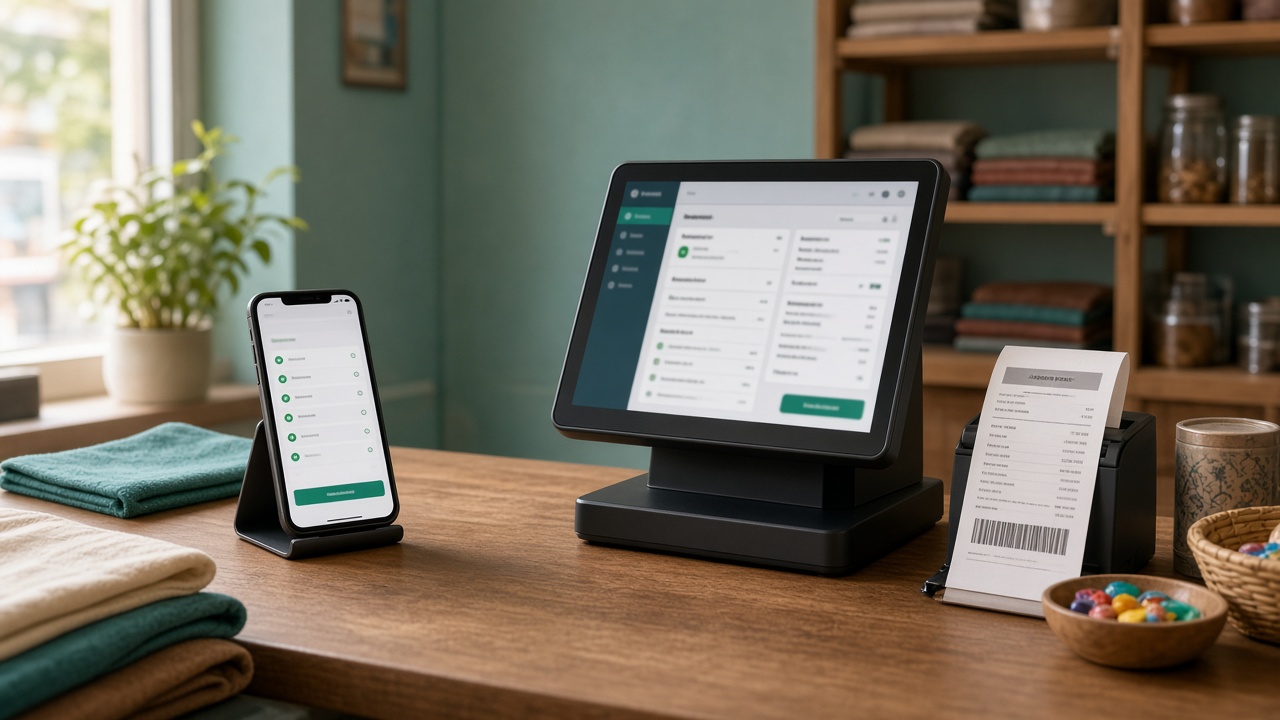
Pair this with cost thinking in retail billing software price (TCO) and scope help in billing app vs retail ERP. Compliance concepts still track official guidance on gst.gov.in via your CA—not app store badges.
What “free” usually means
Free GST billing software is rarely “everything forever.” Common patterns:
- Freemium — Invoice limits, watermark, capped users/SKUs, locked reports
- Free forever lite — Basic invoices; inventory, roles, multi-store and support sit behind paywalls
- Trial dressed as free — Full features for days/weeks, then hard paywall
- Ad/upsell funded — Constant prompts to buy hardware bundles or higher tiers
Read the limit sheet before you build your whole catalogue inside a cage.
When free GST billing is still a smart choice
- Very new shop, low daily bill count, owner does most billing
- Small catalogue and light stock discipline still works
- You mainly need GST-looking invoices and simple day totals
- You are validating demand before buying hardware and training
Free is a runway, not a life sentence. Plan the exit criteria on day one.
When free stops working: trigger checklist
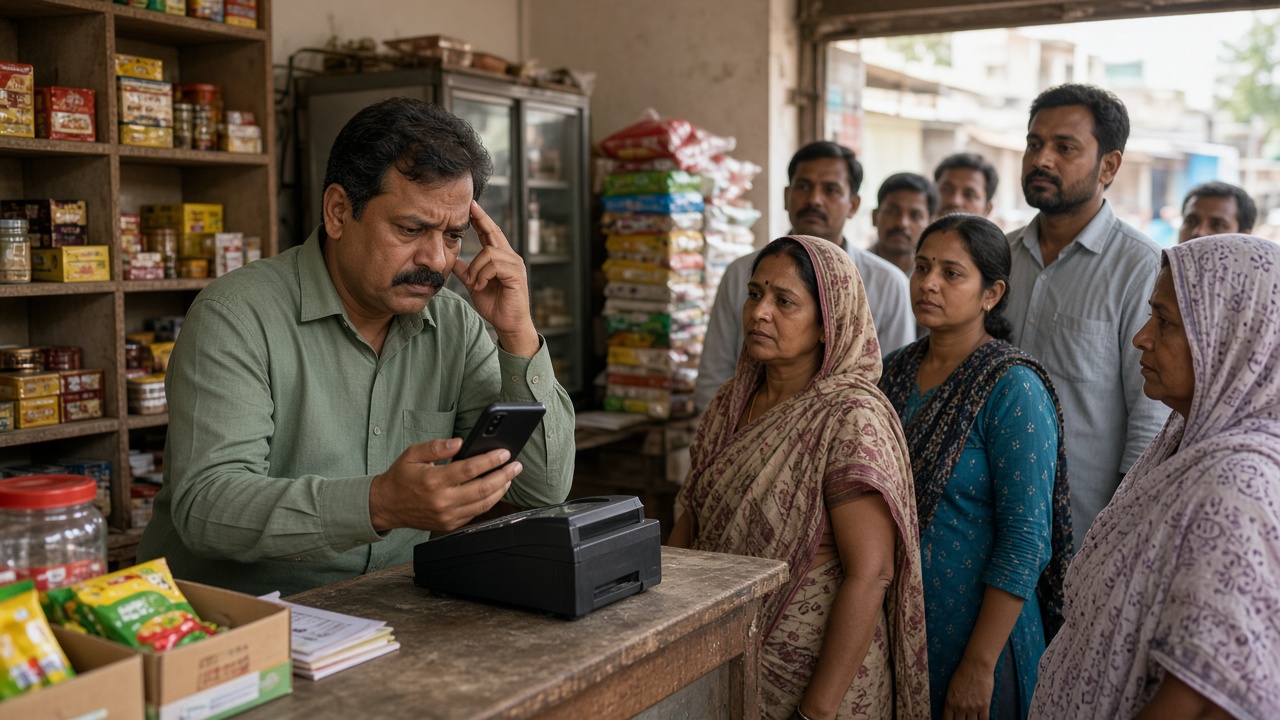
Upgrade pressure is real when three or more show up most weeks:
- Hit the ceiling — Invoice, user, device or SKU caps interrupt peak hours
- Stock lies — Free tier inventory is missing, delayed or disconnected from bills
- Queue pain — No reliable barcode workflow; typing names slows the counter
- Staff risk — Everyone shares one login; discounts and deletes are untraceable
- Report friction — CA still needs Excel rebuilds; exports are thin or locked
- Multi-counter / second store — Free tools were built for one phone, not branches
- Offline gaps — Network blips freeze billing; handwritten slips return
- Support void — Paid issues need a human; free channels are forums and silence
These are operations signals. Free did not “fail at GST maths”—it failed at retail load. More on GST-oriented retail billing: GST billing software for retail shops in India.
Free vs paid: practical comparison
| Area | Typical free / lite | Typical paid retail POS / billing |
|---|---|---|
| Invoicing | Basic GST invoice formats; limits common | Higher volume, multi-user, store-ready bill series |
| Inventory | Thin or add-on | Live deduction, alerts, purchase links |
| Roles | Often one shared access | Cashier vs manager permissions |
| Hardware fit | Phone-first | Scanner, printer, counter workflow |
| Multi-outlet | Rare / awkward | Designed path for branches—see multi-outlet POS |
| Support | Community / email lottery | Defined channels (verify in writing) |
| Sticker price | ₹0 | Subscription or licence + tax + hardware |
| Hidden cost | Labour, errors, caps, lost sales | Training and migration—if you skip them |
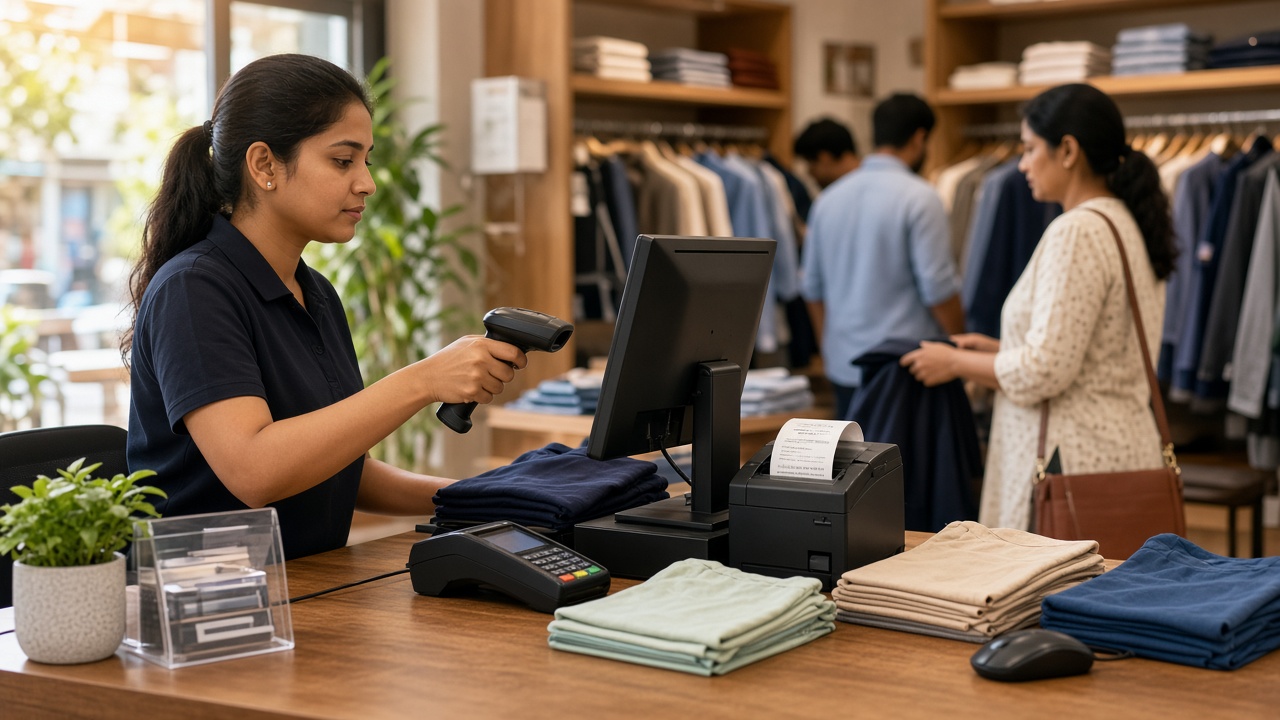
The real cost of staying free too long
- Peak-hour queue loss while you hunt workarounds for caps
- Shrink and wrong purchases from weak stock truth
- Owner evenings rebuilding GST packs
- Re-entering the entire catalogue later under pressure
Paid software can lose on sticker and still win on 12–24 month TCO. Run the worksheet in the price guide before deciding “paid is expensive.” For recovery levers after you upgrade, see ROI of retail POS software in India.
How to upgrade from free without chaos
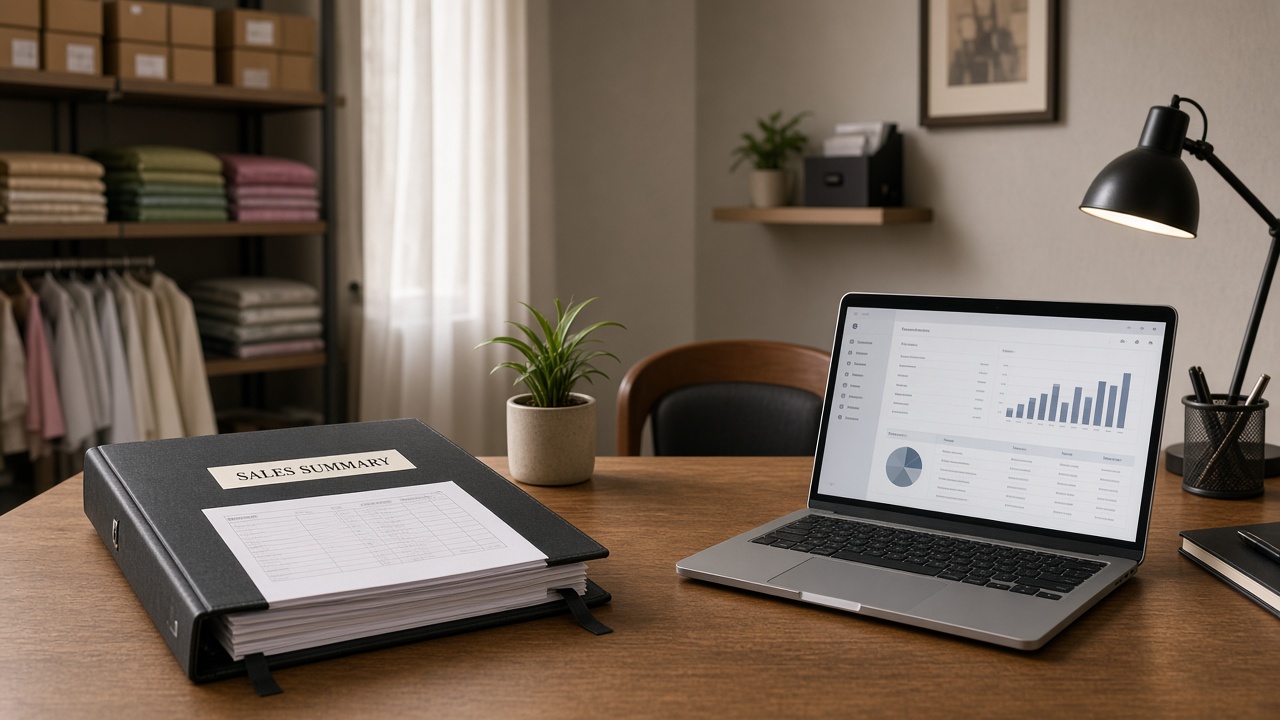
- Export whatever item and party lists the free app allows—now, not on cutover night
- Clean barcodes, HSN/GST rates and duplicate names
- Shortlist paid tools with a real-item demo (bill, return, stock, report)
- Agree CA reports before go-live
- Count opening stock; train roles; short parallel run if volume is high
- Keep the free app read-only briefly for old invoice lookup if needed
Avoid the classic selection mistakes in 12 mistakes when choosing retail POS. If free lived beside Tally, also read Tally alternative for retail and when to switch from Tally. Offline needs: offline vs cloud POS. Inventory depth: inventory synced with POS. Broader ops: retail ERP software.
Decision scorecard
| Question | Stay free if… | Go paid if… |
|---|---|---|
| Daily bills | Low, owner-paced | Queues form; caps hurt |
| Stock | Tiny catalogue, rare misses | Variance or stock-outs weekly |
| People | One trusted user | Staff need limited rights |
| Growth | One counter for months | Second counter/store planned—see second-store checklist |
| CA handoff | Manual pack is still fine | Filing prep eats owner days |
How Caddayn fits a move off free billing
Caddayn builds retail shop billing and ERP software for Indian retail operations—aimed at shops that have outgrown lite invoicing. Documented capabilities include barcode POS with GST calculation, real-time inventory and low-stock alerts, purchase/supplier tracking, customer history, sales reports, multi-branch reporting patterns and offline POS/billing support described across Caddayn retail materials.
Review Caddayn Biller, then request a demo with your free-app limits, SKU count, daily bills and which reports your CA needs after cutover.
FAQ
Is free GST billing software safe for Indian shops?
It can be for early, simple use if invoices and records meet your CA’s expectations. Safety is about correct tax application, retrievable records and process—not the word “free.”
When should I switch from free to paid GST billing software?
When caps, stock errors, staff permissions, multi-counter needs or CA prep regularly slow the shop—use the trigger checklist above.
Does paid software guarantee GST compliance?
No tool replaces your responsibility or CA advice. Paid systems usually offer better operational controls and reports; you still validate outputs against current rules.
Can I migrate my items from a free app?
Often via CSV/export—if the free tier allows. Export early; do not wait until the paywall locks features you need for migration.
Is a free forever plan enough if I only need invoices?
Possibly for a micro counter. The moment stock, staff or growth matter, invoice-only free tiers usually under-serve retail.
Conclusion
Free vs paid GST billing software is a maturity choice. Free works while the shop is small and simple. It stops working when limits, stock, roles, branches or filing labour dominate the week. Upgrade with clean masters, a real demo and a CA-ready report plan—not on the morning a free cap blocks festival billing. To see a retail-focused paid path, explore Caddayn’s retail billing and ERP page or start a conversation with your free-tier pain list in hand.