
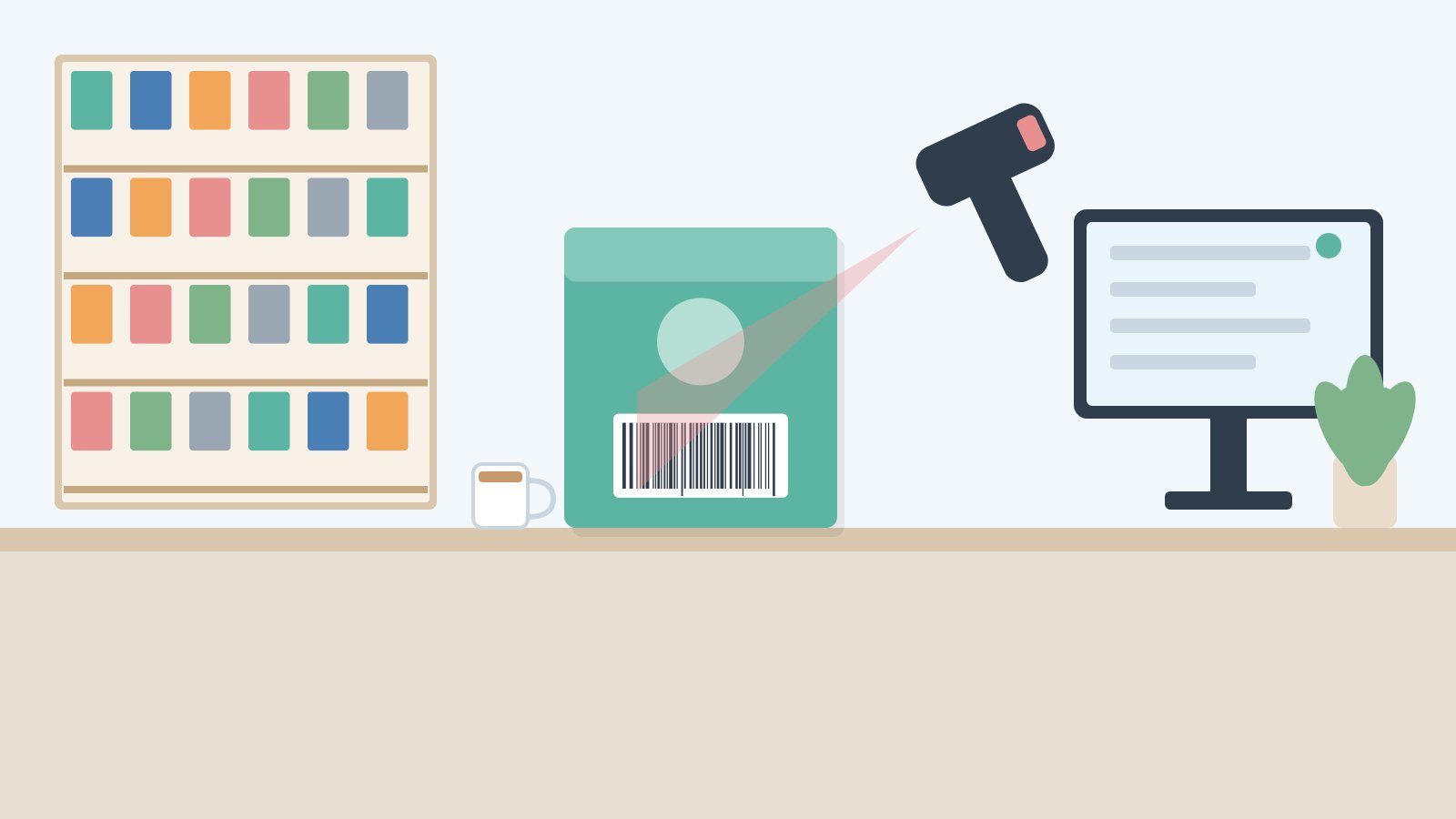
Pick up any packet of biscuits, a bottle of coconut oil or a tube of toothpaste in a Kerala supermarket and you will find a strip of black bars with 13 numbers under it. The EAN 13 barcode meaning is worth knowing: it tells you who owns the product code, which exact item it is, and whether the number was read correctly. Knowing those 13 digits makes “item not found” errors, wrong prices and duplicate items much easier to fix.
EAN 13 barcode meaning in simple words
EAN originally stood for European Article Number. Today the same number is officially called a GTIN-13 (Global Trade Item Number, 13 digits), and it is managed worldwide by GS1, a non-profit standards body. Retailers still say “EAN”, so both names mean the same thing.
An EAN-13 is simply a unique identity number for one specific trade item. A 500 g and a 1 kg pack of the same rava are different items with different numbers.
Two points that often surprise shop owners:
- The barcode does not contain the price. A normal EAN-13 carries no price, MRP, batch or expiry. When you scan it, your billing software looks up the number in its own item master and pulls the price you have set.
- The number is unique worldwide. A brand registered with GS1 gets a block of numbers no other company can use, which is why retailers and marketplaces insist on genuine GS1 codes.
The 13 digits, one by one
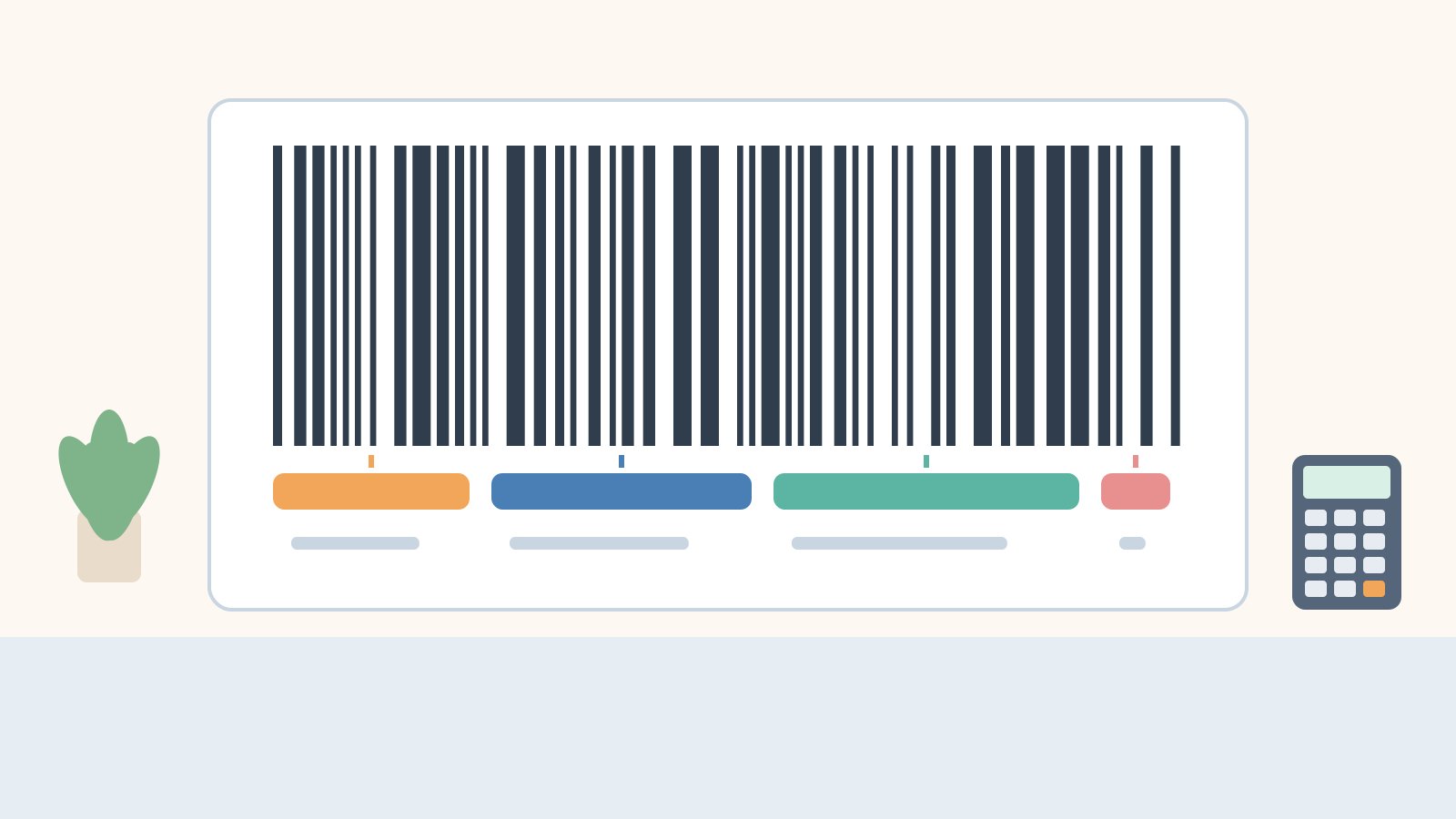
Every EAN-13 has three building blocks. Let us use an illustrative number, 8907654321012, to walk through them. (This number is only an example for learning; do not print it on your products.)
1. GS1 prefix (first 2–3 digits)
The first three digits, 890, identify the GS1 member organisation that issued the number. 890 is the prefix allotted to GS1 India, and GS1 India is the only body authorised to issue barcodes starting with 890.
2. Company number
The next few digits identify the brand owner. Together, the prefix and the company number form the GS1 Company Prefix, which is allotted to a company when it registers. The length of the company number is not fixed: companies needing many product codes get a shorter one, leaving more digits for products.
3. Item reference
The digits after the company number are chosen by the brand owner to identify each product variant: flavour, size, pack count and so on. In India this is done through GS1 India’s DataKart.
4. Check digit (last digit)
The 13th digit is calculated from the first 12 digits, and its only job is to catch reading or typing errors. In our example, the check digit is 2.
| Part | Digits in the example | Who decides it | What it tells you |
|---|---|---|---|
| GS1 prefix | 890 | GS1 (global) | The GS1 office that issued the number (890 = GS1 India) |
| Company number | 7654 (length varies) | GS1 India, at registration | The brand owner |
| Item reference | 32101 (length varies) | The brand owner | The exact product variant |
| Check digit | 2 | Calculated by formula | Whether the number was read correctly |
How to calculate the EAN-13 check digit (worked example)
Software calculates this automatically, but knowing the method helps you spot a mistyped code. GS1 publishes the same method on its check digit calculation page.
Take the first 12 digits of our example: 8 9 0 7 6 5 4 3 2 1 0 1.
- Add the digits in odd positions (1st, 3rd, 5th, 7th, 9th, 11th): 8 + 0 + 6 + 4 + 2 + 0 = 20.
- Add the digits in even positions (2nd, 4th, 6th, 8th, 10th, 12th) and multiply by 3: (9 + 7 + 5 + 3 + 1 + 1) × 3 = 26 × 3 = 78.
- Add the two results: 20 + 78 = 98.
- Find the next multiple of 10 and subtract: 100 − 98 = 2. If the total is already a multiple of 10 (for example 130), the check digit is 0.
So the full number is 8907654321012.
Why the check digit matters at the billing counter
Suppose a smudged label makes the scanner, or a cashier typing by hand, read the 8th digit as 8 instead of 3: 890765482101. Run the same steps and the total becomes 113, so the check digit should be 7, not 2. The scanner or software sees the mismatch and rejects the read instead of billing a wrong item. That is the whole purpose of the last digit. It catches most single-digit mistakes and many swapped neighbouring digits.
Does 890 mean “Made in India”?
Not exactly. The prefix shows which GS1 office issued the number to the brand owner, not the country where the product was manufactured. A foreign brand’s product made in India may carry its home country’s prefix. GS1 India’s own explainer on EAN-13 barcode numbers covers how the company prefix works.
An 890 code tells you the brand registered with GS1 India; it does not prove origin or authenticity on its own. Since only GS1 India can issue 890 numbers, treat third-party offers of “cheap 890 barcodes” as a red flag. If you are a small brand thinking about getting your own codes, our guide on how to get a barcode for products in India walks through GS1 registration step by step.
EAN-13 vs UPC-A vs EAN-8
| Format | Digits | Where you see it | What it means for your shop |
|---|---|---|---|
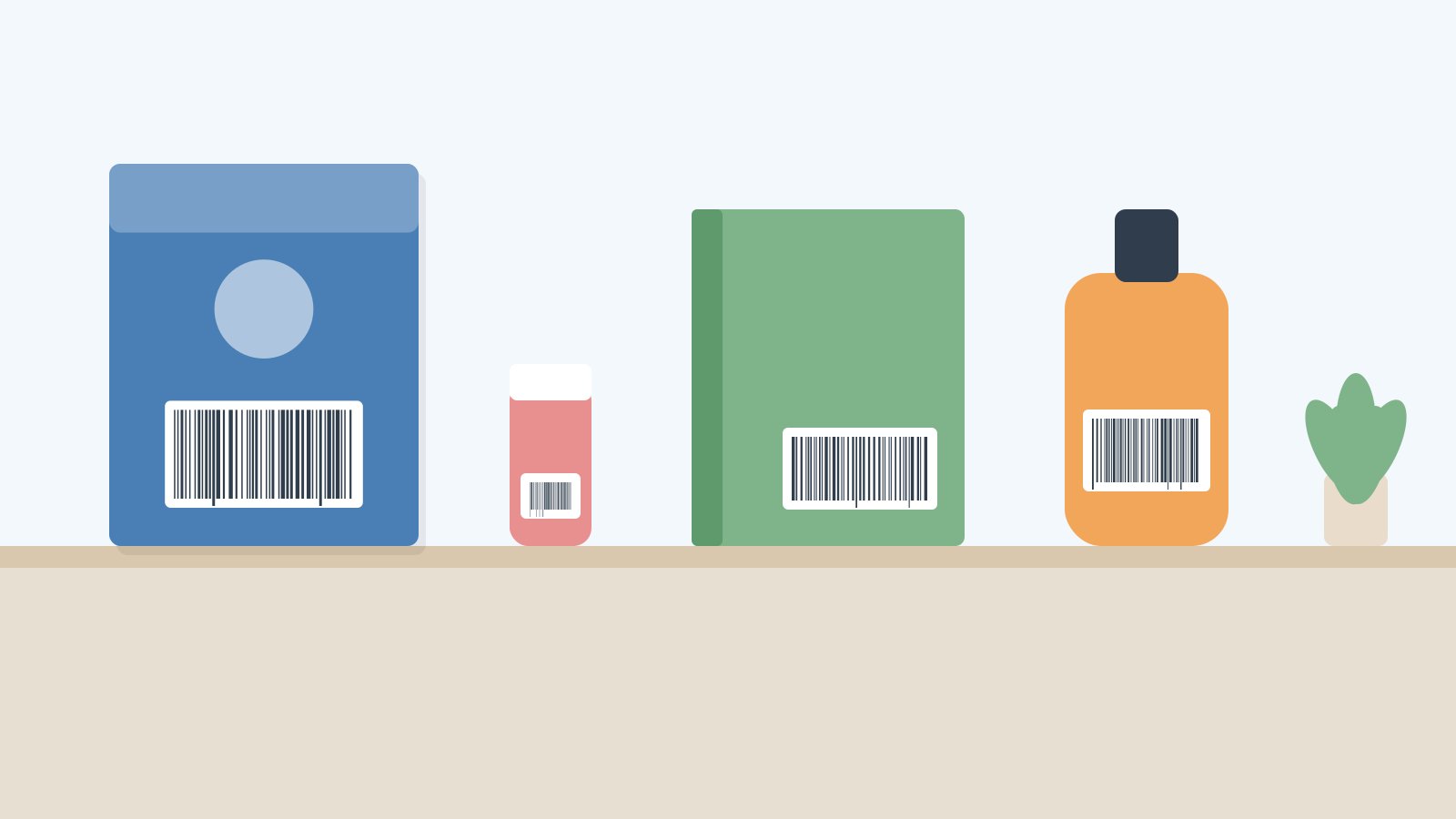
| EAN-13 (GTIN-13) | 13 | Most packaged goods in India and much of the world | The standard you will scan most |
| UPC-A (GTIN-12) | 12 | Products from the USA and Canada, some imported cosmetics and electronics | Modern scanners read it; it is the same as an EAN-13 with a leading 0 |
| EAN-8 (GTIN-8) | 8 | Very small packs such as some lip balms and small sachets | Shorter code for small packaging; save it exactly as scanned |
| Codes starting 978/979 | 13 | Books | These are ISBNs printed in EAN-13 format |
One trap: when a 12-digit UPC is read by some scanners it arrives with an extra leading zero, and by others without it. If the same imported item sometimes shows “not found”, check whether your item master has the code with and without the leading 0. Attaching both versions to one item solves it.
Weighing-scale barcodes: the codes that start with 2
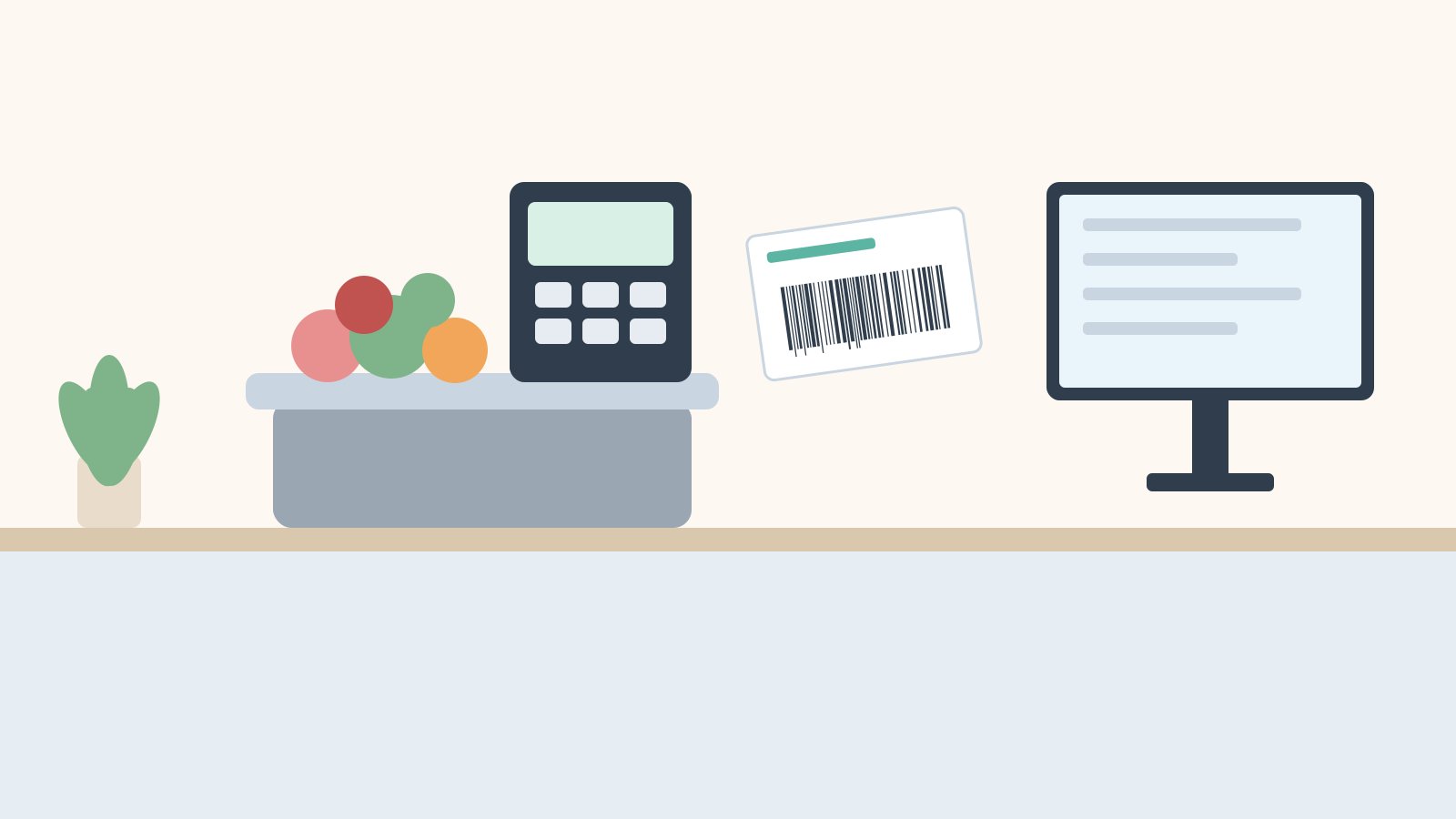
Loose items like vegetables, fish, sweets or cashew have no brand barcode, so the weighing scale prints its own 13-digit label. GS1 sets aside numbers starting with 2 (the 20–29 range) for this kind of in-store use, so they never clash with manufacturer codes.
These codes carry information that a normal EAN-13 does not. A common layout looks like this, though the exact split depends on how your scale is configured:
- First 2 digits: a prefix such as 21 or 22 that tells the billing software this is a scale label (and sometimes whether the next part is weight or price).
- Next 5 digits: your item code (PLU) for that loose item, for example 00125 for loose small onion.
- Next 5 digits: the weight in grams or the total price, depending on the scale setting.
- Last digit: the check digit, calculated the same way as above.
So a label reading 2100125008504 might mean “item 00125, 850 grams” in one shop’s set-up. Your billing software must use the same layout as the scale, or it will misread the label. If you sell loose goods, our guide to weighing scale POS software explains how to match the scale and the counter.
How to use EAN-13 barcodes in your billing software
A simple routine that works for kirana stores, supermarkets, medical shops and stationery shops alike:
- Scan, don’t type, when creating items. Scan the barcode from the pack into the item master. It avoids typos and the check digit confirms the read.
- One barcode, one item. Never share a barcode between items. When a brand changes pack size it usually changes the barcode; create a new item so past sales stay correct.
- Allow multiple barcodes per item when needed. Promo packs, old and new labels or UPC versions can all point to one item.
- Link pack and loose units. If you sell a carton and single pieces, the carton (often a separate GTIN) and the piece should be linked through units of measure so stock stays accurate.
- Print your own labels for unbranded goods. For items without a manufacturer barcode, such as loose stationery or in-house packed spices, print internal labels instead of borrowing someone else’s code. See our guide on barcode label printing software and how to create SKU codes for those items.
- Test new stock on the day it arrives. Scan one piece of every new item before shelving and fix “not found” items in the back office.
A worked example from a Thrissur supermarket
Imagine a mid-size supermarket in Thrissur that keeps getting “item not found” for an imported cereal. The box has a 12-digit UPC; one counter’s scanner reads 12 digits, the other adds a leading zero. Adding both versions as barcodes on the same item fixes it in two minutes. The same week, the owner finds the 200 g and 400 g packs of one product sharing a barcode because someone typed it by hand; scanning the real code from the 400 g box stops the price errors. (Illustrative example, not a real customer story.)
Common mistakes with EAN-13 barcodes
- Making up 890 numbers. Inventing codes that start with 890 for your own products can clash with a real brand’s product and may create legal trouble. Use GS1 codes or clearly internal codes.
- Removing leading zeros in Excel. Excel turns 0123456789012 into a number and drops the zero. Format the barcode column as text before importing items.
If you want barcode billing that handles all of this at the counter, Caddayn Biller supports barcode billing, GST invoices, units of measure, price lists and low-stock alerts, on both a Windows app and a web app. You can download Caddayn Biller and try it with your own item list. To see the wider counter set-up, read our guide on barcode billing software.
Frequently asked questions
What does the first digit of an EAN-13 barcode mean?
On its own, the first digit does not mean much. The first two or three digits together form the GS1 prefix that shows which GS1 office issued the number, such as 890 for GS1 India. Codes starting with 2 are reserved for in-store use like weighing-scale labels, and 978/979 are used for books.
Does an EAN-13 barcode contain the price or MRP?
No. A standard EAN-13 only identifies the product. The price comes from your billing software’s item master. The exception is a weighing-scale label starting with 2, which can carry the weight or price of that particular pack.
Can two different products have the same EAN-13 number?
Not if the codes are genuine GS1 numbers, because each one is unique worldwide. Duplicates usually come from copied or invented codes, or from data-entry mistakes in the item master.
Can a shop print EAN-13 barcodes for its own loose items?
A shop can print internal barcodes for its own use, ideally from the in-store range or as separate internal codes, so they never clash with brand codes. If you want to sell your own packed products through other retailers or online marketplaces, you will need genuine GS1 codes for them.