
If you make or pack your own products, sooner or later a supermarket buyer, a distributor or an online marketplace will ask, “Do you have barcodes?” This guide explains how to get barcode for products in India the right way: when you need an official GS1 barcode, when a simple in-store barcode is enough, what documents GS1 India asks for, and how to print and use the codes once you have them. It is written for small manufacturers, food and spice brands, home-based businesses and shop owners in Kerala and across India.
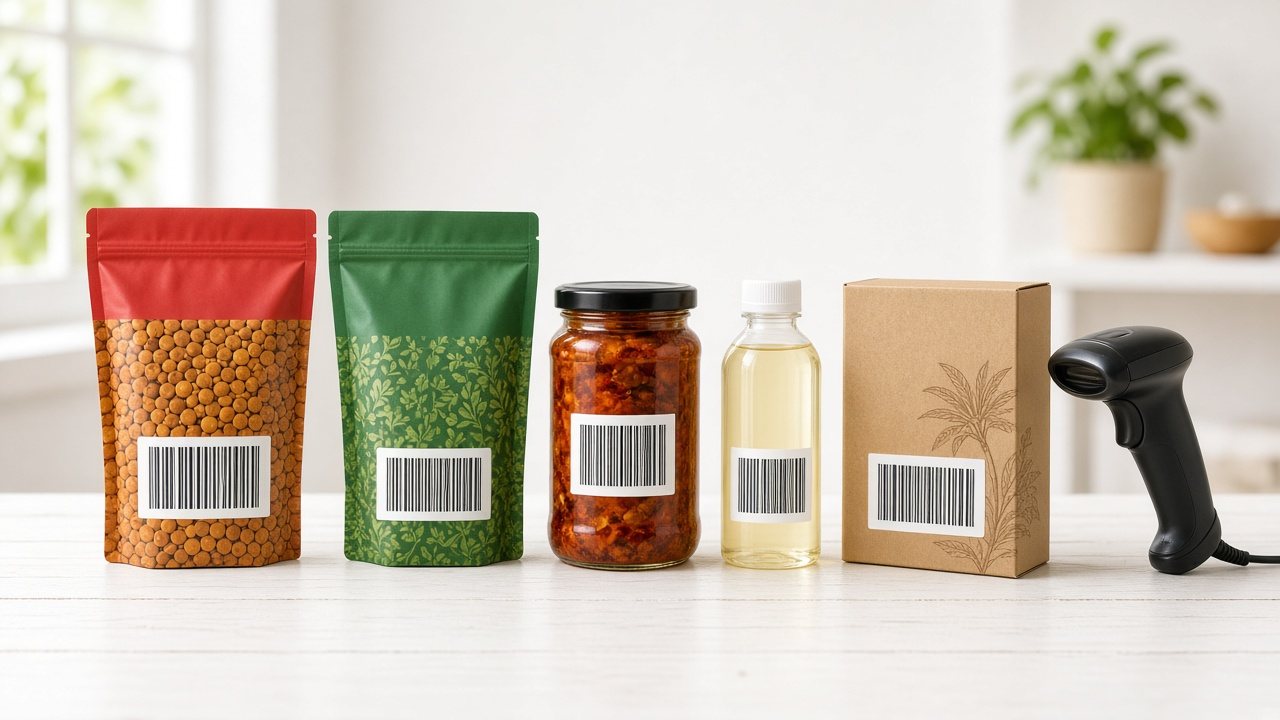
What a barcode actually is (and what it is not)
A barcode is just a machine-readable way of writing a number. The black and white bars on a pack of biscuits stand for a 13-digit number, and the scanner at the billing counter reads that number and looks it up in the shop’s software. The barcode itself does not store the price, the MRP or the product name. Those details sit in the item master of whichever billing system is scanning it.
That one fact clears up a lot of confusion. “Getting a barcode” really means getting a number that is unique to your product, and then printing that number in barcode form on the pack or label. Who gives you that number decides where the barcode will be accepted.
The two kinds of barcodes Indian businesses use
- GS1 barcodes (GTIN / EAN-13): numbers issued by GS1 India, the not-for-profit body that allots globally unique product numbers in India. Indian GS1 numbers usually begin with 890. These are recognised by retail chains, distributors and marketplaces anywhere because no other company in the world can have the same number.
- In-store (internal) barcodes: numbers a shop creates for its own use, for example for loose rice weighed and packed in the back room, or for items that arrived without a barcode. They work perfectly inside that one shop’s billing software but mean nothing to anyone else.
Do you really need a GS1 barcode?
Before you fill any form, decide which type you need. A quick way to decide is to ask where your product will be scanned.
| Your situation | What usually works |
|---|---|
| You run a shop and want to bill loose or repacked items faster | In-store barcodes printed from your billing software |
| You make a product sold only in your own outlet or stall | In-store barcodes are enough to start |
| You want to supply supermarkets, chain stores or modern trade | GS1 barcodes, because buyers will scan your number in their own systems |
| You plan to sell on e-commerce marketplaces | Usually GS1 barcodes; check the marketplace’s current product ID rules |
| You export, or a distributor handles your product across many shops | GS1 barcodes |
A common mistake is buying “cheap barcodes” from a reseller website. Those numbers may already belong to another company, and when a chain store or marketplace checks them against the GS1 database, the product details will not match your brand. If your product is going to leave your own shop, get the number from the official source.
How to get barcode for products in India from GS1 India
GS1 India handles barcode registration online through its Register for Barcodes page. The process is straightforward once your documents are in order.

Step 1: Confirm that you are the brand owner
Only the brand owner, or a company the brand owner has authorised, can apply. If a contract manufacturer packs for you, the barcode registration should be in your brand’s company name, not the factory’s. If you sell more than one brand under different companies, each company applies separately.
Step 2: Count your products and variants carefully
Every separate selling unit needs its own number. A 100 g, 250 g and 500 g pack of the same sambar powder are three products. A box of 12 packs sold to wholesalers is another. Make a simple list:
- Each product and flavour
- Each pack size or weight
- Each outer carton or multi-pack you sell as a unit
- New products you expect to launch in the next few years
GS1 India offers capacity blocks of 100, 1,000, 10,000 or 1,00,000 numbers, and the number you choose cannot be increased later. If you run out, you have to register again. A spice brand with 15 products in four sizes already needs 60 numbers before adding cartons, so plan generously.
Step 3: Keep the documents ready
As listed on the GS1 India registration page, you will typically need:
- PAN card of the company, or of the proprietor for a proprietorship firm
- Proof of business status, such as the GST registration certificate (plus a partnership deed, ROC certificate or MOA depending on the entity type)
- A request letter on company letterhead asking for barcode allotment
- A cancelled cheque of the business
- Turnover proof from the latest balance sheet (not required for a newly formed company)
Scan each document clearly as a PDF or JPG before you start, because the online form asks you to upload them as you go.
Step 4: Check the fees and fill the form
GS1 India’s fee depends on your annual turnover, the number of barcodes and the subscription period you pick. It is made up of a registration fee, a subscription fee, a refundable security deposit and applicable taxes. Use the fee calculator on the GS1 India site to see the current amount for your case rather than relying on figures quoted elsewhere, since the fee structure is revised from time to time. Payment can be made online (card, net banking or UPI) or offline by NEFT or demand draft.
Step 5: Receive your company prefix and create product numbers
GS1 India says registration usually takes 7 to 10 working days after complete documents and payment. You then receive an allotment letter with your GS1 Company Prefix and login details for DataKart, GS1 India’s product data platform. In DataKart you enter each product’s details (name, pack size, images and so on) and it generates the GTIN for that product. Keep your own spreadsheet of which number went to which product as well, so nothing is ever reused by mistake. The numbers stay linked to your company only while the subscription is valid, so renew well before the expiry date.
From number to printed barcode
Once you have a GTIN, you need to turn it into bars that a scanner can read.
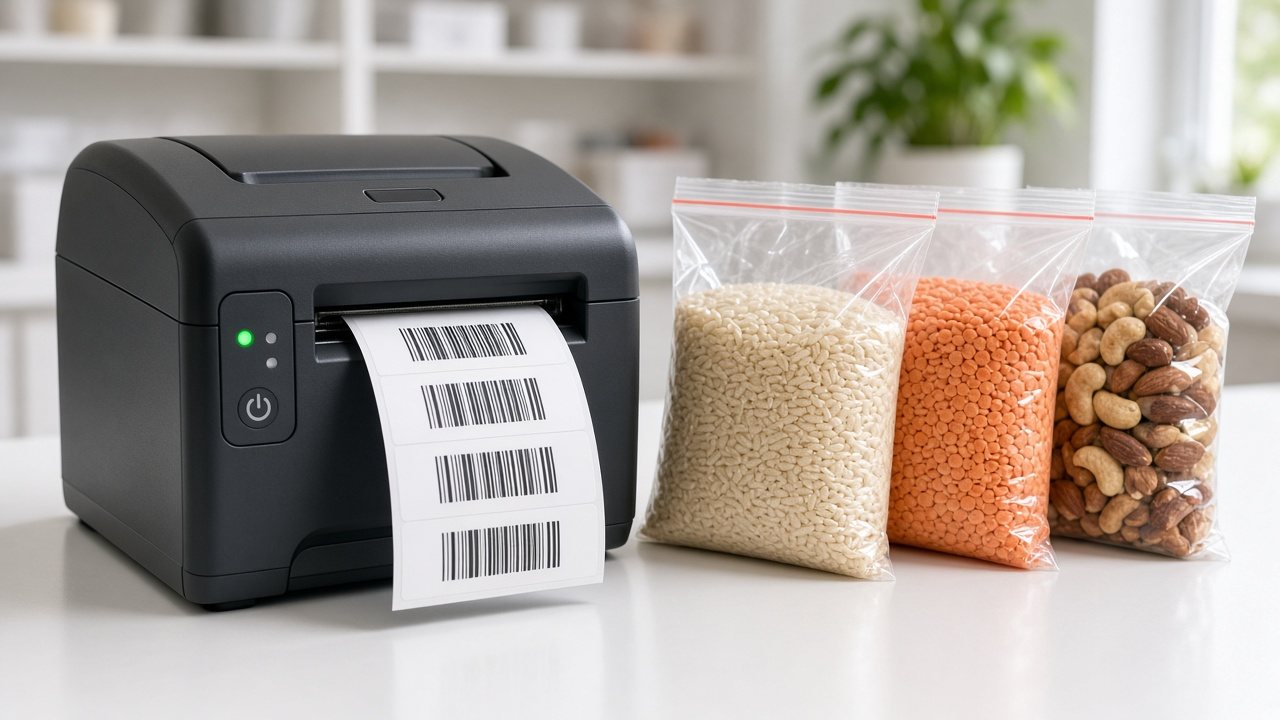
Printing on the pack
If you print packaging in bulk, give the GTIN to your packaging designer or printer and ask for an EAN-13 barcode in the artwork. Ask them to follow GS1 guidance on size, quiet zones (the blank space on either side) and colour. Black bars on a white background scan best. Red bars, very small barcodes, or barcodes placed over a seam or curve often fail at the counter.
Printing on labels
Many small brands and shops prefer sticker labels, especially for products packed in small batches. A thermal or thermal-transfer label printer, a roll of labels and billing software that can generate barcode labels is all you need. Our guide to barcode label printing software covers label sizes, printers and the common mistakes in more detail.
Test before you print thousands
- Print a few sample labels or a proof of the pack.
- Scan them with an ordinary handheld scanner, and also with a phone barcode app.
- Check that the number read matches the GTIN exactly.
- Try scanning at the angle and distance a cashier would use.
Fixing a barcode on a proof costs nothing. Fixing it after 5,000 pouches are printed is painful.
In-store barcodes for shops: a practical setup
If you own a supermarket, kirana, bakery or hardware shop, you will always have items without a manufacturer barcode: loose grains repacked in-house, sweets, hardware fittings, or local products from small suppliers. You do not need GS1 numbers for these, because they are only ever scanned at your own counter.
A simple routine works well:
- Create the item in your billing software first with the correct name, unit, HSN code and GST rate. If your item masters need a clean-up, see our note on HSN and SAC codes in billing software.
- Let the software assign an internal code, or use a numbering range you reserve for in-store items so they never clash with manufacturer barcodes.
- Print labels in batches when you repack, for example every morning for the day’s 1 kg and 500 g packs.
- Stick labels in the same place on every pack so cashiers find them quickly.
For weighed items such as vegetables or loose dal, many shops use barcodes that include the weight or price, printed from a weighing scale or the billing system. Check what your scale and software support before choosing a method.
Using barcodes at the billing counter
A barcode only saves time if the billing software reads it and pulls the right item instantly. Whether the code is a GS1 GTIN from a supplier or your own in-store number, the counter workflow is the same: scan, confirm, collect payment.
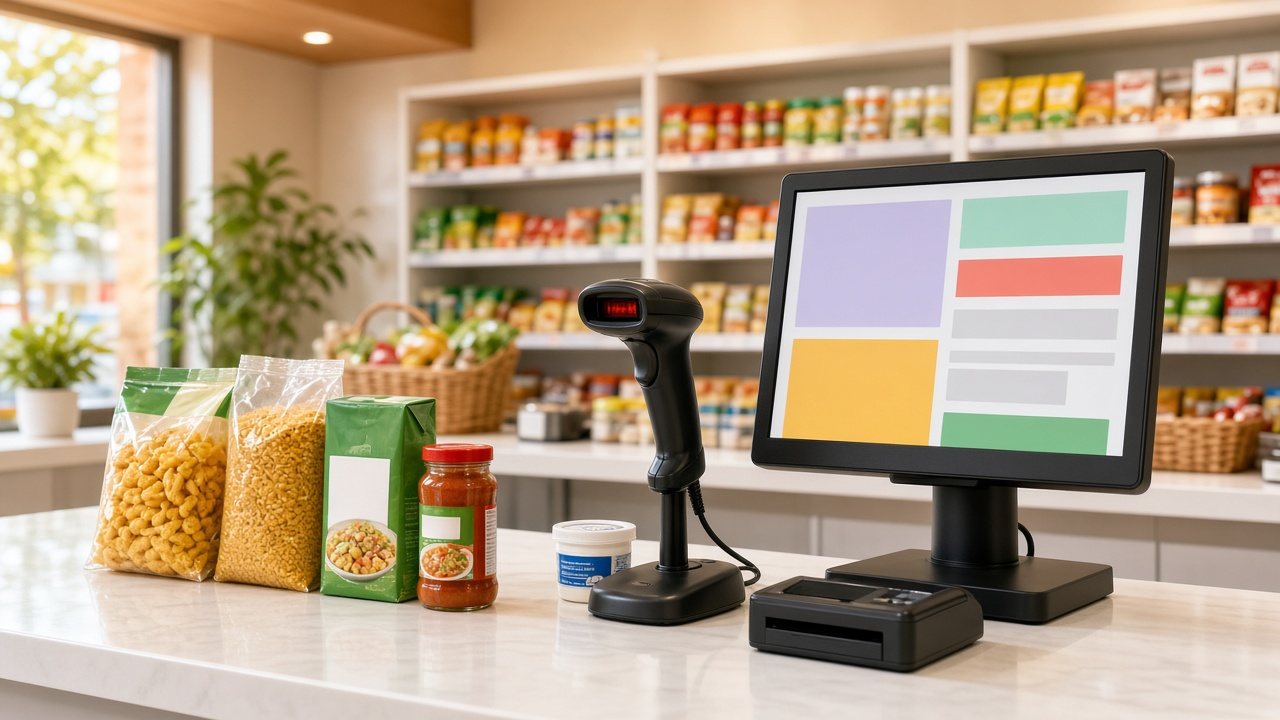
Once barcodes are in place, a few habits keep the system reliable:
- When a new product arrives, scan its barcode during purchase entry so the item master links to the real number from day one.
- Never type a barcode number by hand into two different items. Duplicates cause wrong bills.
- If a pack has a damaged barcode, search by name and print a fresh in-store label for the remaining stock.
- Review the low-stock list weekly. Clean barcode data makes stock counts and reorder alerts far more accurate.
If you are still comparing billing tools, our guide to barcode billing software for shops explains what to test before you buy.
A worked example: a small Kerala snack brand
Imagine a family business in Thrissur making banana chips and jackfruit chips in 100 g, 200 g and 500 g pouches, plus a 12-pouch carton for distributors. That is 2 products times 3 sizes, plus 2 cartons, which makes 8 selling units today. They plan to add tapioca chips and a mixture next year, so they expect around 20 units within three years.
They choose the smallest GS1 capacity block (100 numbers), which leaves ample room. After receiving their company prefix, they create eight GTINs in DataKart, send the numbers to their pouch printer for the artwork, and print carton labels on a small thermal printer. In their own factory outlet, they also sell loose chips by weight, and for those they simply use in-store labels from their billing software. This is an illustrative example, not a specific customer, but it shows how the two types of barcodes work side by side.
Frequently asked questions
Is a barcode mandatory for selling products in India?
For many small sellers it is not a legal requirement, but large retail chains, distributors and marketplaces often insist on it. If your product will be sold beyond your own shop, a GS1 barcode makes listing much easier.
Can I get a barcode without GST registration?
GS1 India asks for proof of business status, and for most entity types the GST certificate is one of the listed documents. Check the current document list on the GS1 India site for your type of business before applying.
How long does it take to get GS1 barcodes in India?
GS1 India states that registration usually takes 7 to 10 working days after you submit the complete form, documents and payment.
Can a shop make its own barcodes?
Yes, for use inside that shop. Billing software can create internal codes and print labels for loose and repacked items. These codes should not be used on products you supply to other shops.
Do I need a new barcode when I change the pack size?
Yes. Each different pack size, flavour or multi-pack is a separate selling unit and needs its own number.
Bring your barcodes to the billing counter
Getting the number is only half the job. The time savings come when every scan at your counter pulls up the right item, price and GST rate. Caddayn Biller supports barcode billing, label printing for in-store items and inventory with low-stock alerts, on both a Windows app and a web app. You can download Caddayn Biller and try it with your own products and barcodes.