
If you run a shop, a supermarket, a restaurant or a small distribution business in India, you have probably heard two software terms thrown around by vendors: ERP and CRM. This guide on ERP vs CRM explains, in plain language, what each one does, where they overlap, and which one a small or mid-sized business should put in place first. The short answer for most retailers is that you need a good ERP or POS system with basic customer features built in, and a separate CRM only later, if at all. The long answer depends on how your business earns money, so let us walk through it.
What is ERP?
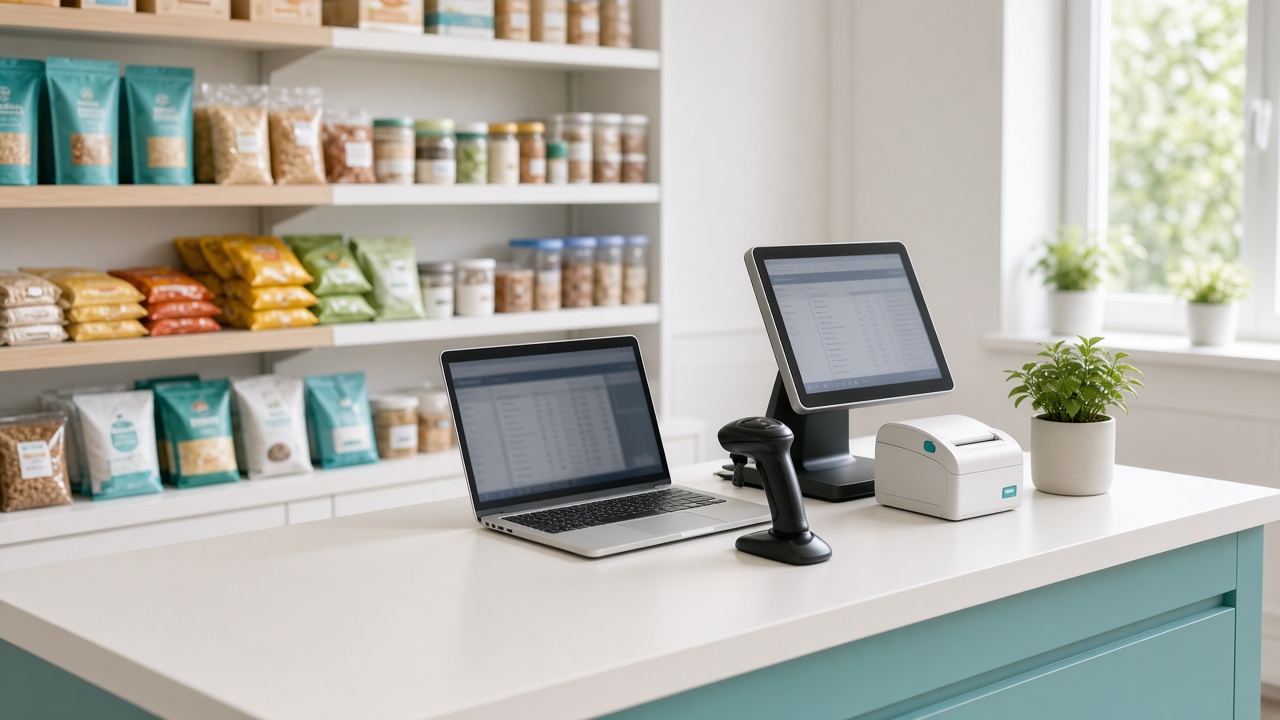
ERP stands for Enterprise Resource Planning. Ignore the big word “enterprise”; for a shop owner, ERP simply means one system that records the day-to-day operations of the business in one place. A typical retail ERP covers billing, purchases, stock, GST, accounts and reports. When a cashier scans an item, the ERP reduces stock, records the sale, calculates GST and updates the day’s cash or UPI collection, all in the same entry.
The key idea is that ERP looks inwards. It answers questions such as:
- How much stock of each item do I have, and what should I reorder?
- What did I buy from each supplier, and how much do I still owe them?
- What were my sales, margins and GST liability this month?
- How is each branch or counter performing?
If you want a deeper introduction, read our explainer on what ERP software is and the breakdown of the main ERP modules a retail business uses.
What is CRM?
CRM stands for Customer Relationship Management. A CRM looks outwards, at your customers and prospects. Its job is to help you win new customers, keep existing ones and sell more to them. A full CRM usually tracks leads and enquiries, follow-up tasks for a sales team, the stage of each deal, customer communication history, and campaign results.
CRM answers questions such as:
- Which enquiries came in this week, and who is following up on them?
- Which customers have not bought anything for three months?
- Which salesperson is converting the most leads?
- Who should receive this festival offer?
Notice the difference. CRM is strongest where there is a sales process before the sale: a quotation, a demo, a negotiation, several calls. A walk-in grocery customer who picks up rice and oil and pays by UPI does not go through a “pipeline”, so a heavy CRM adds little value there.
ERP vs CRM: the key differences
Here is a side-by-side view of how the two systems compare for a typical Indian business.
| Point | ERP | CRM |
|---|---|---|
| Main focus | Operations: billing, stock, purchases, GST, accounts | Customers: leads, follow-ups, deals, campaigns |
| Main users | Cashiers, store managers, purchase staff, accountant, owner | Sales team, marketing staff, owner |
| Core record | Invoice, purchase bill, stock movement | Lead, contact, opportunity, activity |
| Typical question | “How much did I sell and what is in stock?” | “Who should we call and what will they buy?” |
| GST and compliance | Central: tax invoices, HSN, returns data | Usually none |
| When it pays off | From day one for any shop that bills and holds stock | When you have a sales team or long sales cycle |
In one line: ERP runs the business, CRM grows the customer base. ERP is about doing things right; CRM is about finding and keeping the right customers.
Where ERP and CRM overlap
The line between the two is not as sharp as vendors sometimes make it sound. Several features live in both worlds:
Customer master and purchase history
Every ERP keeps a customer list for credit sales and B2B invoices with GSTIN. Once you capture a mobile number at billing, the ERP already knows what each customer bought, when and how much. That purchase history is the most valuable customer data a retailer has, and it sits in the ERP, not the CRM.
Loyalty points and offers
Loyalty programmes are a classic CRM idea, but in retail they work best inside the billing system, because points must be earned and redeemed at the counter in real time. A separate CRM that syncs once a day cannot do that cleanly.
Credit and collections
Tracking who owes you money, sending reminders and setting credit limits feels like “relationship management”, yet it depends entirely on invoice and payment data from the ERP. Our guides on customer dues management and payment reminder messages on WhatsApp show how this works in practice.
Quotations and orders
For wholesalers and distributors, the step from enquiry to quotation to sales order sits right on the border. Some businesses handle it in the ERP; those with a large field sales team may prefer a CRM in front of it.
Which does a small business need first?
For a retail shop, supermarket, pharmacy, bakery or restaurant, the answer is almost always ERP (or an ERP-style POS) first. Here is why:
- You cannot run the shop without it. Every sale needs a bill, every bill needs GST, and every item sold must come out of stock. A CRM does none of this.
- The customer data is created at billing. If your billing system captures the customer’s phone number and purchase history, you already have the foundation of a CRM.
- Basic CRM features are often built in. Customer lists, loyalty, credit tracking and simple reports cover what most shops actually use.
- Fewer systems, fewer mismatches. Two separate tools mean two customer lists that drift apart. One system means one truth.
A separate CRM starts to make sense when one or more of these is true:
- You have a field sales team visiting retailers, institutions or project sites.
- Your sales involve quotations, site visits or demos over days or weeks (for example, building materials, furniture, interiors or B2B supplies).
- You run regular marketing campaigns and need to track leads from ads, calls and walk-in enquiries.
- Your ERP has no customer features at all and cannot be extended.

Three Indian business examples
A supermarket in Thrissur
Imagine a two-counter supermarket with around 4,000 items. Its daily pain points are fast billing, barcode scanning, stock reorders and GST. It needs an ERP or supermarket POS with loyalty points and customer purchase history. A standalone CRM would sit unused, because there are no “leads” to chase, only regular customers who walk in.
A building material dealer in Kottayam
A dealer selling tiles, sanitaryware and cement to contractors gets enquiries by phone, prepares quotations, negotiates and delivers in instalments. Here ERP is still essential for stock, delivery challans, GST invoices and credit control. But a CRM, or at least a disciplined enquiry and follow-up register, can help the owner see which quotations are pending and which contractor has gone quiet.
A restaurant in Kochi
A restaurant needs KOT printing, table billing, recipe-level stock and GST first, which is ERP and POS territory. Customer features such as phone-number capture, repeat-visit tracking and loyalty can live in the same system. A full CRM is rarely needed unless the business also handles large catering or event bookings.
These are illustrative examples to show the thinking, not case studies of specific businesses.
How to decide: a simple checklist
Before you speak to any vendor, answer these questions honestly:
- Do I hold stock and issue GST invoices every day? If yes, start with ERP.
- Do my customers mostly walk in and buy immediately? If yes, built-in customer and loyalty features are usually enough.
- Do I have salespeople who chase enquiries and quotations? If yes, plan for CRM features, either inside the ERP or as a second tool later.
- Will the two systems share one customer list? If not, expect duplicate data and extra work.
- Who will actually use the CRM every day? Software nobody updates is just an expense.
Our guide on how to choose retail ERP software covers the full evaluation, and the overview of retail ERP software in India explains what to expect from a modern system. If you are also comparing against your accounting tool, read ERP vs accounting software.
Common mistakes to avoid
- Buying a CRM because it sounds modern. If your bills are still handwritten or your stock is guesswork, a CRM will not fix the real problem.
- Keeping customer data in three places. A notebook, a WhatsApp group and a spreadsheet are not a customer system. Capture the customer once, at billing.
- Ignoring data entry discipline. Customer features only work if the counter staff actually record mobile numbers and names consistently.
- Over-customising early. Start with standard billing, stock and customer features. Add advanced sales tracking once the basics run smoothly. Our ERP implementation steps guide explains a phased rollout.
Where Caddayn Biller fits
Caddayn Biller is built as an ERP-style billing and POS system for Indian businesses. It covers GST billing, barcode billing, inventory with low-stock and reorder alerts, multi-branch operations, UPI, card and cash payments, and loyalty and customer management in the same software. That means a shop gets the operational core and the everyday customer features without running two separate systems. Vertical versions are available for supermarkets, textiles, hardware, restaurants, pharmacies and more, on Windows and the web. You can explore the options on our products page or download Caddayn Biller to try it in your own shop.
Frequently asked questions
Is CRM a part of ERP?
Not always. Some ERP systems include basic CRM features such as customer lists, purchase history and loyalty, while advanced lead and pipeline management is usually found in dedicated CRM software. For most retailers, the CRM features inside a good ERP or POS are enough.
Can a small shop use CRM without ERP?
It can, but it is rarely sensible. Without ERP or billing software, the CRM has no reliable sales data, so you end up typing customer purchases in twice. Billing and stock should come first.
What is the main difference between ERP and CRM?
ERP manages internal operations such as billing, inventory, purchases, GST and accounts. CRM manages external relationships such as leads, follow-ups, deals and marketing campaigns.
Do restaurants need CRM software?
Most restaurants get more value from a POS with KOT, table billing, stock and customer capture. A separate CRM becomes useful mainly for catering, events or chains running structured marketing programmes.
Should ERP and CRM share the same customer database?
Ideally, yes. A single customer record avoids duplicate entries and mismatched balances. If you use two tools, make sure they are integrated or that one is clearly the master record.