
Most small shops in India do not fail at ERP because the software is bad. They fail because the cutover is messy: stock figures do not match, staff keep writing bills in the old notebook, and the owner loses a week of sales trying to “fix” masters after go-live. Clear ERP implementation steps prevent that. When you phase the work — scope, clean data, import masters, run in parallel, train, go live, then review the first 30 days — the counter keeps moving and the new system earns trust instead of creating panic.
This guide is written for retailers, distributors, pharmacies and small multi-branch businesses that are moving from notebooks, Excel or an older billing app into a modern retail ERP. It is a practical sequence you can follow with your own team, not a consultant’s slide deck. If you are still choosing the product, start with our guides on how to choose retail ERP software and retail ERP software in India, then come back here for the rollout plan.
ERP implementation steps: the seven-phase plan
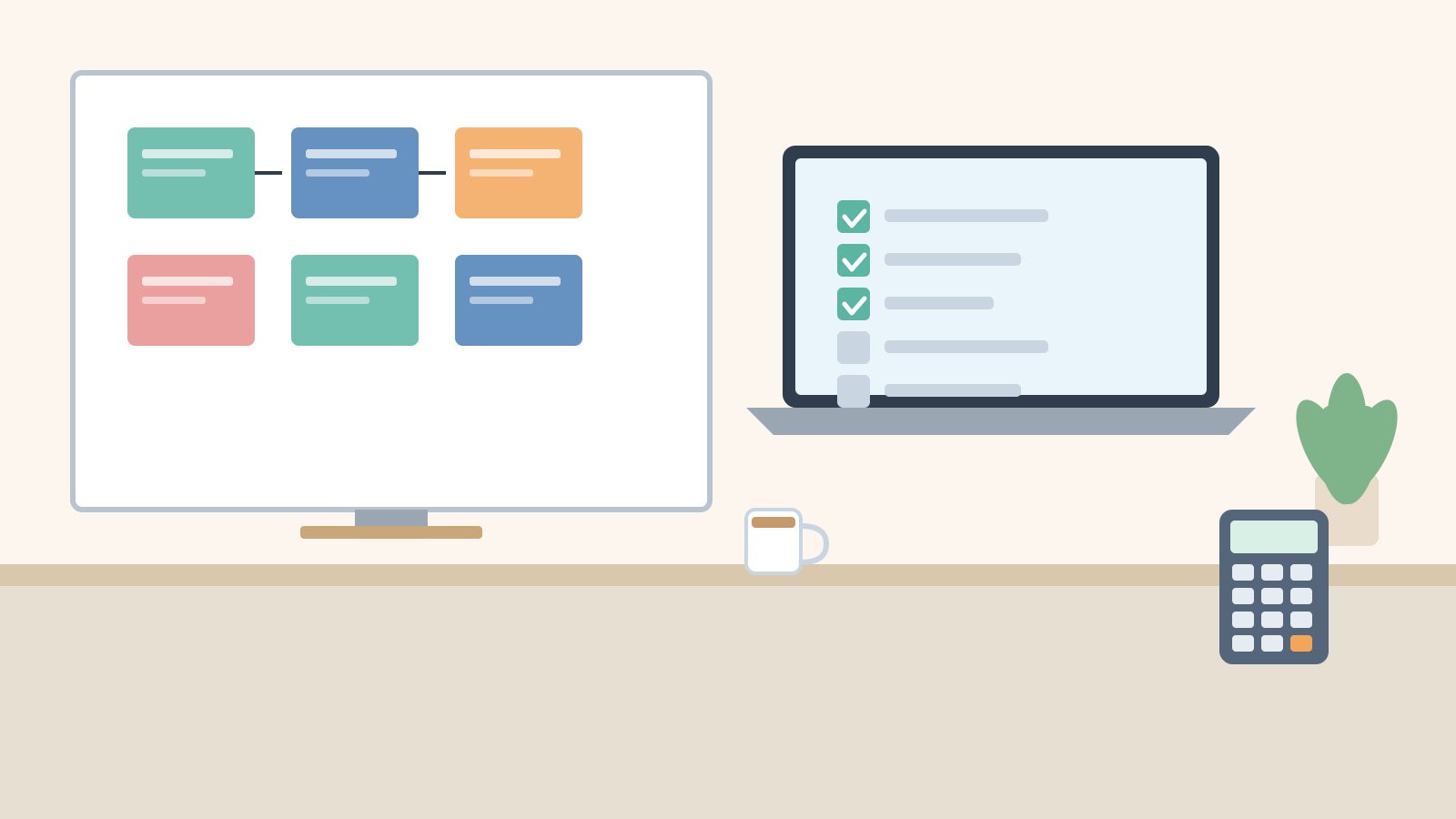
Think of implementation as seven short phases. Each phase has an exit condition. Do not start the next phase until the previous exit is met. That single habit is what separates a quiet go-live from a two-week scramble.
- Scoping — decide what must work on day one versus later.
- Data cleanup — fix names, units, GST details and stock before anyone imports.
- Masters import — load items, parties, tax classes and opening balances into the new ERP.
- Parallel run — bill in both systems for a short window and compare totals.
- Training — role-based practice for counter, purchase and accounts staff.
- Go-live — cut over with a written checklist and a rollback plan.
- First-30-day review — measure adoption, fix gaps, lock the new routine.
The rest of this post walks through each phase with Kerala shop examples. Numbers used below are clearly labelled as illustrative so you can replace them with your own.
Phase 1 — Scoping: what must work on day one
Scoping is not a 40-page requirement document. For a small business it is a one-page list of jobs that must not break when you switch. Write three columns: Must on day 1, Nice in month 1, Later.
For a typical Thrissur supermarket, day-one musts usually look like this:
- GST tax invoice / bill of supply with the correct HSN and CGST–SGST split
- Barcode billing at every counter, including weighed items if you sell loose staples
- Stock deduction on sale and a simple low-stock alert for fast movers
- Purchase entry with supplier bills so purchase returns and credit notes stay clean
- Day-end cash / UPI / card reconciliation for each counter
Nice-in-month-1 items often include loyalty points, multi-price lists, and branch transfers. Later items might be advanced manufacturing, deep CRM campaigns or custom reports. Putting them in “Later” is not failure — it is how you protect the go-live date.
Also decide the cutover style: weekend cutover (common for single-counter shops), mid-week evening cutover (for shops that cannot close), or staggered branch cutover (for chains). Write the date and the person who owns each column on the scoping sheet. Without an owner, scoping drifts.
Phase 2 — Data cleanup before anyone imports
Bad masters make a good ERP look broken. Clean data on paper or in a spreadsheet first, then import. Focus on four master types.
Item master
- One row per sellable SKU. Merge duplicates such as “Fortune Sunflower 1L” and “Fortune SF 1 Ltr”.
- Confirm unit of measure (pcs, kg, litre, pack). A pack-of-12 that is billed as pcs will wreck stock forever.
- Fill HSN / SAC and GST rate class. Wrong tax class is the fastest way to create GSTR mismatches later.
- Decide barcode strategy: manufacturer barcode where available, in-store barcode for loose or own-packed items.
Party master (customers and suppliers)
- Legal name, trade name, GSTIN (validate length and state code), billing and shipping address, phone.
- Credit days and a starting outstanding for customers you already sell on credit.
- Mark composition-scheme suppliers so your purchase tax treatment stays correct.
Opening stock and opening balances
Do a physical count close to the import date. For each SKU capture quantity, batch/expiry if you sell pharmacy or perishables, and a landed cost. Opening receivables and payables should match your current ledger totals — do not invent them from memory.
Illustrative example (Kozhikode grocery, made-up numbers): the owner listed 2,140 active SKUs. Cleanup removed 180 duplicates, fixed 95 wrong units, and filled missing HSN on 310 items. That took three evenings. Import after cleanup took under an hour. Import before cleanup would have taken days of “why is stock wrong” tickets.
Phase 3 — Masters import into the ERP
Once the sheets are clean, import in a fixed order so foreign-key style links do not break:
- Tax classes / GST rates
- Units of measure and price lists
- Item master (with HSN and default tax class)
- Suppliers and customers
- Opening stock (batch-wise if needed)
- Opening receivables / payables
After each import, run a short check: item count matches the sheet, a sample of 20 barcodes scan correctly, five supplier GSTINs show the right state, and opening stock value is within a small tolerance of your count sheet. If something is off, fix the sheet and re-import that master — do not “patch” live after go-live if you can avoid it.
If you are moving from another billing app, read our companion guide on migrating billing software in India for export formats and common traps (duplicate SKUs, inclusive vs exclusive GST prices, and credit notes still open in the old system).
Phase 4 — Parallel run without confusing the counter
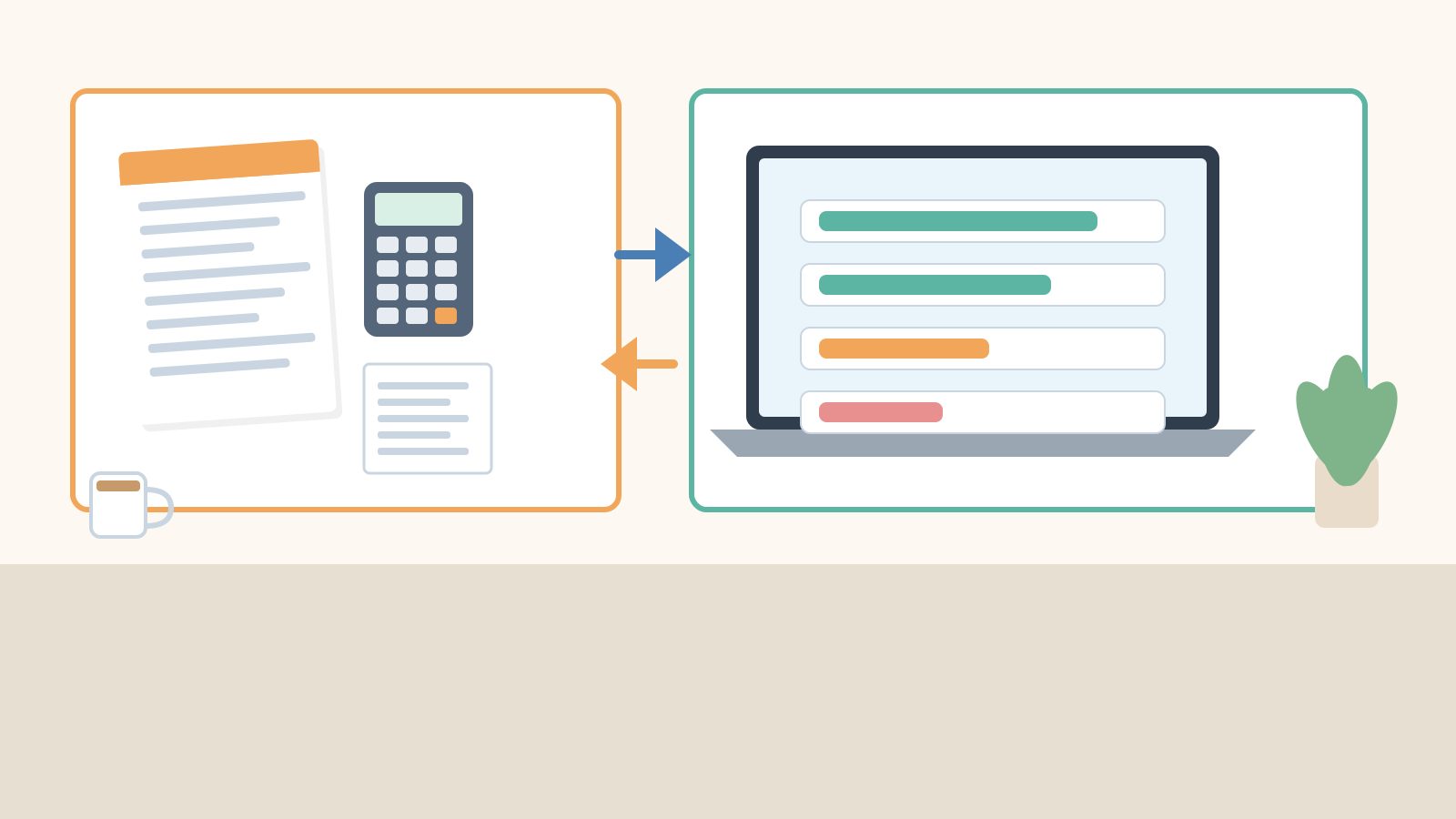
A parallel run means you keep the old system as the legal bill for a short window while every transaction is also entered in the new ERP. The goal is not double work forever — it is proof that the new numbers match before you trust them alone.
Practical rules that work in Indian shops:
- Keep it short. Three to seven busy days is enough for most single-outlet retailers. Longer parallel runs exhaust staff and create two incomplete books.
- Assign roles. One person bills on the old system (legal invoice). A second person, or the same person in a quiet moment, posts the same bill into the new ERP. For high-volume counters, mirror only a sample of bills plus all purchases and day-end totals.
- Compare daily. Net sales, tax totals, cash/UPI/card split, and stock of 10 fast movers. Differences get a written reason the same evening.
- Freeze masters during the run. Do not add random new items in only one system.
Illustrative parallel-run checklist table (Kochi pharmacy, made-up):
| Check | Old system | New ERP | Action if mismatch |
|---|---|---|---|
| Day net sales (excl. GST) | ₹48,600 | ₹48,150 | Find missing bills / returns |
| CGST + SGST total | ₹4,374 | ₹4,334 | Tax class on mismatched SKUs |
| UPI collection | ₹21,200 | ₹21,200 | — |
| Top-10 SKU closing qty | Match 8/10 | Match 8/10 | Recount the two SKUs |
| Open credit notes | 3 | 2 | Post missing credit note |
Exit condition: two consecutive days with sales and tax within your agreed tolerance (many shops use “exact match on tax, within a few bills on sales”) and no unexplained stock gaps on the sampled SKUs.
Phase 5 — Training by role, not by feature tour
A two-hour “click every menu” demo does not stick. Train by the job each person does on a normal day.
- Counter staff: scan / search, change qty, apply discount within limit, take UPI/card/cash, print or share invoice, hold and recall a bill, handle a return.
- Purchase / store: create purchase from supplier bill, receive against PO if you use one, putaway, batch/expiry entry, purchase return.
- Accounts / owner: day-end close, tax summary, outstanding receivables, basic GSTR-facing sales register, user roles and what each role cannot do.
- Branch manager (if multi-branch): stock transfer out/in, inter-branch price list, consolidated vs branch reports.
Use real items from your shop in training, not demo chocolate bars. Print a one-page cheat sheet per role and stick it near the counter for the first week. Schedule a 20-minute refresh on day 3 and day 10 of live use — that is when the real doubts appear.
Phase 6 — Go-live checklist
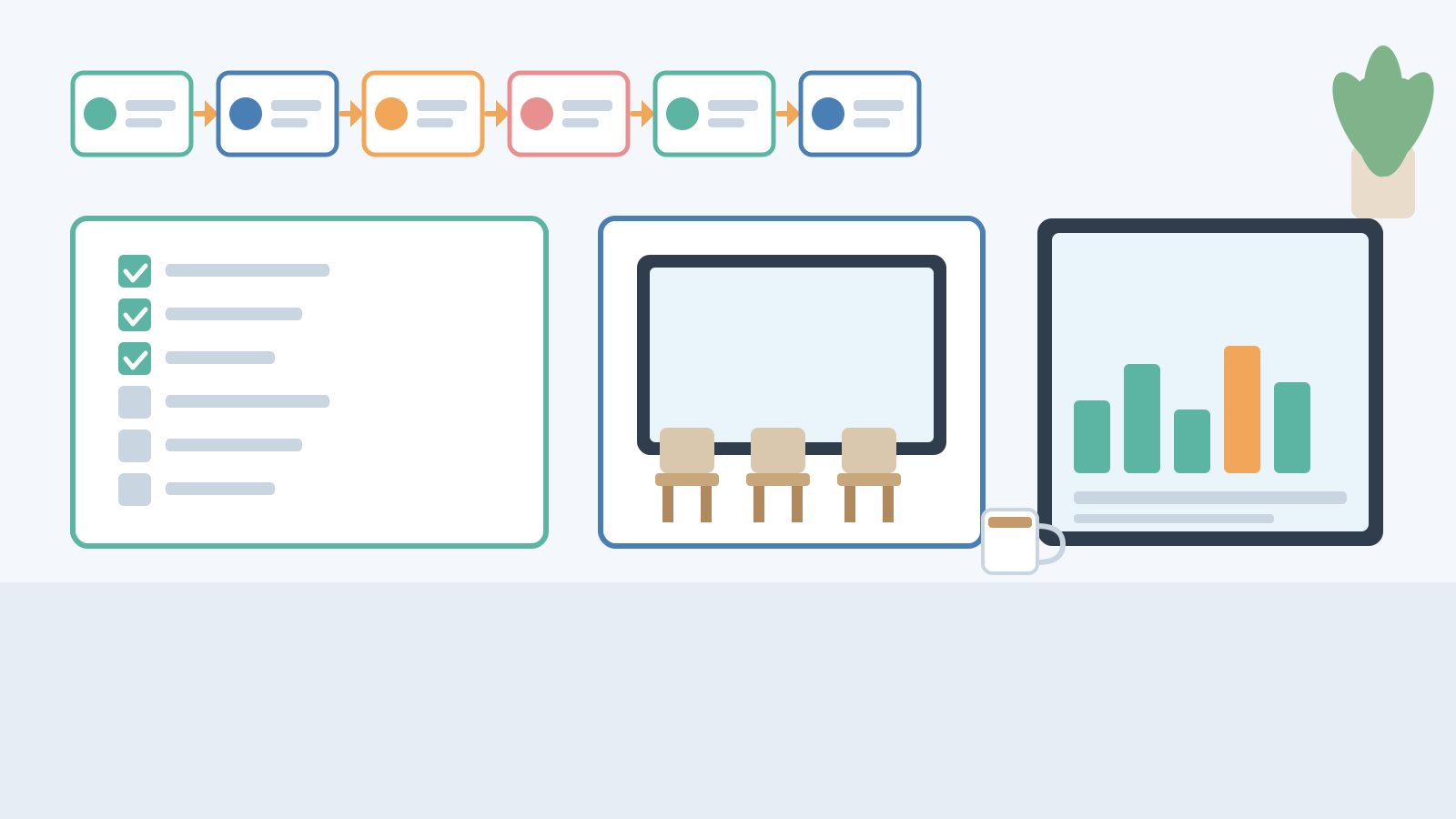
Pick a low-risk window. Many Kerala shops choose Sunday night or a festival-eve early close so Monday morning starts clean. Complete this checklist before the first live bill:
- Final stock count posted; opening balances locked.
- All users have logins with the correct role (cashier cannot edit purchase price; accountant cannot void without reason).
- Printers, scanners and cash drawers tested on the live machine; spare ribbon / paper ready.
- Invoice numbering series confirmed (new series or continued — decide once and do not change mid-month).
- Payment modes enabled: cash, UPI, card. Test one UPI payment end-to-end.
- Backup of the old system taken and stored offline.
- Rollback plan written: if the new ERP is unusable for more than X hours, you temporarily bill on the old system and re-enter later. Agree the X with the owner before the day.
- Support contact (vendor or in-house) available on call for the first trading day.
Announce the cutover to staff the day before. Ambiguity at the counter (“which software do I use?”) is how duplicate invoices and missing stock happen.
Phase 7 — First-30-day review
Go-live is the midpoint, not the finish. In the first 30 days, run a short weekly review with the owner and one counter lead.
Questions that surface real issues:
- Which screens still need a workaround or a notebook beside the POS?
- Are returns, credit notes and purchase returns being posted the same day?
- Do day-end cash and UPI totals match the bank / QR settlement without manual fudge?
- Is low-stock / reorder actually driving purchase orders, or is someone still guessing?
- Have new SKUs been created with HSN and tax class, or are people cloning the wrong item?
At day 30, lock decisions: which “Later” features to turn on next, which custom fields to drop, and which staff need a second training hour. Also archive the parallel-run sheets — they are useful if a CA asks how opening balances were built.
Common mistakes that derail ERP rollouts
- Importing before cleanup. You will spend go-live week renaming items instead of selling.
- Skipping the parallel run. The first tax mismatch then appears in the return month, not on day two when it is cheap to fix.
- Training only the owner. When the owner is at the bank, the counter freezes.
- Changing invoice series mid-month. Creates gaps that look like cancelled bills in audit.
- Turning on every module on day one. Loyalty, manufacturing and multi-branch transfers can wait until billing and stock are trusted.
- No written rollback plan. Panic decisions in the first hour of downtime are almost always expensive.
How Caddayn Biller fits a phased rollout
If you want an ERP-style system that still feels natural at a retail counter, Caddayn Biller covers the day-one jobs in this plan: barcode billing, GST billing, inventory with low-stock and reorder alerts, units of measure, price lists, multi-branch, bulk billing, and payments by UPI, card and cash. Vertical builds are available for supermarket, textile, hardware, restaurant (KOT, tables, split bills, QR ordering), pharmacy (batch and expiry), and others. It runs as a Windows app and a web app, so you can train on one counter machine and still check reports from the office.
Download the installer from caddayn.com/downloads/, set up masters in the order above, and use a short parallel run before you switch the legal invoice series. That is the same sequence this article describes — just with your real catalogue.
FAQ
How long do ERP implementation steps take for a small shop?
For a single-outlet retailer with a cleaned item list under a few thousand SKUs, many teams finish scoping to go-live in two to four weeks of part-time work. The variable is data cleanup, not the software install. Multi-branch or pharmacy batch data usually needs more count days.
Can we go live without a parallel run?
You can, but you accept more risk. If your old system cannot export cleanly or staff cannot double-enter for even three days, at least mirror day-end totals and a sample of bills for one peak day and one quiet day before cutover.
What should we migrate first — stock or customers?
Tax classes and items first, then parties, then opening stock, then opening balances. Customers without items do not help the counter. Stock without correct tax classes creates GST pain immediately.
Do we need a consultant for every phase?
Not always. Many small shops handle scoping, cleanup and training themselves and use the vendor only for import templates, user roles and the go-live call. Bring in outside help when you have multi-branch transfers, complex price lists or a messy legacy database you cannot untangle in-house.
What is the single best predictor of a calm go-live?
Clean masters plus a short parallel run with daily comparison. Shops that skip either one usually spend the first month firefighting instead of selling.