
A UPI soundbox is the small speaker many Indian shops now keep next to the QR stand. When a customer pays, it announces the amount, so you do not have to unlock a phone or trust a screenshot during the evening rush. That is useful. It is not a billing system: the speaker confirms that money arrived, not that a GST invoice was raised or that the payment belongs to a particular bill.
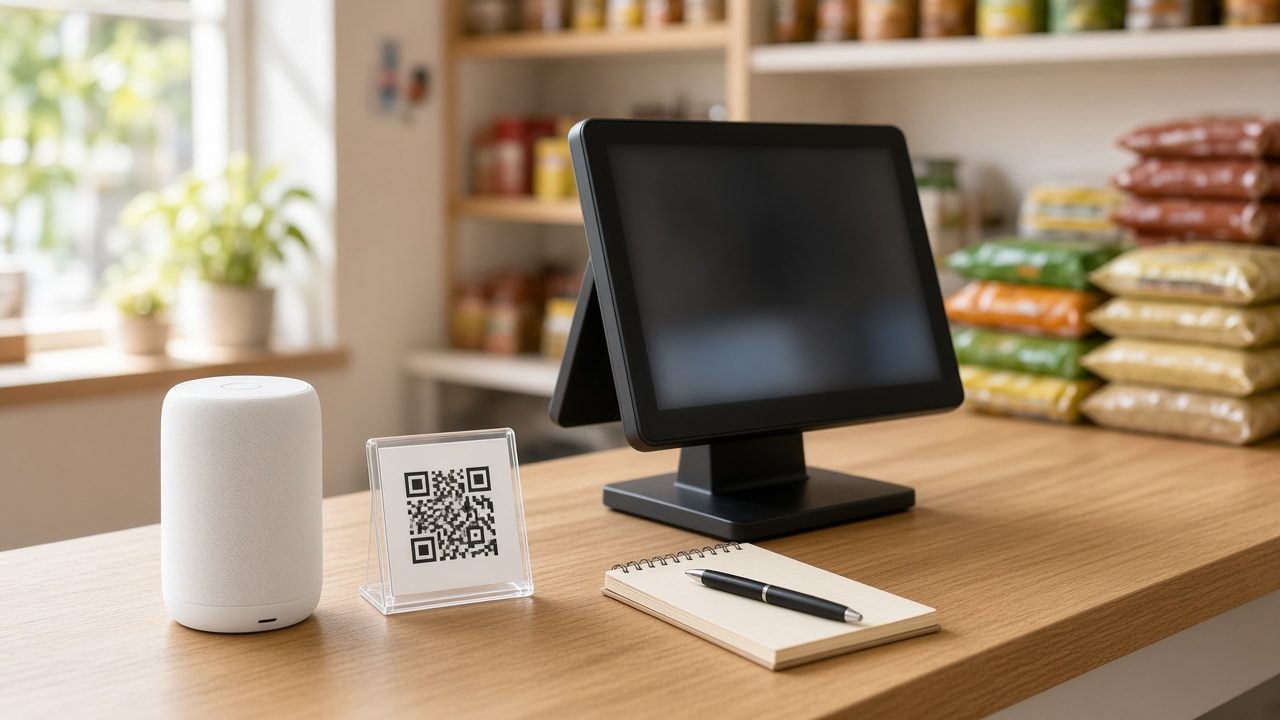
Below is how the device works, what shops typically pay for it versus any transaction charge, where it falls short, and how to match UPI collections with the bills you issue. Rentals and merchant charges change, so confirm the live plan with your bank or payment provider before you sign anything.
What a UPI soundbox is and how it works
A UPI soundbox is a portable speaker paired with your merchant QR code. The customer scans that QR with any UPI app, enters the amount, and authorises the payment with their PIN. If the transfer succeeds, the box announces the confirmation, often in the language you chose at setup. Some bank devices list Malayalam among the options, which helps at a Kerala counter where the cashier is packing goods and cannot watch a screen.
Most shop soundboxes use a 4G SIM rather than shop Wi-Fi, so the announcement does not depend on your billing computer being online. The same payment then appears in the provider’s merchant app and, a little later, as a credit in the linked bank account.
The payment flow at the counter
- Prepare the bill and tell the customer the exact amount to pay.
- Ask them to scan the merchant QR paired with your soundbox, not a staff member’s personal QR.
- They enter the amount, check the payee name, and complete the payment in their UPI app.
- On success, the soundbox announces the credit. Mark that bill as paid by UPI in your billing software.
- If the box stays silent, do not hand over goods on the strength of a screenshot. Check the merchant app or the bank credit, then investigate.
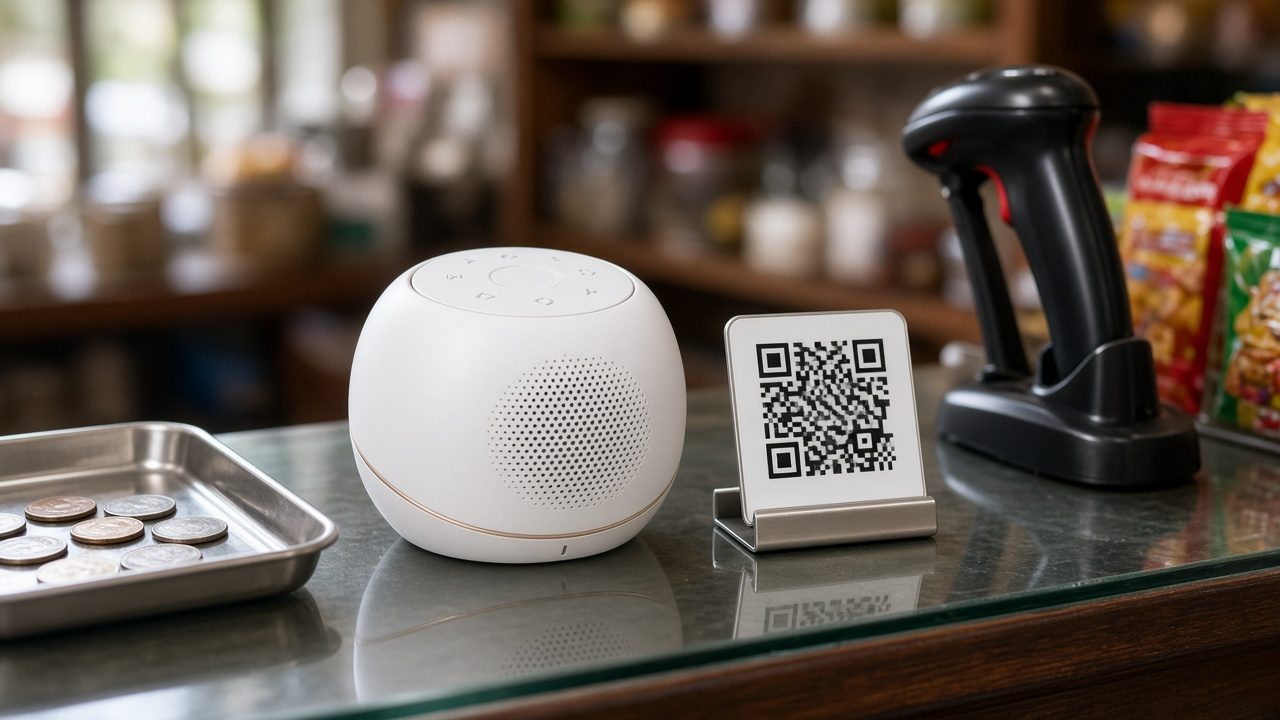
Customers can usually pay that one merchant QR from any UPI app. What the soundbox will announce is narrower: many devices are tied to the QR and provider they were issued with. If your counter displays two or three different QR stickers, you may hear confirmations on only one of them unless your provider can link the others.
What a UPI soundbox does not do
This is the limit that matters for books and GST. A soundbox is a payment alarm. It does not print an invoice, and it does not attach a UPI credit to a bill number, a list of items, an HSN or SAC code, or a customer account.
- It does not create a GST invoice. The tax invoice still has to come from your billing software.
- It does not record who bought what. Two customers can pay the same amount a minute apart. The speaker will not tell you which items or which table the money belongs to.
- It does not handle split payments on its own. If a guest pays part by UPI and the rest in cash, the box only announces the UPI slice. Enter the split on the bill.
- It does not update credit ledgers. When a regular customer clears an old balance on your QR, apply that receipt against their dues or the ledger stays open. See customer dues management for retail.
- It does not replace a day-end close. Announcements are easy to miss in a noisy shop. Your books need a tender total, as covered in day-end closing for cash, UPI and shifts.
A related gap is the personal QR. If a salesperson takes payment on their own UPI ID, your shop soundbox stays quiet and your business account does not show the credit.
UPI soundbox charges: device rental and transaction MDR
Shops often mix up two separate costs: what you pay to keep the speaker on the counter, and the merchant discount rate, or MDR, that may apply to the UPI transaction itself. Ask your provider to write both down before you accept a device.
What you pay for the device
Banks and payment apps usually treat the soundbox as a rented or subscribed device. The details vary, so read the form you are signing. As a published example, IndusInd Bank’s Soundbox page lists two plans: Plan A with a one-time installation fee of Rs 899 and a monthly rental of Rs 65, or Plan B with Rs 299 one-time and Rs 125 a month, plus GST in both cases. The bank notes that those offers apply on QR plus Soundbox, or QR plus POS plus Soundbox, packages. Other banks describe rental and installation as amounts agreed when the merchant account is opened, and they may charge extra if credit card on UPI is switched on.
When you compare plans, ask whether GST is extra, how long you are locked in, what happens if the device is lost or returned early, whether the rental covers the SIM, and whether more than one QR means more than one speaker.
UPI MDR, which is separate from the rental
From 15 October 2026, a notified MDR framework applies to some person-to-merchant UPI payments. The Department of Financial Services has published the details in its FAQ on MDR for selected UPI (P2M) transactions, and the Press Information Bureau summarised the same structure in a 15 September 2026 briefing.
In plain shop language, person-to-person transfers stay free. Person-to-merchant payments up to Rs 2,000 attract no MDR. On a merchant account that is not in the small-vendor exemption, payments above Rs 2,000 attract MDR of 0.4 per cent, capped at Rs 300 for a payment of Rs 75,000 or more. Small merchants in the person-to-person-merchant (P2PM) category — described as vendors receiving up to Rs 1 lakh a month through UPI QR, typically into their own account — continue to have zero MDR, even on a single payment above Rs 2,000. The FAQ also says existing QR stands and soundboxes do not need to be replaced because of this change.
MDR is a merchant-side charge, not a fee the customer is supposed to pay. The government briefing states that banks have been advised not to let merchants pass it on to customers. Ask your provider whether your account is treated as P2PM or as a regular merchant account, and ask to see MDR on a sample settlement report.
The official FAQ uses these worked amounts for a merchant in the charged category. They are not a shop’s real bills; they simply apply the published rate to round figures:
| Illustrative UPI payment | Published MDR treatment | MDR amount |
|---|---|---|
| Rs 1,500 | No MDR (at or below Rs 2,000) | Rs 0 |
| Rs 3,000 | 0.4 per cent | Rs 12 |
| Rs 50,000 | 0.4 per cent | Rs 200 |
| Rs 1,00,000 | 0.4 per cent would be Rs 400, capped at Rs 300 | Rs 300 |
A neighbourhood kirana whose monthly UPI stays within the small-merchant threshold may see none of those deductions. A hardware counter that regularly collects larger bills on a commercial merchant account may see 0.4 per cent come off some credits. The soundbox rental still sits on top of whatever MDR applies.
How to reconcile UPI with your bills
The soundbox tells you that a payment happened. Your GST books need every UPI rupee mapped to an invoice, and every invoice that claims a UPI payment matched to a credit. That is the point of UPI payment billing software for shops: link the tender to the bill, rather than collecting screenshots.
- Raise the bill first, with items and tax, so the customer pays a known amount.
- Ask them to scan the shop’s merchant QR — the one paired with the soundbox.
- Wait for the announcement, then mark that bill as paid by UPI. If they pay part in cash, record the split on the same bill.
- If they are clearing an old due rather than today’s sale, open their account and apply the receipt there.
- At closing, compare three numbers: UPI totals from the billing software (sales plus receipts against dues), the provider’s settlement or merchant-app total, and the bank credit when it lands.
- Investigate any gap the same evening if you can — a payment without a bill, a bill marked UPI that was actually cash, a personal QR, a payment that failed and then succeeded, or a return refunded in cash after a UPI sale — and note the reason.
Here is an illustrative close for a Thrissur grocery, using made-up numbers only to show the method. The billing software shows 47 bills marked UPI, totalling Rs 42,350. The merchant app shows credits of Rs 43,100. The Rs 750 gap is a regular customer who scanned the QR to pay an older balance. The speaker announced it, but nobody opened the dues ledger, so the software’s UPI-sales figure was short and the customer’s outstanding balance was still wrong. The settlement was right; the books were not.
Is a UPI soundbox worth it for your shop?
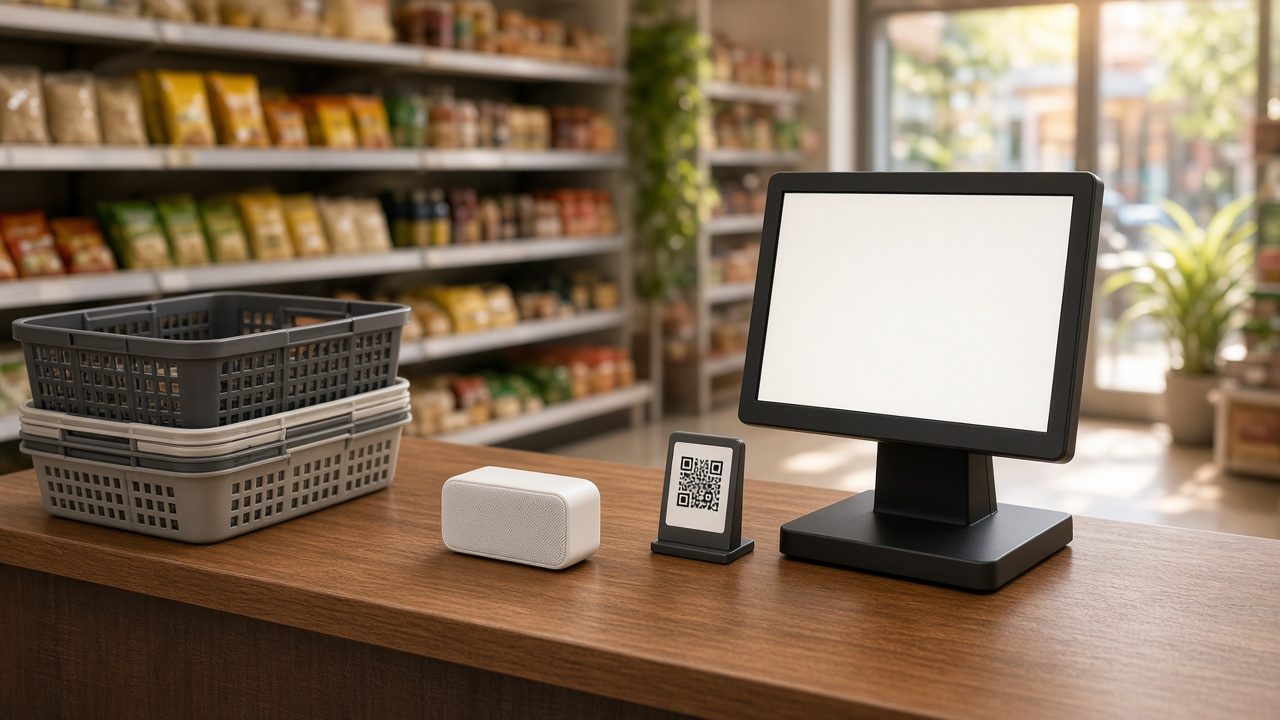
For a busy kirana, medical store, bakery counter or restaurant takeaway window, the device usually earns its keep in fewer arguments, not in extra sales. It helps most when several people work the same counter, when the shop is noisy, and when customers flash a screenshot before the payment has gone through.
It is less useful if you take only a handful of UPI payments a day and already watch the merchant app on every sale. Adding a new speaker for every new QR sticker also gets expensive, so consolidate to one merchant QR that staff actually use. A soundbox will not rescue weak billing habits: if bills are written after the customer has left, or if UPI is recorded as cash because that button is faster, the speaker cannot fix the books.
Use Caddayn Biller alongside the soundbox
Once the speaker has done its job, the sale still needs a proper invoice. Caddayn Biller handles that shop-floor work: GST billing, item and stock records, and payments marked as UPI, card or cash, including a split on the same bill. Customer balances can be updated when someone pays later, and you can review the day’s collections instead of reconstructing them from chat screenshots. The Windows app and the web app are on the Caddayn downloads page.
Frequently asked questions
Does a UPI soundbox create a GST invoice?
No. The device only announces a successful UPI credit. You still need billing software to issue the tax invoice or bill of supply.
If I have a soundbox, are my UPI payments free?
Not necessarily. Device rental is one cost; MDR on payments above Rs 2,000, if it applies to your merchant category, is another. Small merchants in the P2PM category described in the government FAQ continue to have zero MDR. Ask your provider which category you are in.
Can customers pay from any UPI app?
Usually yes, as long as they scan the merchant QR linked to your device. The soundbox then announces that QR’s successful credits. Payments made to a different provider’s QR, or to a personal UPI ID, may not be announced on that same speaker.
What should I do if the soundbox does not speak?
Check that it is charged, that the volume is up, and that the SIM has network. Then look at the merchant app or bank credit before you release the goods. Silence is not proof of failure — the speaker can miss a beat — and a screenshot is not proof of success.
Can I rely on the soundbox instead of billing software?
No. The box cannot tell you which items were sold, what tax applies, or whether a payment cleared an old due. Use it as a confirmation aid, and keep every UPI rupee tied to a bill.
A UPI soundbox is worth fitting on a busy Indian counter because it cuts the “did it come?” argument down to a few seconds. Pair it with one shop QR, a habit of billing first and marking UPI against that bill, and a short day-end match against the settlement.
This article is general shop-floor guidance, not tax, legal or banking advice. Confirm current charges and your account classification with your bank or payment provider, and review invoicing with your CA.