
If you run a shop, a wholesale business or a small distribution firm in India, there’s a good chance your accountant has asked you to pick between two familiar names. This Tally vs Busy guide compares TallyPrime and BUSY the way a business owner would: how deep the accounting goes, how well each handles stock, how GST work gets done, and how the licences are sold. It also explains why many retailers end up running a POS-first billing system alongside, or instead of, either one.
This is a neutral comparison. Both are mature, widely used Indian accounting products, and either can be the right choice. The aim is to help you match the tool to the way your business actually works.

Tally vs Busy at a glance
Before the detail, here is the short version of how the two products differ in approach. Editions and features change from time to time, so confirm the current details on the official TallyPrime plans page and the BUSY plans page before you buy.
| Point | TallyPrime | BUSY |
|---|---|---|
| How editions are split | By user access: Silver for one PC, Gold for multiple users on a network, and a Server option for larger teams. Tally says every plan carries the full feature set. | By features: Basic, Standard and Enterprise, with GST returns, batch and expiry, POS screen and production in Standard, and multi-branch and multi-GSTIN in Enterprise. |
| Typical first user | Accountants and CA firms, and businesses whose accountant already works in Tally. | Traders, distributors and small manufacturers who want stock-heavy features in the edition they buy. |
| Updates and support | Through a yearly Tally Software Services (TSS) renewal. | Through a yearly BUSY licence service renewal. |
| Where it runs | Windows desktop, with optional remote and connected services. | Windows desktop, with optional online access and a mobile app. |
| Fast counter billing | Possible, but the screens are built around vouchers and accounting entries. | Standard and above list a POS screen for fast billing. |
Accounting depth: where Tally has the edge
Tally’s biggest strength is how comfortable accountants are with it. Most commerce graduates and CA articles in India learn on Tally, so the voucher entry, keyboard shortcuts and reports feel familiar to them. If your books are written up by an outside accountant who visits once a week, or your CA’s office imports your data for filing, Tally usually means fewer questions and less retraining.
Both products cover the full double-entry cycle: sales, purchases, receipts, payments, journals, bank reconciliation, outstanding reports, and the final profit and loss account and balance sheet. Both support multiple companies and multiple financial years. In daily use, the difference is less about what is possible and more about who will operate the software.
Questions to ask about accounting
- Who will post entries every day: you, a staff member, or your accountant?
- Does your CA want data in a specific format for GST returns and audit?
- Do you need cost centres, budgets or multi-currency, or just clean books?
- How many people need to enter data at the same time?

Inventory and stock: where BUSY is often preferred
BUSY has long been popular with traders and distributors because its stock features are laid out clearly by edition. Its Standard edition lists multiple units per item, batch-wise inventory with manufacturing and expiry dates, orders and quotations, and bill of materials for production. The Enterprise edition adds multi-branch management with head office and branch data merging. For a medicine distributor, an FMCG stockist or a hardware wholesaler, that list maps closely to daily work.
TallyPrime also handles godowns, batches, expiry dates, reorder levels, bill of materials and several stock valuation methods. The practical difference is that BUSY tends to put these options on the surface for trading businesses, while Tally keeps them behind configuration that an experienced user switches on.
A worked example
Take an illustrative Kozhikode distributor supplying 150 grocery shops, with two godowns, around 2,000 items and goods arriving in batches with expiry dates. The owner’s daily worries are stock transfers between godowns, near-expiry items and which salesman’s beat owes money. BUSY’s trading-focused features fit this pattern well. Now take a Thrissur CA firm keeping books for 40 small clients. Here Tally’s familiarity and data exchange with clients usually matters more than stock features.
GST, e-invoicing and compliance
On compliance, the two are close. Both generate GST-compliant invoices, handle HSN codes and tax rates, prepare GSTR-1 and GSTR-3B data, and support e-invoicing and e-way bills for businesses that need them. Both also offer reconciliation with supplier data from the GST portal. With BUSY, check that the edition you buy includes GST returns, because BUSY positions its Basic edition for non-GST businesses.
The real compliance risk is rarely the software itself. It is wrong item masters: the wrong HSN code, a tax rate that was not updated, or B2B sales entered without the buyer’s GSTIN. Whichever product you choose, spend your first week getting item and party masters right. Our guides on how to choose retail ERP software and retail ERP software in India cover how to check this during a demo.

Licensing and upgrades: what to clarify before you pay
The two companies sell in different ways, and that affects what you pay over five years. Tally separates its plans mainly by the number of users and PCs, and says all plans carry the full feature set. BUSY separates its editions mainly by features, so a business that later needs batch tracking, production or multi-branch work may need to move up an edition. Both offer one-time licences along with yearly renewals for updates, and both have subscription or rental options.
Ask your dealer for these points in writing:
- Which edition and how many users the quote covers.
- Whether the licence is one-time or a subscription, and the renewal period for updates.
- What stops working if you skip a renewal. Statutory GST updates are the usual concern.
- Whether remote access, mobile apps and cloud backup cost extra.
- How data is exported if you switch later.
We don’t quote prices here because they change and dealers often bundle installation, training and support. Compare the full quote, not just the licence line.
Why many retailers add a POS-first system
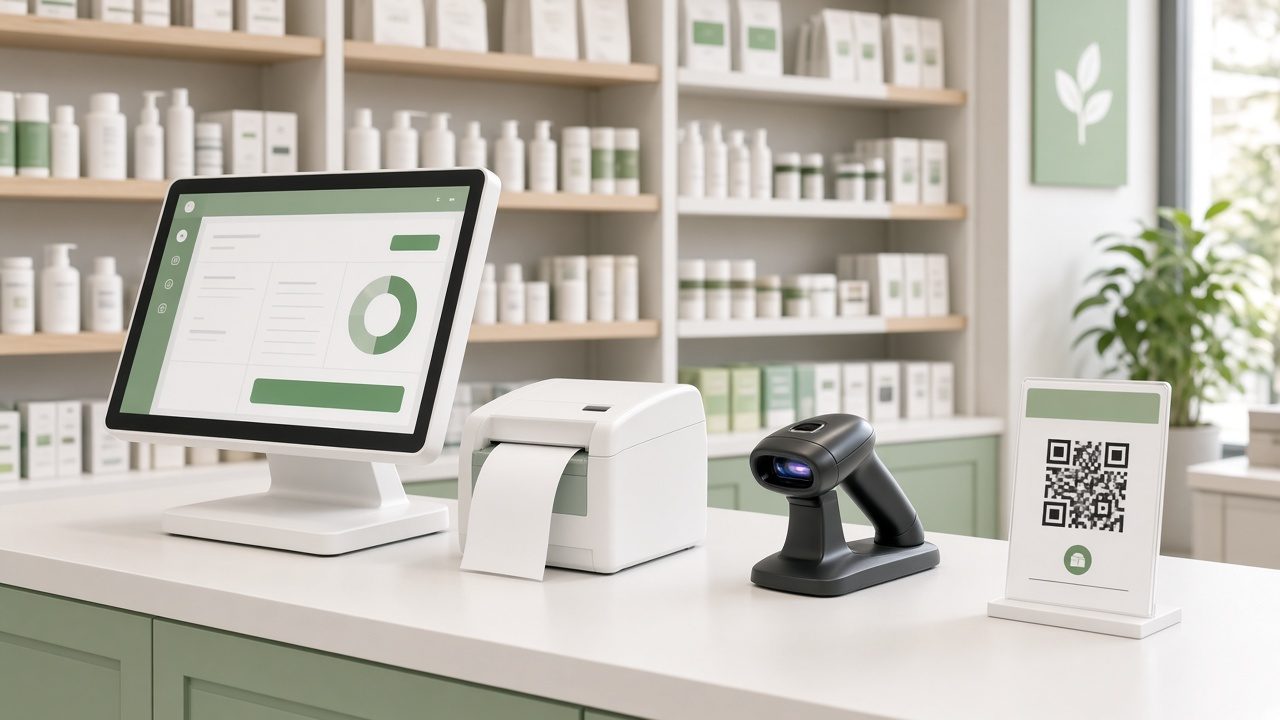
Here is the part most Tally vs Busy comparisons skip. Both are accounting-first products. They are excellent at producing correct books, but a busy retail counter needs different things: scanning a barcode and printing a bill in seconds, taking UPI, card and cash on the same bill, applying a price list or loyalty points, and alerting the owner when fast-moving items run low. When a supermarket, pharmacy or restaurant forces its counter staff to work in an accounting screen, queues grow and staff start writing bills by hand during rush hours.
That’s why many shops use a retail POS for billing and stock and send summarised data to their accountant, or switch to an all-in-one system that does both. We compare these two set-ups in Tally plus a separate POS vs an all-in-one retail system. If you are already on one of these products and feeling the strain at the counter, see our guides to a Tally alternative for retail shops and a BUSY software alternative for retail.
Signs your counter has outgrown accounting software
- Customers wait while staff search for items by name instead of scanning barcodes.
- Day-end cash, UPI and card totals never match without manual work.
- Stock figures are only reliable after the accountant posts entries at month end.
- You run two or more counters or branches and can’t see live sales from your phone.
- Restaurant orders go to the kitchen on paper because there is no KOT flow.
How to decide: a simple checklist
- List who uses the software daily. If it’s mainly your accountant, lean towards whatever they work in fastest. That’s often Tally.
- Write down your stock reality. Count your items and godowns, and note whether you track batches, expiry dates or production. Heavy trading and distribution needs often point to BUSY.
- Check counter speed separately. If you bill walk-in customers all day, test a real billing run with barcodes and UPI before you decide.
- Ask for a demo with your own data. Bring 50 real items, five real customers and a GST invoice from last month. Our retail software demo checklist lists what to test.
- Plan the data flow. Decide whether the counter, the books, or both will live in one system, and who moves data between them.
Where Caddayn Biller fits
If your business is mainly counter sales, such as a supermarket, pharmacy, restaurant, textile or hardware shop, Caddayn Biller is built POS-first. It covers barcode billing, GST billing, inventory with low-stock and reorder alerts, multi-branch, price lists, UPI, card and cash payments, and customer loyalty, on both a Windows app and a web app. Vertical versions add restaurant KOT and table billing, and batch and expiry tracking for pharmacies. You can download Caddayn Biller and try it with your own items before deciding how it should sit next to your accounting.
Frequently asked questions
Is Tally or Busy better for a small retail shop?
For pure bookkeeping, either works, and many shop owners choose whatever their accountant prefers. For fast counter billing with barcodes and mixed payments, a dedicated retail POS is usually more comfortable than either, with accounting handled in Tally or BUSY or in the same system.
Which is better for inventory, Tally or Busy?
Both handle godowns, batches and expiry dates. BUSY is often preferred by traders and distributors because its stock-heavy features are laid out clearly by edition. Tally can do much of the same but needs more configuration.
Can I move my data from Tally to Busy, or the other way?
Masters such as ledgers and items can usually be exported to Excel and imported, but transaction history is harder to move. Most businesses carry over masters and opening balances at the start of a financial year. Ask the new vendor exactly what they will migrate.
Do both support GST e-invoicing and e-way bills?
Yes, both support e-invoicing and e-way bill generation. With BUSY, check that your edition includes these. With Tally, keep your update renewal active so statutory changes reach you.
Can I use a POS for billing and Tally or Busy for accounts?
Yes. Many retailers do exactly that. The key is agreeing how sales, purchases and payments will reach the books, and how often, so that stock and GST figures match.