
Markup vs margin is one of the most common sources of pricing mistakes in Indian shops. Both numbers describe the same rupees of profit, but markup measures that profit against your purchase cost, while margin measures it against your selling price. Mix them up and a shop that “adds 30%” on every item ends up earning far less than the 30% the owner has in mind. This guide explains the difference in plain terms, gives you both formulas, a ready conversion table, and a step-by-step way to set selling prices from cost in your billing system.
Markup vs Margin: The Core Difference
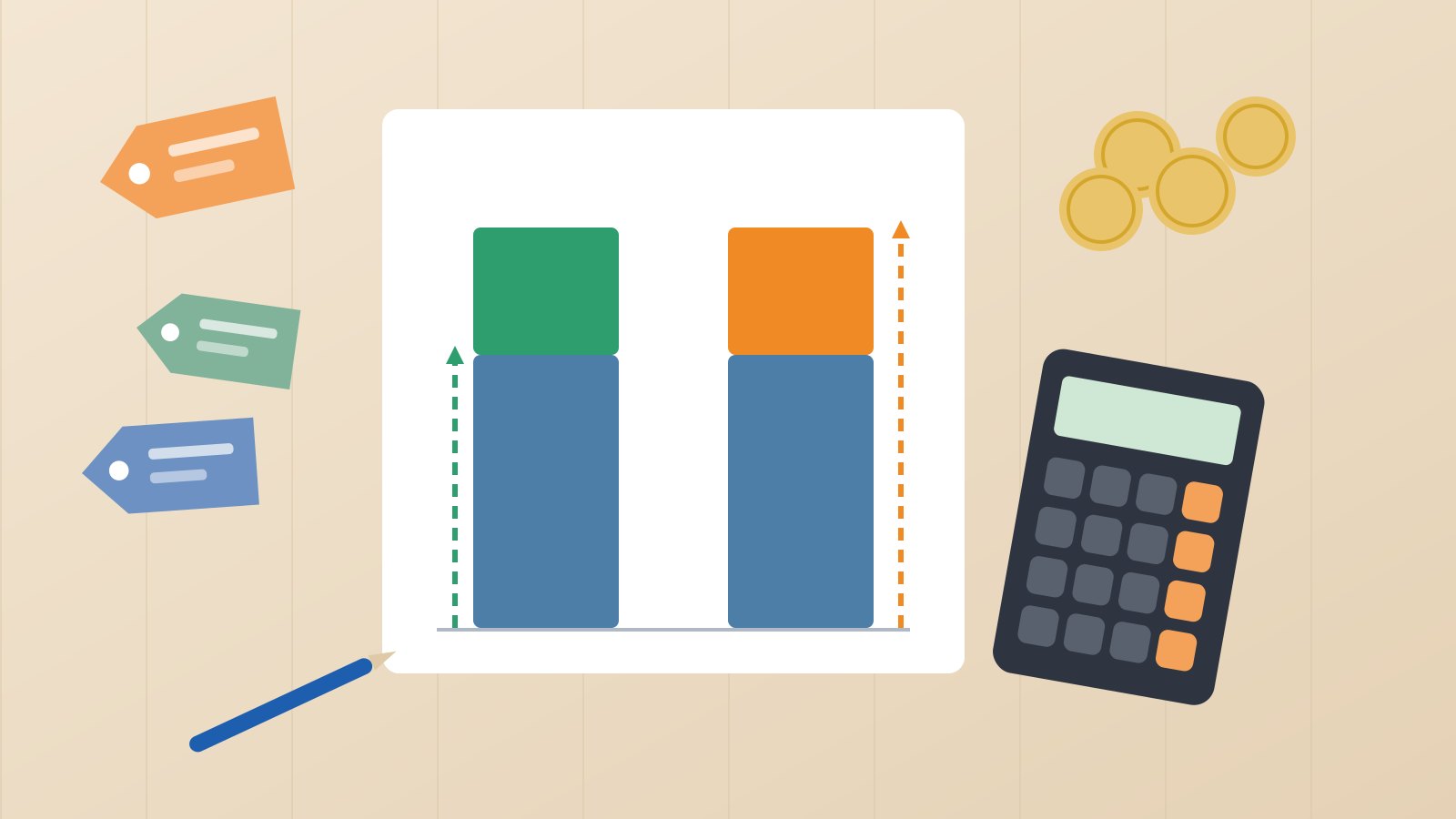
Take a simple example. You buy a pack of biscuits from your distributor for ₹80 (before GST) and sell it for ₹100 (before GST). Your gross profit is ₹20 on that pack.
- Markup asks: how much did I add on top of my cost? ₹20 on a cost of ₹80 = 25%.
- Margin asks: how much of every rupee I collect is profit? ₹20 out of a price of ₹100 = 20%.
The profit is identical. Only the base changes. Because the selling price is always bigger than the cost (when you are making a profit), margin is always the smaller of the two percentages. That single fact explains most of the confusion at shop counters and in conversations with suppliers.
Why the difference matters for a shop owner
Your rent, salaries, electricity and software costs are paid out of the money you collect from customers, that is, out of sales. So when you plan whether a product line can cover your expenses, margin is the number that tells you the truth. Markup is simply the most convenient way to set a price when you are looking at a purchase bill. A healthy pricing habit uses markup to calculate the price and margin to check whether that price is good enough.
Markup and Margin Formulas (with Worked Examples)
Here are the four formulas you will actually use. In every case, use prices without GST (more on that below).
1. Markup percentage
Markup % = (Selling price − Cost) ÷ Cost × 100
Example: a steel water bottle costs you ₹240 and you sell it for ₹330. Profit is ₹90. Markup = 90 ÷ 240 × 100 = 37.5%.
2. Margin percentage
Margin % = (Selling price − Cost) ÷ Selling price × 100
Same bottle: 90 ÷ 330 × 100 = 27.3%. So a 37.5% markup gives you a little over 27% margin.
3. Selling price from cost and markup
Selling price = Cost × (1 + Markup % ÷ 100)
If a notebook costs ₹42 and you want a 30% markup: 42 × 1.30 = ₹54.60. You might round this to ₹55 on the shelf.
4. Selling price from cost and target margin
Selling price = Cost ÷ (1 − Margin % ÷ 100)
If you want a 30% margin on the same ₹42 notebook: 42 ÷ 0.70 = ₹60. Notice the gap: “30%” as markup gives ₹54.60, while “30%” as margin needs ₹60. On one notebook that is ₹5.40; across a few thousand units in a season it is real money.
Converting between the two
- Margin = Markup ÷ (1 + Markup) (use decimals, so 25% = 0.25). Example: 0.25 ÷ 1.25 = 0.20, that is 20%.
- Markup = Margin ÷ (1 − Margin). Example: 0.20 ÷ 0.80 = 0.25, that is 25%.
Markup to Margin Conversion Table
Print this and keep it near your billing desk. All values are rounded to two decimals.
| Markup on cost | Margin on selling price |
|---|---|
| 10% | 9.09% |
| 15% | 13.04% |
| 20% | 16.67% |
| 25% | 20.00% |
| 30% | 23.08% |
| 33.33% | 25.00% |
| 40% | 28.57% |
| 50% | 33.33% |
| 60% | 37.50% |
| 75% | 42.86% |
| 100% | 50.00% |
And the reverse, when you know the margin you need and want the markup to apply on cost:
| Target margin | Markup needed on cost |
|---|---|
| 10% | 11.11% |
| 15% | 17.65% |
| 20% | 25.00% |
| 25% | 33.33% |
| 30% | 42.86% |
| 35% | 53.85% |
| 40% | 66.67% |
| 50% | 100.00% |
A useful rule of thumb from the table: doubling your cost (100% markup) gives you a 50% margin, never 100%. A margin can never reach 100% unless the item cost you nothing.
How GST Affects Markup and Margin
GST you collect from customers is not your income. It is passed on to the government after adjusting the input tax credit on your purchases. So if you include GST in your calculation, your margin looks better than it really is.
Illustrative example: a product carries 18% GST. Your purchase bill shows ₹80 taxable value plus GST, and you sell at ₹118 including GST. Many owners calculate (118 − 80) ÷ 118 and feel happy with a 32% margin. The correct way is to first remove GST from the selling price: ₹118 ÷ 1.18 = ₹100 taxable value. Now margin = (100 − 80) ÷ 100 = 20%, and markup = 20 ÷ 80 = 25%. If you sell at MRP-inclusive prices, our guide on how to calculate GST from the total amount shows the back-calculation step by step. For current rates on a specific item, check the official CBIC GST portal.
One exception: if you are not registered under GST or you cannot claim input tax credit, the GST you pay on purchases becomes part of your real cost. In that case, use the full purchase amount including GST as your cost.
Common Pricing Mistakes Shops Make
Treating a supplier’s “margin” as markup
Distributors in FMCG and pharma often quote a “retailer margin” calculated on MRP or on the selling price. If you assume it is markup on cost, your expectations will be higher than reality. Always ask: margin on what base?
Giving discounts without recalculating margin
Discounts eat margin much faster than most owners expect. Take an item costing ₹80 sold at ₹100 (25% markup, 20% margin). A 10% festival discount brings the price to ₹90. Profit drops from ₹20 to ₹10, and margin falls from 20% to about 11.1%. You gave away 10% of the price, but half of your profit. Before running an offer, calculate the margin at the discounted price.
Using the same markup for every category
Fast-moving staples, slow-moving gift items and perishables behave very differently. A flat markup ignores wastage, expiry and how long stock sits on the shelf. Items that move slowly tie up cash, so they usually need a higher margin; see our notes on category-wise supermarket margins for how this plays out across a store.
Forgetting the MRP ceiling
In India you cannot charge more than the MRP printed on a pre-packed product. When your cost goes up but the MRP stays the same, your margin shrinks silently. Check new purchase bills against MRP, especially after a supplier price revision.
Not updating prices when cost changes
If you received the last batch at a higher rate and keep selling at the old price, your actual margin is lower than your shelf labels suggest. Revisit the price whenever a purchase rate changes noticeably.
Setting Selling Price from Cost in Your Billing Software
Manual calculation is fine for a handful of items. Once you stock hundreds or thousands of SKUs, you need a routine that your billing system supports. Here is a practical process.
- Decide your target margin per category. Write down the margin each category must earn to cover its share of expenses. Use the reverse table above to turn it into a markup.
- Enter purchase cost without GST. When you record a purchase, make sure the item’s cost is the taxable value, and that the GST rate on the item master is correct.
- Calculate the selling price from cost. Apply the markup, then round to a sensible shelf price (₹55 instead of ₹54.60). Rounding up slightly improves margin; rounding down reduces it, so be deliberate.
- Use price lists for different customers. Retail, wholesale and regular B2B buyers often pay different prices. Keep a separate price list for each instead of editing prices at the counter.
- Print labels from the same data. Barcode labels printed from the item master make sure the shelf price and the billed price match.
- Review margin every month. Compare your sales value with the cost of goods sold (both without GST). If margin is slipping, look at discounts, cost increases and items stuck at MRP.
Pricing decisions also feed into your books. If you want to see how gross margin flows into your profit and loss and cash planning, read our guide to accounting and finance in ERP. And if you are weighing whether better pricing control justifies a proper billing system, our article on the ROI of retail POS software walks through where shops usually recover the cost.
Try It on Your Own Counter
Caddayn Biller gives you GST and barcode billing, inventory with low-stock and reorder alerts, units of measure and price lists for retail and wholesale customers, so each pricing decision you make from cost is applied the same way on every bill. It runs as a Windows app and a web app. Download Caddayn Biller and set up a few of your top-selling items with their cost and price to see how it fits your shop.
Frequently Asked Questions
Is markup always higher than margin?
Yes, whenever you sell at a profit. Markup divides the profit by the smaller number (cost), while margin divides it by the larger number (selling price), so the markup percentage is always higher.
What markup gives a 25% margin?
A markup of 33.33% on cost. For example, an item costing ₹75 sold at ₹100 gives ₹25 profit, which is 33.33% of cost and 25% of the selling price.
Should I calculate margin with or without GST?
Without GST, if you are registered and claim input tax credit. GST collected on sales belongs to the government, so including it inflates your margin.
Can margin be more than 100%?
No. Margin is a share of the selling price, so it can approach but never reach 100%. Markup, on the other hand, can be 100%, 200% or more.
Which number should I track for my business?
Use markup to set prices quickly from purchase cost, and track margin to judge profitability, because your expenses are paid from sales.