
If you run a small factory, workshop or food-processing unit, you have probably felt the moment when spreadsheets and a basic billing app stop keeping up. Choosing an ERP for small manufacturing business needs is different from choosing retail software: you are not just selling finished goods, you are turning raw materials into products, sending material out for job work and tracking costs that change with every batch. This guide explains what a small manufacturer in India should look for, how to test it before you buy, and the mistakes to avoid.
Why Small Manufacturers Outgrow Billing Software
Most small units start with a GST billing tool and an Excel sheet for stock. That works while you make a handful of products from a few raw materials. The cracks appear when:
- You cannot say how much raw material is actually left, because consumption is never entered when production happens.
- The cost of a finished product is a guess, so you are not sure whether a large order is profitable at the rate the buyer wants.
- Material sent to a job worker for cutting, polishing, printing or stitching is tracked on paper challans, and some of it simply goes missing from the books.
- Purchase is done in one unit (kg, metre, roll) but production uses another (grams, pieces, sheets), and nobody converts it the same way twice.
- The owner is the only person who knows what is in production today, so every customer call about delivery dates goes to one phone.
An ERP brings purchase, stock, production, sales and accounts into one system, so a production entry automatically reduces raw material and adds finished goods, and the sales bill already knows what is available to sell. If you are new to the term, our simple guide on what ERP software is covers the basics.
Core Features in an ERP for Small Manufacturing Business Owners
You do not need a large-enterprise system with dozens of modules. You need the handful of features that match how goods actually move through your unit.
1. Bill of Materials (BOM)
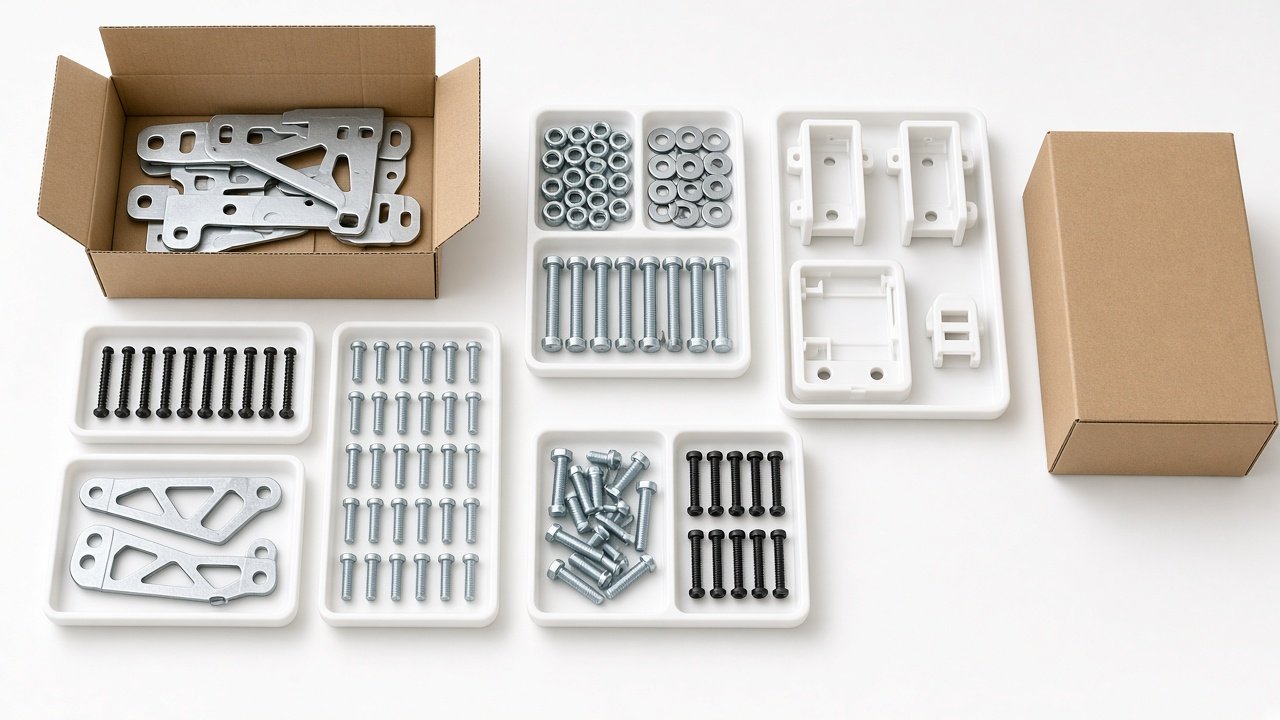
The BOM is the recipe for each product: which raw materials, components and packing materials go into one unit, and in what quantity. A good BOM screen lets you define standard quantities, allow for normal wastage and, if you make products in stages, set up sub-assemblies. Without a BOM, the system cannot work out consumption or cost, so this is the first thing to check.
2. Production entries
When a batch is completed, someone should be able to record “50 units of product X made today”. The software should then reduce raw material stock as per the BOM, add 50 finished units, and let you adjust if actual consumption differed (for example, if extra material was spoilt). Ask whether the entry is simple enough for a supervisor to make on the shop floor, not just for an accountant at the end of the month.
3. Raw material and finished goods stock
Raw material, work in progress and finished goods should appear as separate stock positions. Look for reorder levels and low-stock alerts on raw materials, so you are not stopping a production run because one component ran out. Batch numbers matter if you are in food, chemicals, cosmetics or anything where you may need to trace which raw material lot went into which finished batch.
4. Units of measure and conversions
You may buy steel in kg and use it in pieces, buy fabric in rolls and cut it in metres, or buy oil in tins and dispense it in litres. The ERP must handle purchase units, stock units and consumption units with fixed conversion factors, otherwise your stock figures will drift every month.
5. Job work tracking
Many small manufacturers in India send material out to a job worker for one process and get it back. Under GST, inputs sent for job work generally have to come back within one year (three years for capital goods) under Section 143 of the CGST Act, and you report these movements in Form ITC-04. Your software should let you issue a delivery challan to the job worker, keep track of material lying with them, and receive it back against that challan. Our post on delivery challan software explains how challans differ from tax invoices. Confirm filing frequency and details for your turnover with your CA or on the GST portal.
6. GST billing and purchase
Sales invoices with correct HSN codes and tax rates, purchase entries that capture input tax credit, and the standard GST reports are basic requirements. If you sell to other businesses across states, check that the software handles IGST versus CGST and SGST automatically based on the place of supply.
7. Costing and reports
At minimum, you should be able to see material cost per unit from the BOM and purchase rates, raw material consumption for a period, stock valuation, and sales by product and customer. Those four reports answer the questions that matter most: what does this product cost me, where did my material go, what is my stock worth, and who buys what.
A Simple Example: A Small Unit in Coimbatore or Kochi
Here is an illustrative example (made up for this guide, not a customer story). A small unit makes steel kitchen racks. Each rack needs four steel pipes, two mesh shelves, a set of screws and a carton. Pipes are bought in kg, shelves come from a job worker who does powder coating, and cartons are bought in bundles of 100.
- Set up the BOM: one rack = 4 pipes + 2 coated shelves + 1 screw set + 1 carton, with a small wastage allowance on pipes.
- Send shelves for coating: issue a job work challan for 200 uncoated shelves. The system now shows 200 shelves “with job worker”.
- Receive them back: record 196 good shelves and 4 rejected. The difference is visible immediately instead of at year-end.
- Record production: enter 90 racks completed. Pipes, shelves, screws and cartons reduce automatically; 90 racks are added to finished stock.
- Bill the dealer: the GST invoice pulls from finished stock, and the reorder alert warns that cartons are running low.
None of these steps is complicated on its own. The value is that they happen in one system, so stock, cost and dues are always up to date.
How to Evaluate an ERP Before You Buy
Feature lists all look similar. The only reliable test is to run your own data through a demo or trial. Use this checklist:
- Bring a real BOM: pick your most complicated product and ask the vendor to set it up during the demo.
- Test a full cycle: purchase raw material, send some for job work, record production, sell finished goods, and check that every stock figure matches.
- Check the shop floor: can a supervisor record production on a phone or a simple screen? If entries wait for the office, stock will always lag.
- Look at reports: ask to see consumption, stock valuation and product-wise sales on the trial data.
- Ask about branches and godowns: if you have a separate warehouse or retail outlet, stock transfers should be simple.
- Understand data migration: how will your item master, opening stock and party balances move in?
- Clarify support: who helps your staff in the first month, and in which language?
For a broader framework that also applies to manufacturers, read how to choose ERP software without getting overwhelmed, and see our ERP modules list to understand which modules you actually need.
Common Mistakes Small Manufacturers Make
- Buying for the future factory, not today’s: a system with MRP, shop-floor scheduling and quality modules is wasted if nobody enters basic production data yet. Start with BOM, stock and billing, then add modules.
- Skipping the item master clean-up: duplicate raw material names (“MS pipe 1 inch”, “1in MS Pipe”) will break consumption reports. Clean the list before go-live.
- Not entering wastage: if actual wastage is never recorded, the system will show stock that does not physically exist.
- Going live in the busiest season: plan the switch during a quieter month. Our guide on ERP implementation steps walks through a low-disruption rollout.
- Keeping a parallel Excel forever: run both for a few weeks to build confidence, then stop the spreadsheet so there is one source of truth.
Where Caddayn Manufacture Fits
Caddayn offers a dedicated Manufacture ERP alongside its retail and other vertical products. The Caddayn Manufacture page lists bill of materials, production scheduling, raw material and batch tracking with barcode scanning and reorder alerts, quality checks and production reports. Because it sits on the same platform as Caddayn Biller, it also brings GST billing, inventory, multi-branch support, units of measure and price lists, and it is available as a Windows app and a web app. You can compare it with the other industry versions on the Caddayn products page.
The best way to judge fit is to test it with your own BOM and a real production cycle. Download Caddayn Biller or ask the team for a Manufacture demo and run the checklist above on your own products.
Frequently Asked Questions
Do I need an ERP if I only make five or six products?
Not always. If you have few raw materials and no job work, a good billing and inventory tool may be enough. An ERP becomes worthwhile once you need consumption tracking, product costing or job work records that a billing app cannot handle.
What is the difference between a BOM and a recipe?
They are the same idea. Restaurants and food units call it a recipe; factories call it a bill of materials. Both list the inputs and quantities needed to make one unit of output.
Can an ERP handle GST on job work?
A suitable ERP can issue job work challans, track material lying with job workers and give you the data you need for Form ITC-04. Rules on timelines and filing frequency should be confirmed with your CA, as they can change.
Should I choose cloud or desktop ERP for a small factory?
Desktop software works well when everything happens in one location with a stable office PC. A web or cloud version helps when the owner, a godown and the factory floor need to see the same data. Many small units use both, with the office on desktop and supervisors on a browser.
How long does it take to start using a manufacturing ERP?
It depends mostly on how clean your item master and BOMs are. A small unit with a ready product list can usually start billing and stock quickly, then add production entries and job work once staff are comfortable.