
Low-stock alerts in retail billing software sound like an automatic cure for empty shelves. In real shops, alerts only help when reorder levels are realistic, someone owns the review ritual, and purchases close the loop the same day goods arrive. This guide shows how to make inventory alerts actionable inside POS/billing workflows used by Indian retail teams.
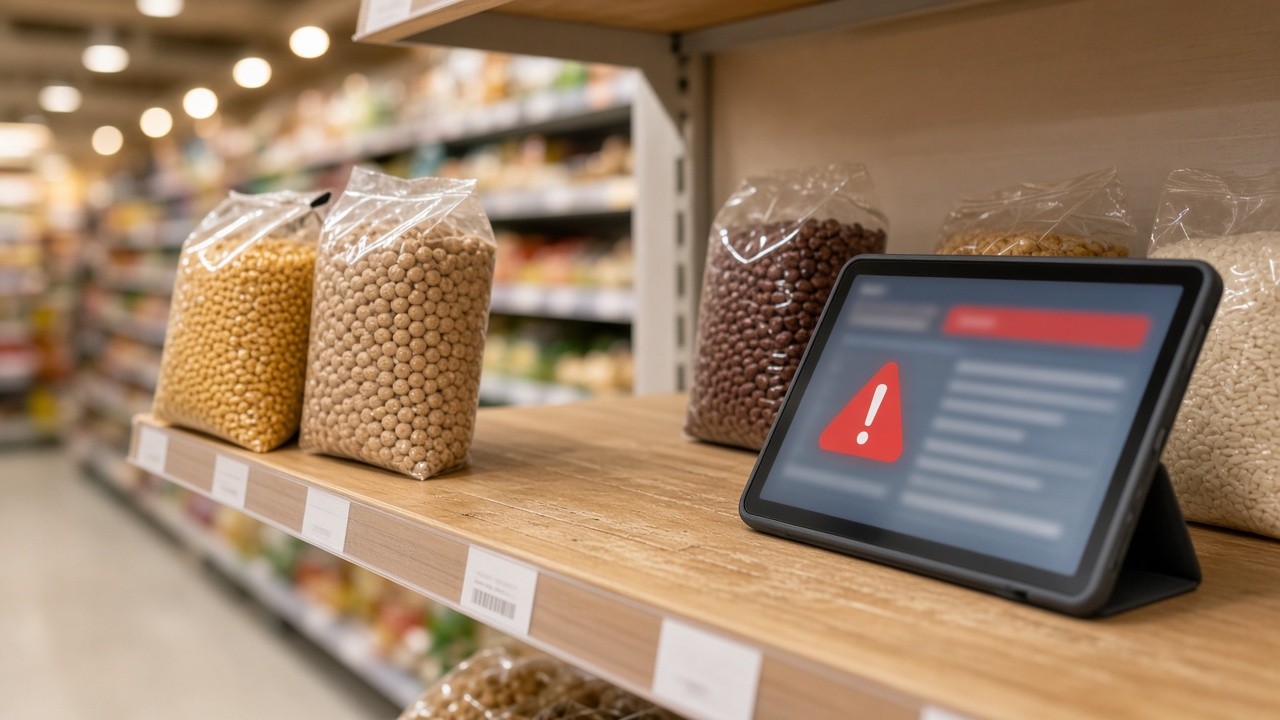
Why low-stock alerts fail on the ground
- Every SKU gets a random reorder point, creating notification noise
- Alerts go to a shared inbox nobody checks
- Purchases are entered late—or never—so stock was wrong before the alert fired
- Physical counts are rare, so the baseline is fiction
- Multi-branch shops page the wrong manager because location is ignored
Inventory fundamentals: inventory management with POS. Selection traps: mistakes when choosing retail POS. If you are still on a billing app without stock discipline, read billing app vs retail ERP.
A practical setup sequence that works
- List your top 50 fast-movers (not the full catalogue)
- Set reorder levels only on those items first
- Assign one named owner for daily or weekly alert review
- Receive purchases into software the same day goods arrive
- After two stable weeks, expand levels to mid-movers
- Review dead stock separately—alerts will not fix items you should stop buying
Kirana-style shops can start even smaller—top 20 SKUs—see kirana billing software. Supermarkets may need department owners—see supermarket billing software.
What to verify in software demos
| Check | Pass if… |
|---|---|
| Reorder fields | Per-item (and per-location if multi-store) levels exist |
| Alert visibility | Clear list/report, not buried three menus deep |
| Sale impact | Billing reduces stock immediately |
| Purchase receive | Supplier bills/GRN increase the right stock |
| Negative stock policy | Behaviour is explicit and trainable |
| Roles | Cashiers cannot silently wreck masters |
Also ask about offline behaviour if connectivity is uneven—offline vs cloud POS—because delayed sync can create false urgency or missed alerts if misunderstood.
Purchasing is half of the alert system
An alert without a purchase habit is just anxiety. Your operating loop should be:
- Alert fires on a fast-mover
- Owner confirms shelf reality with a quick check
- Purchase order / purchase bill is raised
- Goods arrive and are received in software
- Alert clears because stock truth improved—not because someone muted notifications
Wholesale/distribution-leaning shops should also think in godown vs counter quantities—location-aware stock matters. Multi-store patterns: multi-outlet POS software, second-store software checklist.
Metrics that tell you alerts are working
- Fewer “fast-mover stockouts” per week
- Lower emergency purchase frequency
- Higher match between software stock and spot counts
- Less time spent on manual “what should we order?” meetings
If those metrics do not move after 30 days, the problem is process ownership—not a missing colour theme in the UI. ROI thinking: ROI of retail POS.
How Caddayn fits this conversation
Inventory with low-stock style controls is part of Caddayn’s retail positioning in Caddayn Biller / retail billing & ERP. After go-live, configure levels deliberately. Do not enable everything on day one. Bring your top movers to request a demo demos and ask to see sale → alert → purchase receive as one story.
More guides: retail POS & GST guides index, retail billing software price in India, GST billing for retail shops.
Frequently asked questions
Should every SKU have a low-stock alert?
No. Start with fast-movers; expand later.
Are alerts a substitute for stock counts?
No. Alerts amplify a truthful baseline—they cannot create one.
Daily or weekly review?
Daily for high-velocity grocery; weekly may work for slower specialty retail.
Can alerts work without barcode purchasing?
Yes, but receiving discipline still matters. Barcode helps speed; process helps truth.
What if staff ignore alerts?
Assign ownership and review the metric weekly. Tools do not replace accountability.
Do I need AI forecasting to benefit?
Not to start. Clean levels and purchase receive already remove most avoidable stockouts.
Extra operating guidance for low stock alerts retail billing
Teams researching low stock alerts retail billing often underestimate the non-software work that decides success. Budget time for master-data cleanup, cashier rehearsals and a quiet go-live window. Create a shared checklist that covers printers, scanners, network failover and who approves discounts after launch. Review the first 50 invoices with your CA or internal reviewer to catch tax-master mistakes early. Document exception paths—power cuts, network drops, rush-hour overrides—so staff do not invent risky shortcuts. These habits matter as much as feature matrices when you compare Caddayn Biller or any other shortlisted system.
Use internal references while you execute: mistakes when choosing retail POS for selection traps, retail billing software price in India for TCO, GST billing for retail shops for GST process context, inventory management with POS for stock discipline, offline vs cloud POS for connectivity planning, and retail POS & GST guides index for the wider guide cluster. If credit sales are part of your model, align dues policy with udhaar / credit ledger billing. If you are expanding footprint, read second-store software checklist and multi-outlet POS software before configuring users. Small shops can still stay lean by following kirana billing software and billing software for small business guidance without buying complexity they will not use this year.
Finally, schedule a 30-day post-launch review. Measure queue time samples, stock variance on top SKUs, number of role violations and how long filing prep takes versus the previous month. If those metrics do not improve, fix process ownership before buying another module. That is how content about low stock alerts retail billing becomes operational improvement instead of another unread bookmark.
Extra operating guidance for low stock alerts retail billing
Teams researching low stock alerts retail billing often underestimate the non-software work that decides success. Budget time for master-data cleanup, cashier rehearsals and a quiet go-live window. Create a shared checklist that covers printers, scanners, network failover and who approves discounts after launch. Review the first 50 invoices with your CA or internal reviewer to catch tax-master mistakes early. Document exception paths—power cuts, network drops, rush-hour overrides—so staff do not invent risky shortcuts. These habits matter as much as feature matrices when you compare Caddayn Biller or any other shortlisted system.
Use internal references while you execute: mistakes when choosing retail POS for selection traps, retail billing software price in India for TCO, GST billing for retail shops for GST process context, inventory management with POS for stock discipline, offline vs cloud POS for connectivity planning, and retail POS & GST guides index for the wider guide cluster. If credit sales are part of your model, align dues policy with udhaar / credit ledger billing. If you are expanding footprint, read second-store software checklist and multi-outlet POS software before configuring users. Small shops can still stay lean by following kirana billing software and billing software for small business guidance without buying complexity they will not use this year.
Finally, schedule a 30-day post-launch review. Measure queue time samples, stock variance on top SKUs, number of role violations and how long filing prep takes versus the previous month. If those metrics do not improve, fix process ownership before buying another module. That is how content about low stock alerts retail billing becomes operational improvement instead of another unread bookmark.
Conclusion
Make low-stock alerts a habit loop—levels, ownership, purchases—not a notification gimmick. That is how retail billing software protects availability without drowning the team in noise.
When you are ready to evaluate a Kerala-rooted retail platform, explore Caddayn Biller, retail billing & ERP, or request a demo with your SKU count, daily bill volume, staff roles and branch plan. Insist on a demo that uses your items—not only a sample catalogue—so you can judge counter speed, stock truth and GST reports under realistic conditions.