
If you run a restaurant with a bar, a juice counter or a mocktail station, you have probably heard staff say “send a KOT” for food and “send a BOT” for drinks. The KOT and BOT difference sounds small, but it decides where an order goes, who prepares it, how a cancellation is controlled and whether every item finally reaches the customer’s bill. This guide explains both tickets in plain terms, shows how they are routed in a typical Kerala restaurant, and gives you a simple checklist to stop the most common leaks.
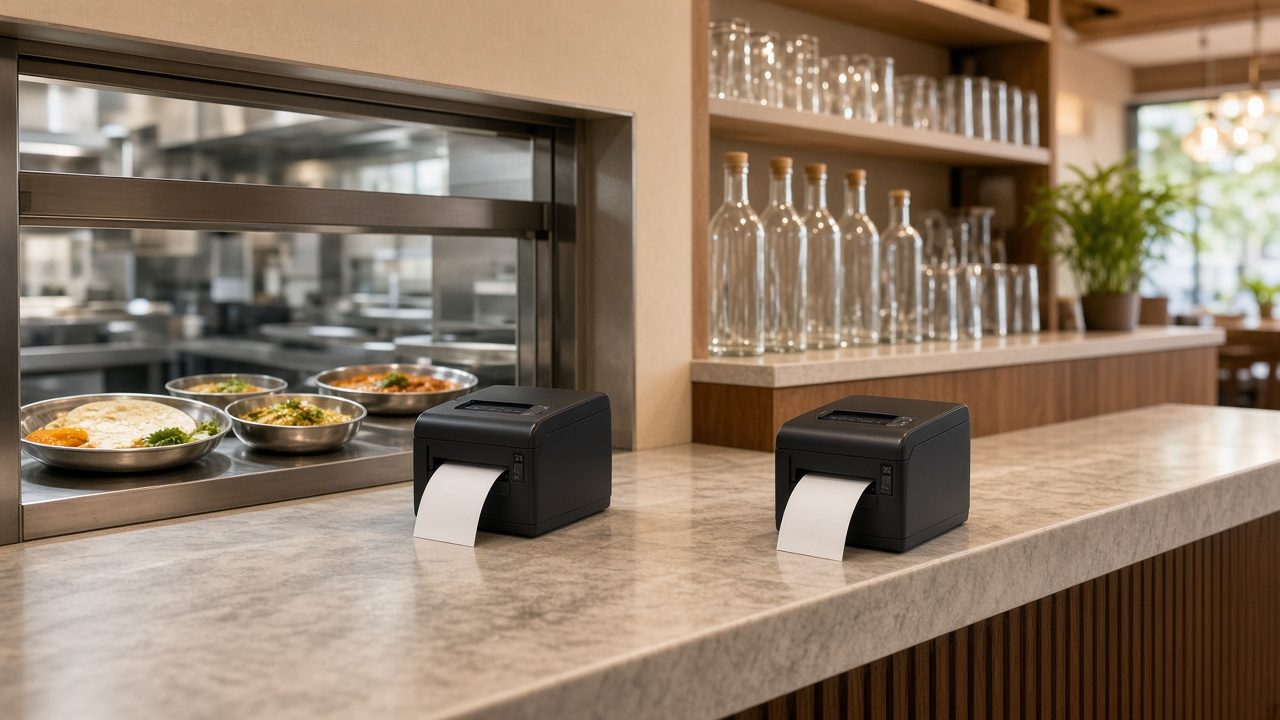
What KOT and BOT mean
KOT stands for Kitchen Order Ticket. It is the slip (printed or on a screen) that tells the kitchen what to cook for a particular table or order. If you are new to the idea, our guide on what a KOT is in a restaurant covers the basics.
BOT stands for Bar Order Ticket (some places call it a Beverage Order Ticket). It does the same job for the bar or beverage counter: it tells the bartender or juice maker what to prepare. In a family restaurant that does not serve alcohol, the “bar” may simply be the counter that makes fresh lime soda, falooda, shakes, tea and coffee. The ticket is still called a BOT.
Neither ticket is a bill. A KOT or BOT is an internal instruction to a preparation area. The customer’s bill (tax invoice or bill of supply) is created later from all the tickets raised for that table.
KOT and BOT difference at a glance
| Point | KOT (Kitchen Order Ticket) | BOT (Bar Order Ticket) |
|---|---|---|
| Goes to | Main kitchen, tandoor, Chinese section, live counter | Bar, beverage counter, juice and mocktail station |
| Typical items | Starters, curries, biryani, breads, desserts cooked in the kitchen | Mocktails, fresh juices, shakes, soft drinks, tea and coffee, and alcoholic drinks where the outlet is licensed |
| Prepared by | Chefs and cooks | Bartender or beverage staff |
| Extra details often printed | Spice level, “no onion”, portion (half/full), course order | Ice or no ice, sugar level, glass size, peg or bottle measure where relevant |
| Timing | Can be held and fired course by course | Usually sent immediately, as drinks go out first |
| Stock link | Ingredients used through recipes | Bottles, cans, syrups and fruit, often counted item by item |
| Tax on the final bill | Decided by the item and the outlet type, not by the ticket. See the note on tax below. | |
What each ticket should contain
Fields common to both
- Ticket number, printed in a running series so a missing number is easy to spot
- Date and time the order was sent
- Table number or order type (dine-in, takeaway, delivery)
- Captain or waiter name
- Item name and quantity, in large, easy-to-read print
- Number of guests, for larger tables
Extra fields that make a KOT useful
The kitchen needs instructions it can act on without walking to the floor: spice level, items to avoid, half or full portion, and whether a dish should be held until the starters are cleared. A KOT that only says “Chicken Fry 2” leaves the cook guessing.
Extra fields that make a BOT useful
Drinks are where small details change the cost. “Lime soda, salt, no ice” and “lime soda, sweet, with ice” use different quantities and take different times. Where your outlet holds a liquor licence, the BOT should also show the measure clearly, because the bar’s stock is usually counted bottle by bottle.
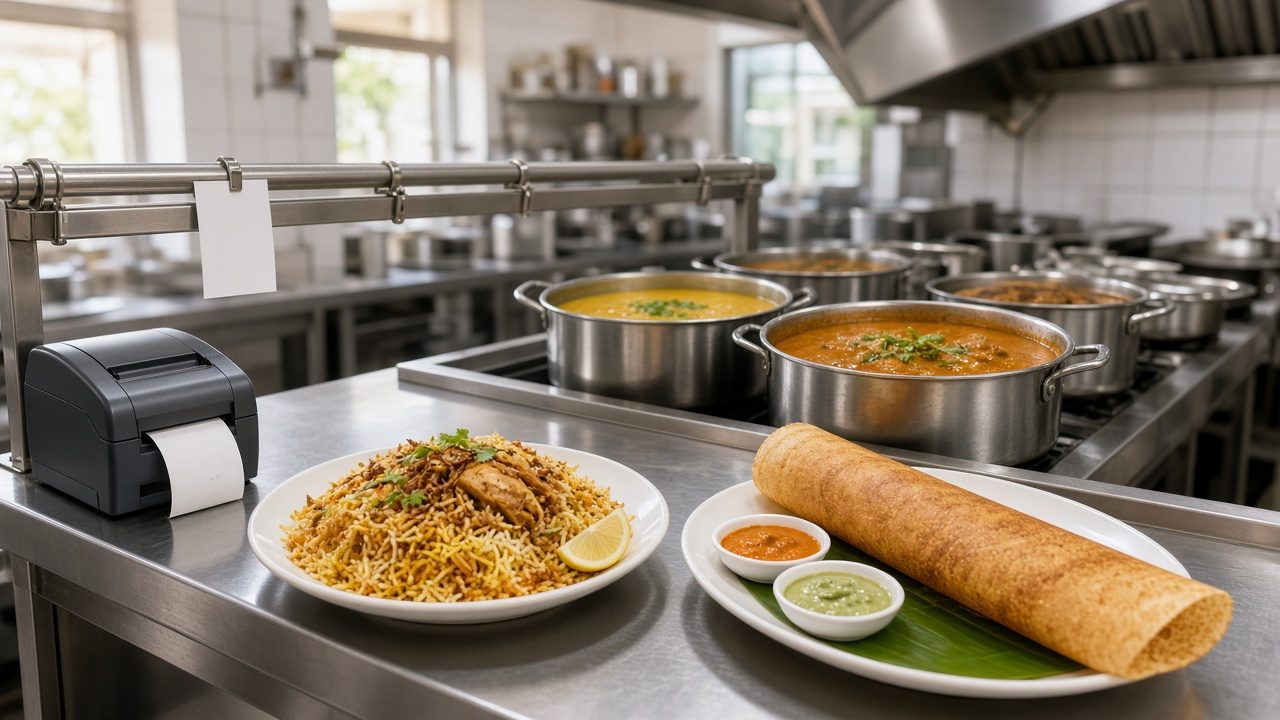
How KOT and BOT routing works in practice
The routing idea is simple: each menu item belongs to a preparation area, and the order goes only to that area. When a captain punches one order with both food and drinks, the system splits it into a KOT for the kitchen and a BOT for the bar.
Example: one table, two tickets
Say a family of four at Table 7 in a Kochi restaurant orders two Kerala parottas, one chicken roast, one veg stew, two fresh lime sodas and one cold coffee. The captain enters everything once. The kitchen printer receives a KOT with the parottas, chicken roast and veg stew. The bar printer receives a BOT with the two lime sodas and the cold coffee. Nobody has to shout across the floor, and each team sees only what it has to make.
Later the table asks for one more cold coffee. That goes out as a new BOT with its own number, linked to the same Table 7. When the guests ask for the bill, all the KOTs and BOTs for Table 7 are pulled into one bill.
Setting up routing in a POS
- List your preparation areas. Main kitchen, tandoor, bar, juice counter, dessert counter. Keep it to the areas that actually have separate staff.
- Assign every menu item to one area. Go category by category. Be careful with items that sit in between, such as falooda or ice cream: decide once where they are made and stick to it.
- Connect a printer or screen to each area. A thermal printer at the bar is usually enough for a small restaurant. Larger kitchens may move to a kitchen display system.
- Test with a mixed order. Punch a dummy order containing one item from every area and check that each ticket prints in the right place.
- Train captains on one rule: every item goes through the system, even a bottle of water or an extra papad that is charged.
Our article on digital KOT software and faster order routing goes deeper into the speed benefits of sending orders straight from the table.
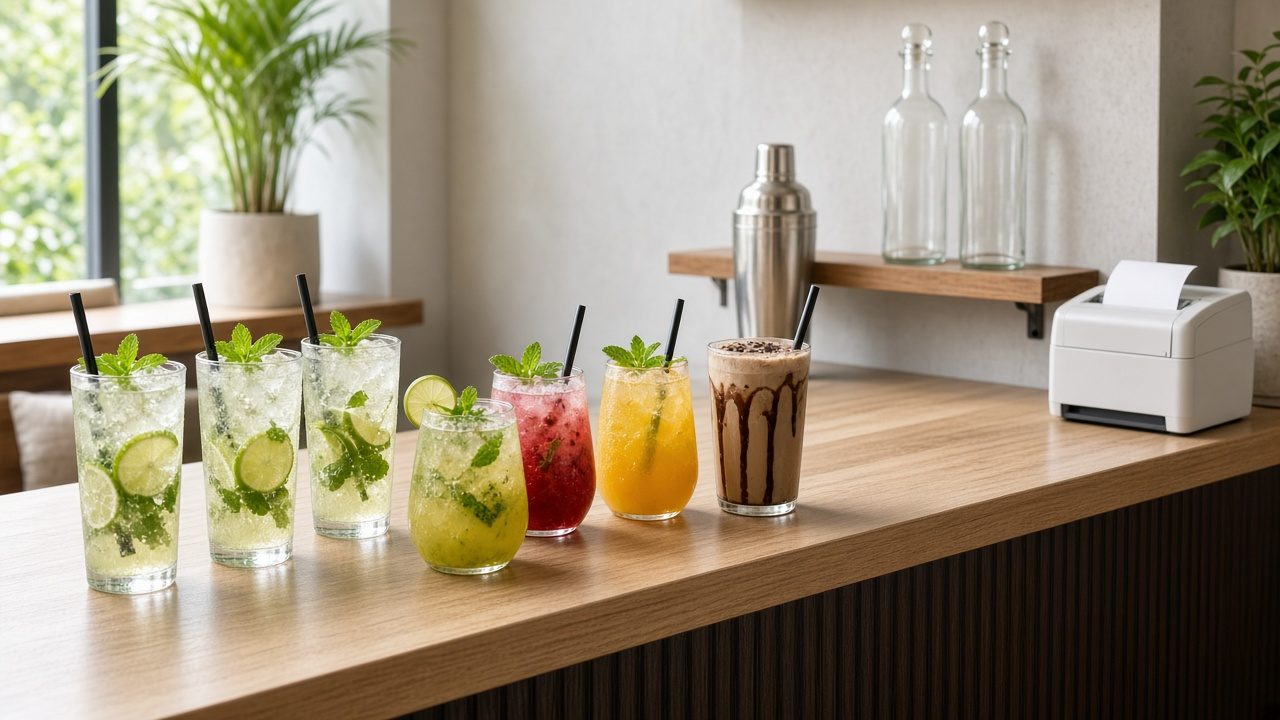
Cancellation control: where KOT and BOT leaks happen
Most revenue leaks in restaurants are not about theft from the cash drawer. They happen between the ticket and the bill. A drink is made from a BOT, served, and then the BOT is “cancelled” before billing. Or a KOT is printed on paper, cooked, and never entered against the table. Bars are especially exposed because drinks are quick to make and quick to consume.
Rules that work
- No item is prepared without a ticket. The kitchen and the bar should refuse verbal orders, including from senior staff.
- Cancellations need a reason and an approver. Give only the manager the right to cancel a KOT or BOT after it has been sent, and make staff choose a reason such as “customer changed mind” or “wrong item punched”.
- Print a cancellation slip to the same area. If the bar gets a “cancel” slip for a mojito, the bartender knows not to make it. If it was already made, the manager knows to look into it.
- Keep the ticket numbers running. Gaps in the series show deleted tickets.
- Review a cancellation report every day. Look for the same waiter, the same item or the same time slot showing up again and again.
Daily checks for the manager
At closing, compare three things: the items on KOTs and BOTs, the items on bills, and the cancellations with reasons. For the bar, also compare BOT quantities with the physical count of bottles, cans and fruit. If 40 fresh lime sodas went out on BOTs, the lemons and soda bottles used should roughly match. This is the same discipline described in our guide to day-end closing in POS software.
How KOT and BOT tie to the final bill
The bill should never be typed separately from the tickets. When a table asks for the bill, the cashier should pull every open KOT and BOT for that table into one invoice. This gives you three benefits:
- Nothing is missed. Every item that was prepared appears on the bill.
- Nothing is added by mistake. Items that were cancelled with approval do not appear.
- Splitting is easy. If friends want separate bills, the cashier can split by item or by guest without re-entering anything.
A note on tax
The ticket type does not decide the tax; the item and your outlet do. Most food and non-alcoholic drinks served by a restaurant fall under restaurant service, and our post on the GST rate on restaurant food explains how that works for different outlet types. Alcoholic liquor for human consumption is outside GST and is taxed under state law, so licensed bars usually need it shown separately. Please confirm the exact treatment for your outlet with your tax consultant.
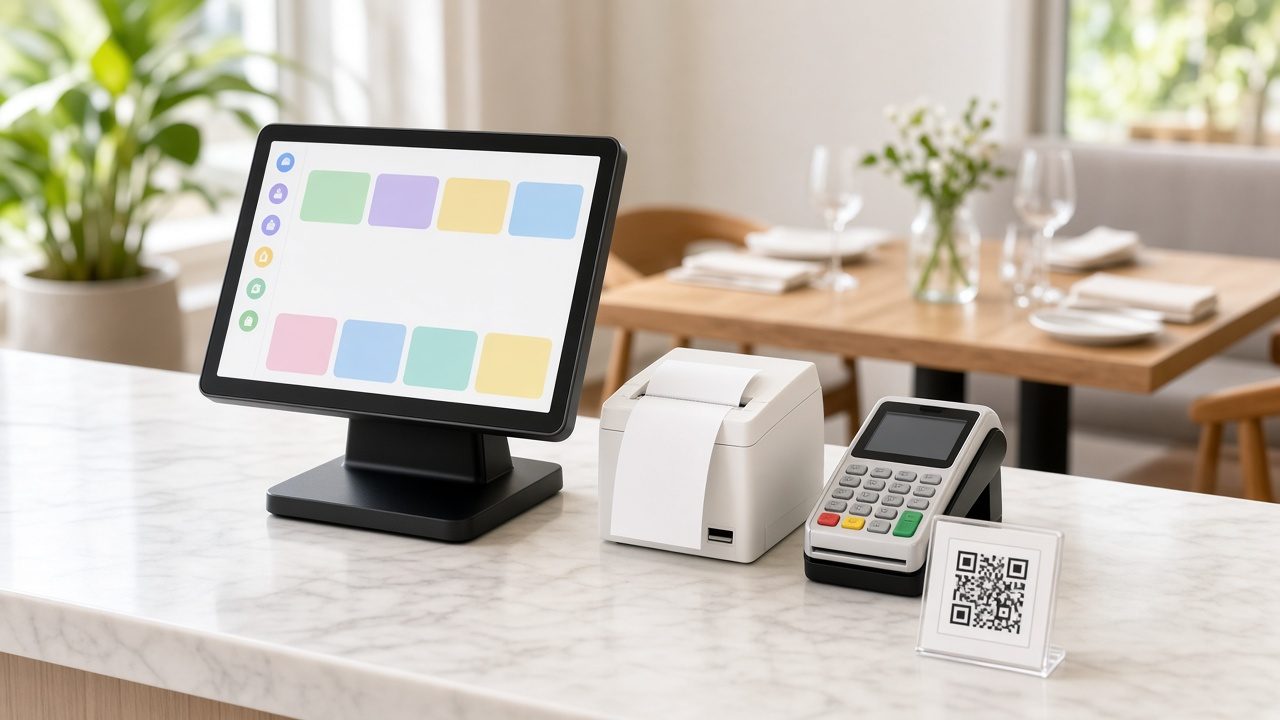
Common mistakes with KOT and BOT
- Sending everything to the kitchen. The kitchen then passes drink slips to the bar by hand, and some get lost.
- Using handwritten BOTs “just for drinks”. These are the hardest to match with bills later.
- Letting waiters cancel freely. Cancellation rights should sit with the manager.
- Not linking tickets to a table. Takeaway and delivery orders also need an order number so tickets can be traced.
- Ignoring the beverage counter in stock checks. Syrups, fruit and bottled drinks need counting just like kitchen ingredients.
How Caddayn Biller helps
Caddayn Biller’s restaurant features include KOT, table management, split bills and QR ordering, along with UPI, card and cash payments, so orders flow from the table to the preparation area and then into one bill. It runs as a Windows app and a web app, and there is also a dedicated Restaurant ERP for larger operations. You can read more about choosing the right system in our guide to restaurant POS software in India. If you would like to see how ticket routing and billing would work in your own outlet, download Caddayn Biller and try it with your menu.
Frequently asked questions
What is the full form of KOT and BOT?
KOT is Kitchen Order Ticket and BOT is Bar Order Ticket. Some restaurants use BOT for Beverage Order Ticket, which means the same thing: an order slip for the drinks counter.
Do I need a BOT if my restaurant does not serve alcohol?
If drinks are made at a separate counter by separate staff, yes. A BOT for juices, shakes, tea and coffee keeps the beverage team’s work separate and makes it easier to check what was made against what was billed.
Can one order create both a KOT and a BOT?
Yes. A good POS lets the captain enter food and drinks together, then splits the order into separate tickets based on where each item is prepared.
Is a KOT or BOT a bill for the customer?
No. Both are internal instructions. The customer’s bill is generated later from all the tickets raised for that table or order.
How do I stop staff from cancelling tickets after items are served?
Restrict cancellation rights to the manager, require a reason for each cancellation, print a cancellation slip to the preparation area, and review the cancellation report daily.