
GST reports for retail shops are where billing software proves it is more than a receipt printer. Filing week becomes painful when sales, returns and tax breakups live in WhatsApp forwards and spreadsheet patches. This guide lists the reports most retail teams actually need, how to verify them in a demo, and how to keep masters clean so the numbers stay trustworthy—while treating gst.gov.in and your CA as the legal authority, not a blog.
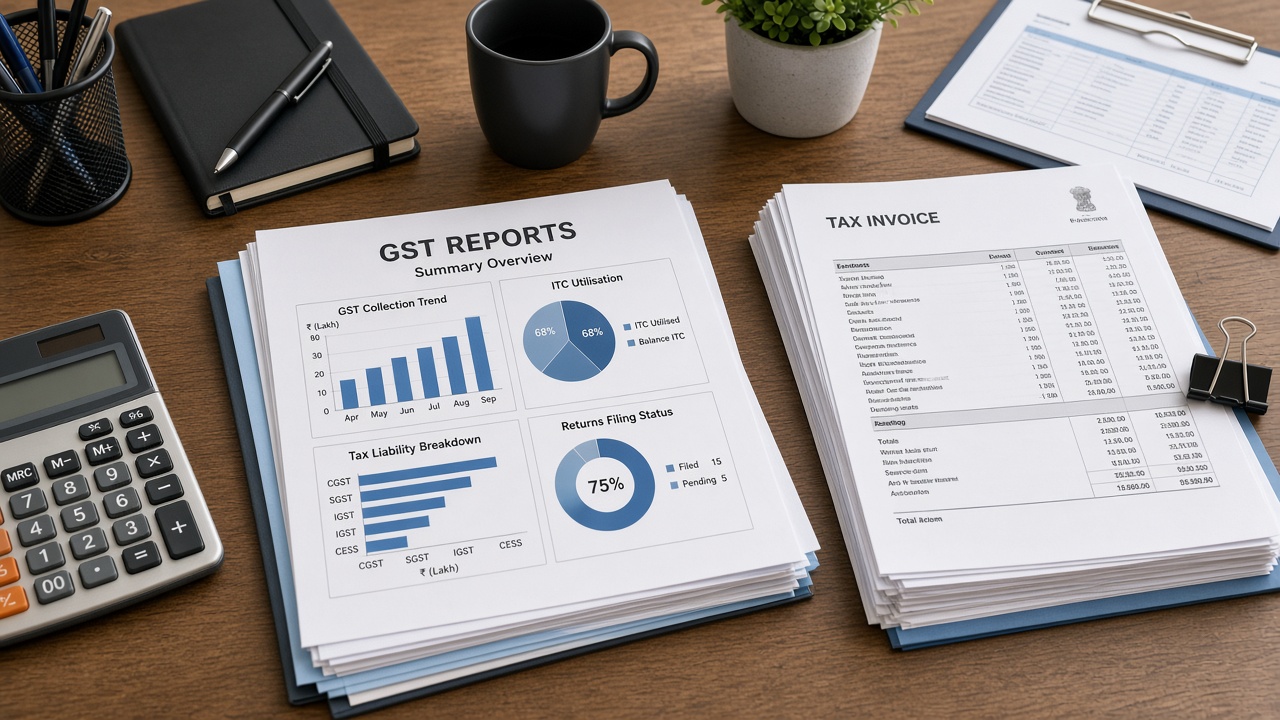
Which GST-related reports retail shops use every month
Exact names vary by product, but the jobs are stable:
- Period sales summary — day/week/month totals you can reconcile to tenders
- Tax breakup — CGST/SGST/IGST views as applicable to your invoices
- Item-wise / HSN-wise sales — especially when your CA asks for detail
- Returns and credit notes — because returns change tax reality
- Exportable packs — files your accountant can open without drama
Related buyer guides: GST billing for retail shops, best GST billing software India, billing software for small business. If you are still choosing between light apps and deeper retail systems, read billing app vs retail ERP.
Do not confuse a colourful dashboard with filing readiness. Ask what your CA will actually use.
What “good” looks like in a live demo
- Create mixed-tax invoices using your real SKUs
- Process at least one partial return
- Open period sales and tax views for that activity
- Export or print the pack your CA named in advance
- Confirm which roles can access reports
- Ask what is not automated (filing vs export)
If a vendor cannot complete this with your catalogue, keep shopping. Sample data hides the messy HSN and rate issues that break month-end.
Process problems that make even good reports useless
- Dirty HSN / tax masters
- Cashiers picking wrong tax slabs under pressure
- Returns done outside the system “for speed”
- Opening balances never cleaned at migration
- Shared admin logins with no accountability
Software cannot fix undisciplined operations. Pair reporting features with training and role limits. See mistakes when choosing retail POS and inventory management with POS for the operational habits that feed clean GST packs.
Shops using credit sales should ensure dues collections do not create shadow invoices—see udhaar / credit ledger billing.
Retail vertical nuances
Kirana and small counters often need simple period summaries more than deep analytics—see kirana billing software. Supermarkets may need stronger item and department views—see supermarket billing software. Multi-branch retailers need consolidated plus branch-wise packs—see multi-outlet POS software and second-store software checklist.
Electronics and specialty retail may need serial-aware sales trails for disputes; confirm whether reports can trace high-value returns without spreadsheet archaeology.
E-invoice and related compliance questions
Not every retail shop must e-invoice. Thresholds and categories change. Confirm applicability with your CA and gst.gov.in. If e-invoicing applies, verify the software path explicitly—including failure/retry behaviour—rather than assuming “GST software” equals “e-invoice ready.”
Similarly, e-way bill needs are not identical to e-invoice needs. Keep the questions separate in vendor calls.
How Caddayn frames reporting
Caddayn Biller materials highlight GST and item-wise sales style reporting for retail operations. That is a starting point—not a substitute for your CA checklist. In demo, bring the exact pack names you need and verify exports. Product context: retail billing & ERP. Broader guide index: retail POS & GST guides index.
Also clarify offline/network behaviour if connectivity is uneven—offline vs cloud POS—because incomplete sync can create report confusion if not understood.
A monthly operating rhythm that keeps reports clean
- Weekly: spot-check tax breakup on a sample of invoices
- Weekly: review returns posted outside policy
- Before filing: freeze unusual master edits
- With CA: confirm export format still matches their workflow
- After filing: note errors and fix master causes, not only symptoms
This rhythm matters more than buying another dashboard module.
Frequently asked questions
Will billing software file GSTR automatically?
Often it prepares or exports data. Filing responsibility usually stays with you/CA—confirm the tool’s real scope.
Which report should I ask for first in a demo?
The one your CA already requests every month, plus a returns trail.
Do small kirana shops need complex GST analytics?
Usually no. They need correct invoices and a clean period summary.
Why do my software totals disagree with my CA?
Common causes: wrong tax masters, outside-system returns, or incomplete date filters. Trace with sample invoices.
Are dashboards enough for GST compliance?
No. You need reconcile-friendly summaries and exports your accountant accepts.
Should each branch file separately in software?
Follow your legal structure with CA guidance; software should support branch-wise and consolidated views as needed.
Extra operating guidance for GST reports for retail shops
Teams researching GST reports for retail shops often underestimate the non-software work that decides success. Budget time for master-data cleanup, cashier rehearsals and a quiet go-live window. Create a shared checklist that covers printers, scanners, network failover and who approves discounts after launch. Review the first 50 invoices with your CA or internal reviewer to catch tax-master mistakes early. Document exception paths—power cuts, network drops, rush-hour overrides—so staff do not invent risky shortcuts. These habits matter as much as feature matrices when you compare Caddayn Biller or any other shortlisted system.
Use internal references while you execute: mistakes when choosing retail POS for selection traps, retail billing software price in India for TCO, GST billing for retail shops for GST process context, inventory management with POS for stock discipline, offline vs cloud POS for connectivity planning, and retail POS & GST guides index for the wider guide cluster. If credit sales are part of your model, align dues policy with udhaar / credit ledger billing. If you are expanding footprint, read second-store software checklist and multi-outlet POS software before configuring users. Small shops can still stay lean by following kirana billing software and billing software for small business guidance without buying complexity they will not use this year.
Finally, schedule a 30-day post-launch review. Measure queue time samples, stock variance on top SKUs, number of role violations and how long filing prep takes versus the previous month. If those metrics do not improve, fix process ownership before buying another module. That is how content about GST reports for retail shops becomes operational improvement instead of another unread bookmark.
Extra operating guidance for GST reports for retail shops
Teams researching GST reports for retail shops often underestimate the non-software work that decides success. Budget time for master-data cleanup, cashier rehearsals and a quiet go-live window. Create a shared checklist that covers printers, scanners, network failover and who approves discounts after launch. Review the first 50 invoices with your CA or internal reviewer to catch tax-master mistakes early. Document exception paths—power cuts, network drops, rush-hour overrides—so staff do not invent risky shortcuts. These habits matter as much as feature matrices when you compare Caddayn Biller or any other shortlisted system.
Use internal references while you execute: mistakes when choosing retail POS for selection traps, retail billing software price in India for TCO, GST billing for retail shops for GST process context, inventory management with POS for stock discipline, offline vs cloud POS for connectivity planning, and retail POS & GST guides index for the wider guide cluster. If credit sales are part of your model, align dues policy with udhaar / credit ledger billing. If you are expanding footprint, read second-store software checklist and multi-outlet POS software before configuring users. Small shops can still stay lean by following kirana billing software and billing software for small business guidance without buying complexity they will not use this year.
Finally, schedule a 30-day post-launch review. Measure queue time samples, stock variance on top SKUs, number of role violations and how long filing prep takes versus the previous month. If those metrics do not improve, fix process ownership before buying another module. That is how content about GST reports for retail shops becomes operational improvement instead of another unread bookmark.
Conclusion
Demand GST reports for retail shops that shorten filing week, then keep masters and returns disciplined so the reports remain believable when your CA opens them.
When you are ready to evaluate a Kerala-rooted retail platform, explore Caddayn Biller, retail billing & ERP, or request a demo with your SKU count, daily bill volume, staff roles and branch plan. Insist on a demo that uses your items—not only a sample catalogue—so you can judge counter speed, stock truth and GST reports under realistic conditions.