
Running a bakery counter is not like running a grocery till. One customer wants half a kilo of plum cake cut from a slab, the next has come to collect a birthday cake they ordered three days ago with a ₹500 advance, and a third just wants two egg puffs and a tea. Good bakery billing software has to handle all three in seconds, keep GST correct on every line, and still tell you at closing time how much of this morning’s production was actually sold.
This guide is for bakery owners in Kerala and across India who are either moving off a handwritten bill book or replacing a generic billing app that was never built for fresh food. It walks through the bakery workflows that matter most, what each one needs from the software, and a practical checklist you can take into any demo.
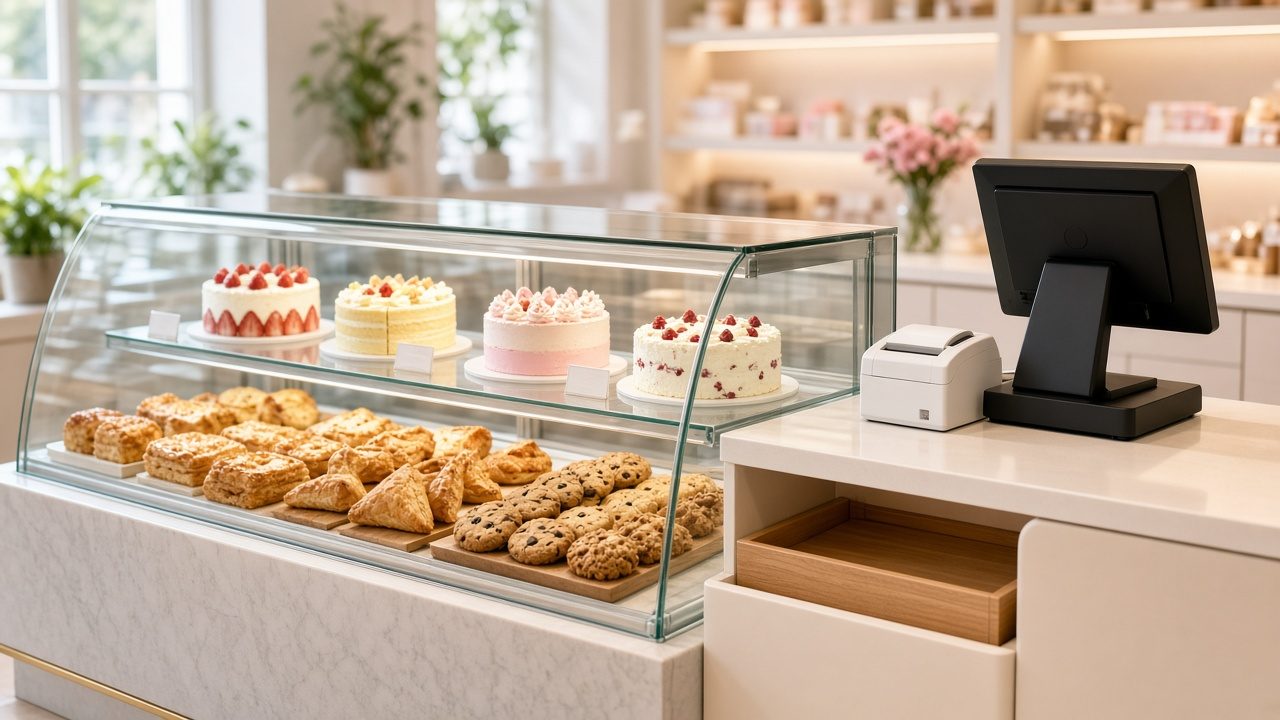
Why bakeries need more than a basic billing app
Most simple billing apps assume every product has a fixed price and arrives from a supplier in a sealed pack. A bakery breaks both assumptions every day.
- You make most of what you sell. Bread, buns, puffs, cakes and snacks are produced in your own kitchen from flour, sugar, butter, eggs and fillings. Stock does not just come in through purchase bills.
- Many items are sold by weight. Cakes by the kilo, rusk and cookies loose from a jar, halwa by the gram. The price changes with every cut.
- Fresh items have a very short life. Cream pastries may be good for a day, bread for two or three. Unsold stock is a direct loss, not something that waits on a shelf for next month.
- Orders and advances are common. Birthday, wedding and office cakes are booked ahead, often with a part payment and a pickup date.
- The counter gets crowded at fixed times. Morning bread rush, evening snack-and-tea hour, and weekends before festivals.
If your software cannot cope with these, staff fall back on mental arithmetic and paper notes, and your daily figures stop matching your cash. The sections below look at each workflow in turn.
Weighed items: billing cakes, rusk and loose snacks by the kilo
Weighed products are where counter errors and quiet leakage usually start. A cashier who rounds 640 grams down to “about half a kilo” a few times a day can lose a meaningful amount over a month without anyone noticing.
What the software should do
- Units of measure per item. You should be able to set black forest cake as a per-kg item, a cupcake as per piece and a family pack of cookies as per box, all in the same item list.
- Decimal quantities on the bill. Typing 0.640 kg should calculate the exact amount at the per-kg rate, with GST applied on top or included, depending on how you set up the item.
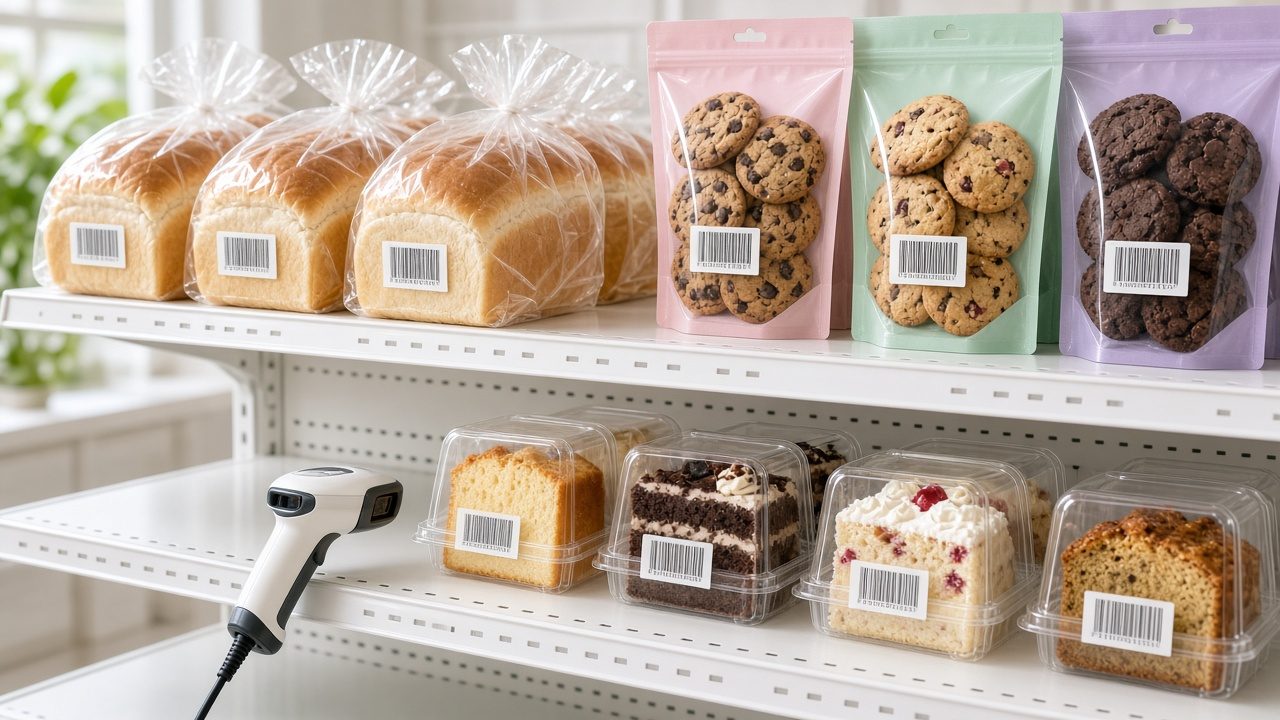
- Barcode labels for pre-weighed packs. If you weigh and pack rusk or cookies in the morning, printing a barcode label for each pack lets the cashier simply scan it at billing time. See our guide to barcode label printing software for how to set this up.
A simple example
Say your plum cake is set at a rate per kg and a customer asks for a piece that weighs 0.75 kg on the scale. The cashier enters 0.75 against the item, and the bill shows the weight, the rate and the line total. No calculator, no rounding, and the same piece shows up in your sales report as 0.75 kg sold, which matters later when you compare it against what was baked.
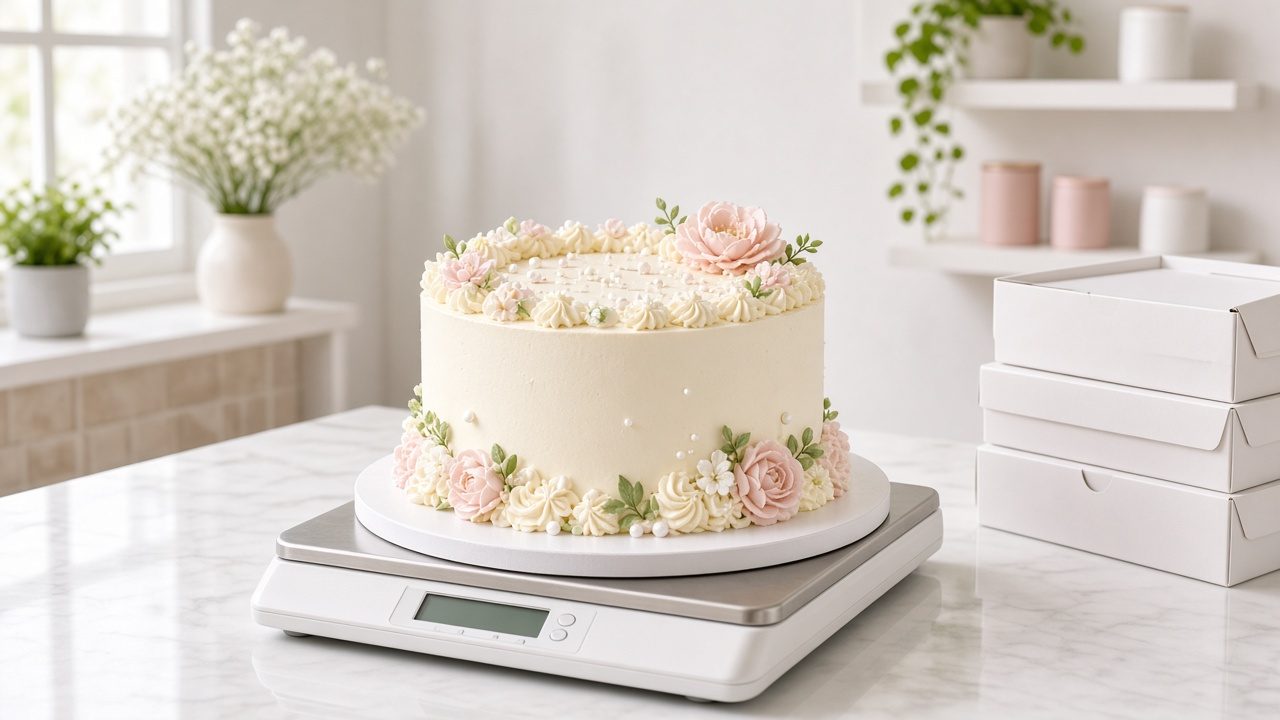
Custom cake orders, advances and pickup dates
Order cakes are often the highest-value sales in a bakery, and also the ones most likely to go wrong. A message on a phone, a note in a diary and a cash advance in the drawer are three separate records that can easily drift apart.
A cleaner order flow
- Book the order in the system with the customer’s name and phone number, the cake details (flavour, weight, message on the cake, shape) and the pickup date and time.
- Record the advance against that customer through the payment mode used, whether cash, UPI or card, so the drawer and the system agree at closing.
- Share the order with the kitchen so the baker sees what is due tomorrow without someone reading out a diary.
- At pickup, bill the balance. The final weight may differ slightly from what was ordered, so the bill should be based on the actual weight, minus the advance already paid.
Customer records help here too. When a regular calls to repeat last year’s anniversary cake, you can look up their history instead of asking them to describe it again. If you also run a loyalty scheme, the same customer record can track points or repeat visits.
Daily production vs sales: knowing what really happened today
This is the report most bakery owners say they want but rarely get. You know roughly how many trays went into the oven. You know the day’s cash. What you do not know is how much of each item was produced, sold, given away and thrown out.
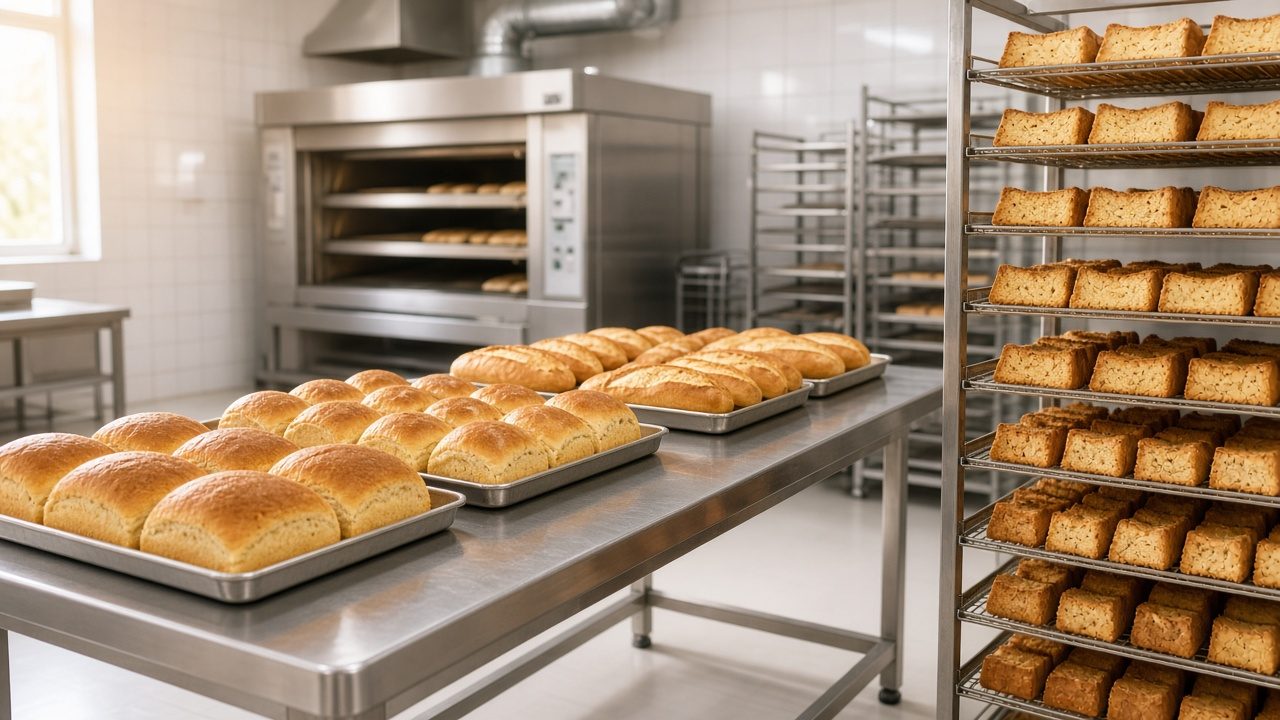
How to track it without slowing anyone down
- Enter production as stock. When the morning batch is ready, record it as stock received into the shop, for example 120 egg puffs, 40 loaves of milk bread and 6 kg of plum cake. This can be a quick entry by the supervisor, not the cashier.
- Let billing reduce stock automatically. Every sale cuts the item’s stock count, so at any point you can see what is left on the shelf.
- Record wastage and returns honestly. Expired cream items, broken pieces and staff consumption should be entered as stock adjustments with a reason, not just ignored.
- Compare at closing. Production minus sales minus recorded wastage should equal what is physically left. If it does not, you know which item to look into.
After two or three weeks you will see clear patterns. Perhaps you always throw away a few veg puffs on Mondays, or plum cake sells out by 6 pm on Saturdays. That tells you what to bake more or less of, which is where the real savings come from. Our article on how to calculate food cost percentage shows how to take this one step further and work out what each item costs you to make.
Expiry and freshness for packaged bakery items
Packaged bakery goods, such as bread loaves, rusk packs, cookies and cake slices in clear boxes, carry a best-before or use-by date. FSSAI labelling rules require the date on pre-packed food, and selling out-of-date stock risks both customer complaints and trouble with food safety officers. You can check current requirements on the FSSAI FoSCoS portal.
Practical things software can help with:
- Low-stock and reorder alerts for bought-in items such as soft drinks, chocolates and packaged snacks you resell, so you neither run out nor overstock.
- Item-wise sales reports that show which packaged lines move slowly. Slow-moving bread is a warning sign long before the expiry date arrives.
- Clear stock-ageing habits. Print the packing date on your own labels and sell first-in, first-out. The dead stock management guide covers how to spot and clear slow stock before it becomes a write-off.
GST on bakery items: keep rates item by item
Bakeries sell a wide mix: plain bread, cakes, pastries, biscuits, namkeen, beverages and sometimes items eaten at a table. Different products can fall under different GST rates, and those rates have been revised over time. Do not set one flat rate for your entire menu.
- Map each item to its correct HSN code and GST rate, using the official CBIC GST rates finder or your tax consultant’s advice.
- If you also serve food for consumption on the premises, ask your consultant whether that portion is treated as a restaurant service, as the rules for that can differ from counter sales of packed goods.
- Make sure your software prints GST-compliant invoices and gives you HSN-wise and rate-wise summaries for filing.
For a wider view of what GST-ready billing should include, see our guide to GST billing software for retail shops in India.
What to test in a bakery billing software demo
A demo is your chance to see the software handle your real day, not a vendor’s script. Bring your own item list and ask the presenter to do the following live:
- Bill a weighed item at 0.640 kg and confirm the amount and GST are correct.
- Scan a barcode label on a pre-packed item, then bill a loose item in the same bill.
- Take a cake order with an advance, then show how the balance is billed on pickup.
- Enter the morning’s production and show the stock left after a few sales.
- Record wastage for an expired item with a reason, and show where it appears in reports.
- Take a split payment, part cash and part UPI, and check the day-end summary.
- Pull a day-end report showing sales by item, payment mode and GST rate.
- Ask about multiple branches if you have, or plan, more than one outlet, and how stock moves from a central kitchen to each shop.
Our retail software demo checklist has more general questions on support, data backup and training that apply to any shop.
How Caddayn Biller fits a bakery counter
Caddayn Biller covers the core pieces described above: barcode and GST billing, units of measure for weighed and per-piece items, inventory with low-stock and reorder alerts, customer and loyalty management, cash, card and UPI payments, and multi-branch support for bakeries with more than one outlet. It runs as a Windows app and as a web app. If your bakery also has a seated café section, our café POS software guide explains how table and KOT features fit in.
You can browse the full range on the Caddayn products page, read more about Caddayn Biller for retail shops, or download Caddayn Biller and try it with a few of your own bakery items before you decide.
Frequently asked questions
Can I bill cakes by weight and pastries by piece in the same software?
Yes, as long as the software lets you set a unit of measure for each item. Set cakes as per kg and pastries or puffs as per piece, and both can appear on the same bill.
Do I need a barcode printer for a small bakery?
Not on day one. Many small bakeries start by selecting items from a quick list on the screen. A label printer becomes useful once you pre-pack items such as rusk, cookies or cake slices, because scanning is faster and avoids mistakes during the rush.
How do I track wastage of fresh items?
Record your daily production as stock, let billing reduce it, and enter unsold or damaged items as a stock adjustment with a reason. The difference between production, sales and wastage shows you exactly where stock is going.
Should I use one GST rate for everything in my bakery?
No. Different bakery products can carry different GST rates. Set the correct HSN code and rate for each item based on the official CBIC rate list or your consultant’s advice, and recheck whenever rates are revised.
What happens to the advance if a customer cancels a cake order?
That depends on your own refund policy. Whatever you decide, record the refund or adjustment in the software against the original order, so your cash and reports stay accurate.